Bluetooth Transmitter vs Receiver: What's the Difference, and How Do You Add Bluetooth to Old Gear? (with KEYSION S1 and S2)
- Transmitter or receiver: which way does the signal go?
- Adding Bluetooth to an old amp or powered speaker
- Sending TV, CD or desktop audio to Bluetooth headphones
- Bluetooth versions and codecs: do the numbers tell the story?
- Is a transceiver worth the extra money?
- When Bluetooth is the wrong tool
- Checklist before buying
- About the author
Old gear gets Bluetooth in one of two directions. A transmitter sends audio out of a player; a receiver takes audio in from a phone or computer. Old amps and powered speakers usually need a receiver. A TV, CD player or desktop that should feed wireless headphones needs a transmitter. When the ports do not match, a 3.5mm-to-RCA AUX cable is often cheaper than replacing the whole box.
Transmitter or receiver: which way does the signal go?
A transmitter plugs into something that has sound but only a wired output: a TV's optical port, a CD player's 3.5mm jack, a desktop's headphone jack. It encodes and sends. The headphones or speaker only listen.
A receiver works the other way. It sits on an old amp or powered speaker that has only analog inputs. A phone, tablet or laptop streams to it, and it outputs through AUX or RCA.
| Device | Signal direction | Typical wiring | Common use | What it means |
|---|---|---|---|---|
| Bluetooth transmitter | Player → headphones or speaker | TV optical or 3.5mm output → transmitter | Watching TV late without waking anyone | Solves "the old device cannot send Bluetooth" |
| Bluetooth receiver | Phone or laptop → old amp or speaker | Receiver → RCA or 3.5mm input | Playing phone audio through old speakers | Solves "the old speaker has no Bluetooth input" |
| Transceiver | Two-way, one direction at a time | Switch modes by hand | One box for both jobs | Saves space, but switching and simultaneous use are limited |
The names get mixed up. One line helps: a transmitter sends out, a receiver takes in.
Adding Bluetooth to an old amp or powered speaker
Look for a free AUX, CD or TAPE input on the back. Red and white RCA is the most common; a 3.5mm stereo jack shows up too. Match the cable to the receiver's output.
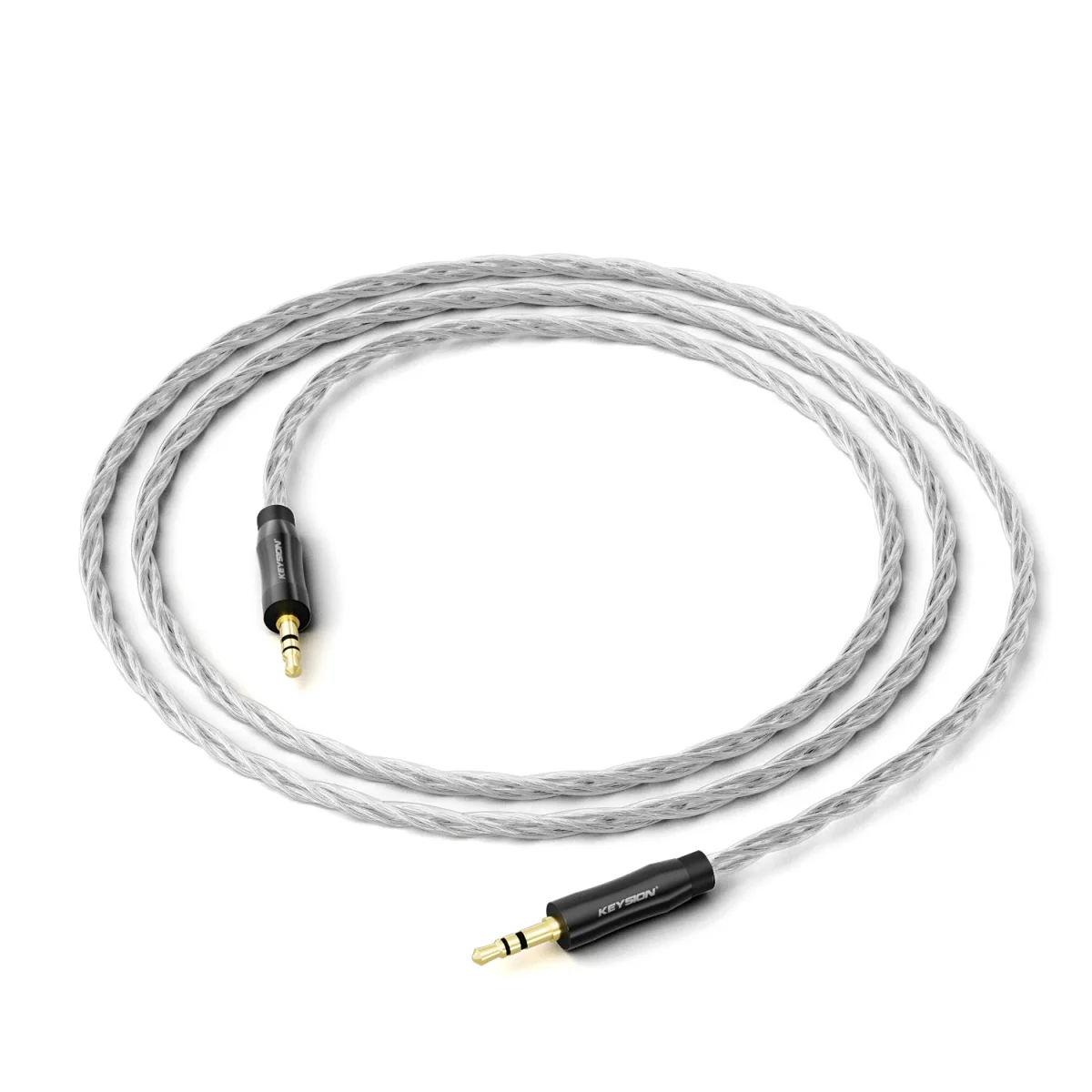
Most receivers output 3.5mm, so an old amp needs a 3.5mm-to-dual-RCA cable. That is where an oxygen-free copper cable like the KEYSION S1 fits: short runs, decent shielding, less chance of picking up hum as you move around. Pick the length by cabinet depth; one meter covers most setups, and longer cables pick up more interference.
Power matters too. Most receivers run from USB, either from a service port on the amp or a separate 5V charger. If the amp has no USB, use a dedicated charger. Do not borrow the TV's USB port: when the TV goes into standby, the receiver reboots over and over.
After pairing, set the amp to the input you wired. Start around 30% volume. The receiver has its own volume as well; both at maximum clips, and the resulting hard sound is not the amp's fault.
Sending TV, CD or desktop audio to Bluetooth headphones
Optical is the cleaner choice for a TV, with the 3.5mm headphone jack as a fallback. Optical avoids power-related noise but needs a transmitter with an optical input. The 3.5mm route is more universal, though TV remote volume then affects the level.
A desktop can use a USB Bluetooth transmitter; the system will list a new audio output. On Windows you have to pick it in sound settings, on macOS in the menu bar. Motherboard Bluetooth with a badly placed antenna tends to add both latency and dropouts.
Latency matters for video. SBC often lands at 150-250ms; aptX Low Latency and LC3 get to roughly 40-70ms. If lips and sound drift apart, check that both ends support the low-latency codec. One end alone does nothing. The details are in where Bluetooth latency comes from.
Bluetooth versions and codecs: do the numbers tell the story?
| Codec | Typical bitrate | Typical latency | Compatibility | What it means |
|---|---|---|---|---|
| SBC | 200-320kbps | 150-250ms | Almost everything | It plays, but video may drift out of sync |
| AAC | 200-320kbps | 120-200ms | Friendly to Apple devices | Fine for music, uneven on Android |
| aptX | 352kbps | 70-120ms | Qualcomm devices | A middle ground on latency and quality |
| aptX Low Latency | 352kbps | 40-70ms | Both ends must support it | More stable for TV and games |
| LDAC | 330-990kbps | 100-200ms | Sony and some Android phones | High bitrate, stability depends on the room |
| LC3 | Variable | 20-60ms | LE Audio devices | The low-latency path on newer hardware |
A version number is not sound quality. Bluetooth 5.3 helps with link stability, power use and multipoint. The codec sets bitrate and latency. Before buying, confirm the transmitter and headphones share the same low-latency codec; that matters more than the version badge. For listening differences, see where Bluetooth loses sound quality.
Is a transceiver worth the extra money?
It suits two people: those who regularly switch between "TV to headphones" and "phone to old speakers", and those with little desk space. The mode switch is usually manual; forget it and you will think the box died.
Simultaneous send and receive is limited. Most budget units do one at a time. Some can forward what they receive, at the cost of another lossy hop. Two separate units are more predictable if you need both directions at once.
Power draw is slightly higher because of the extra switch and indicator. Warm to the touch after a summer day on top of an amp is normal.
When Bluetooth is the wrong tool
Rhythm games, multitrack monitoring and a very quiet room where noise floor matters are still better wired. A Bluetooth link encodes, transmits and decodes; every extra stage is harder to control.
If the old amp already hisses, fix the amp or try another input before blaming Bluetooth. A receiver with a worse signal-to-noise ratio will make the problem louder. A steady hum after wiring usually points to a ground loop; see how to trace a ground loop.
Checklist before buying
- Free AUX, CD or TAPE input on the amp or speaker
- Optical output on the TV, and optical support on the transmitter
- The same low-latency codec on both ends
- Independent power for the receiver, not the TV's USB port
- A real need for simultaneous send and receive, or two separate boxes
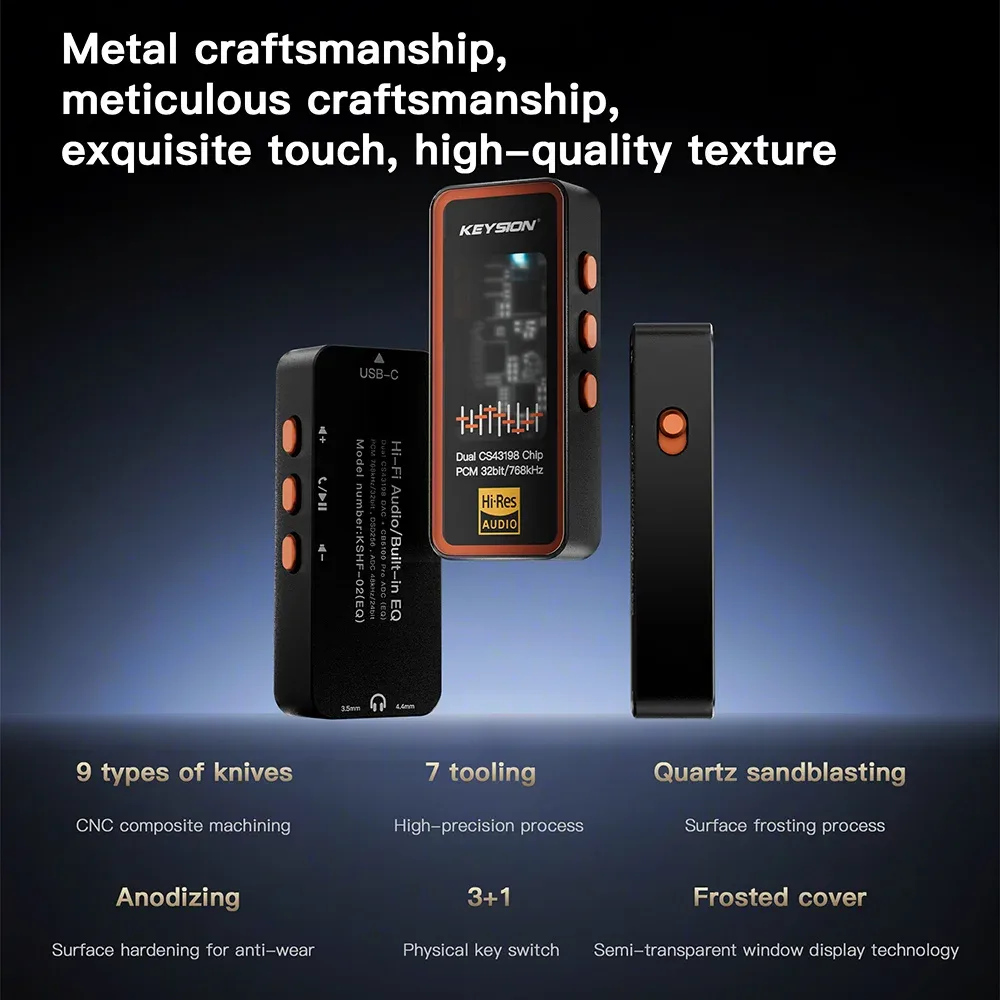
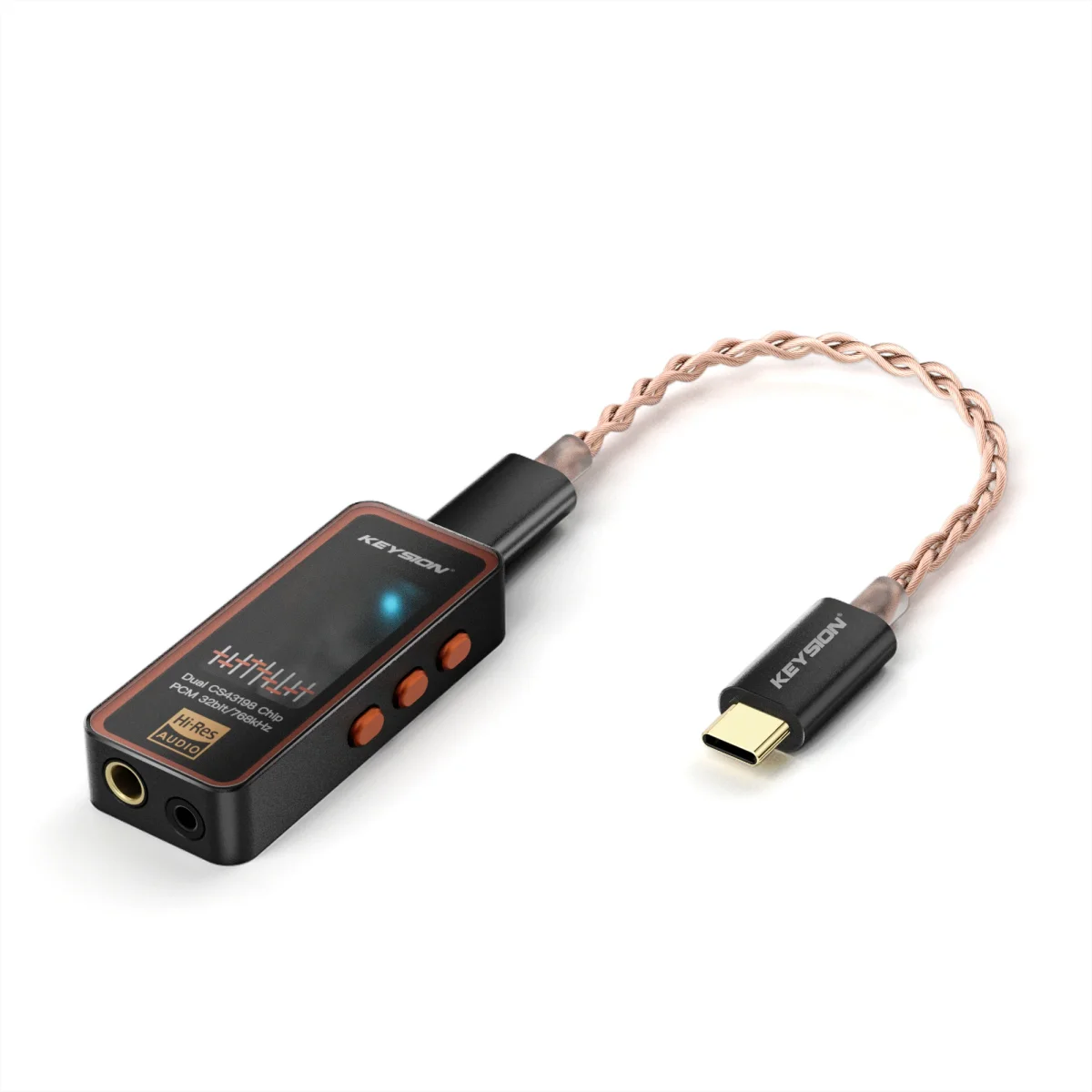
For the analog link, the KEYSION S1 AUX cable covers the last meter. The S2 portable DAC amp and 01 portable DAC suit setups that already have a digital source and want a better headphone output. For the Bluetooth hop, confirm ports and codecs before adding another box.
About the author
KEYSION audio content team. We test portable DACs, cables and adapters for compatibility. The port notes here come from repeated plugging and latency comparisons with the S1, S2 and 01 on a TV, an old integrated amp and a desktop, in an ordinary living room and study rather than a treated room. Firmware and phone codec negotiation vary, so work through the checks above before deciding the hardware is at fault.
FAQ
Will a Bluetooth receiver add lip-sync delay when connected to an old amp?
It depends on the codec. SBC often sits at 150-250ms and drifts; aptX Low Latency or LC3 can reach 40-70ms, which most people accept. Both ends must support the same low-latency codec. One end alone does nothing.
The TV transmitter plays only one channel. What is wrong?
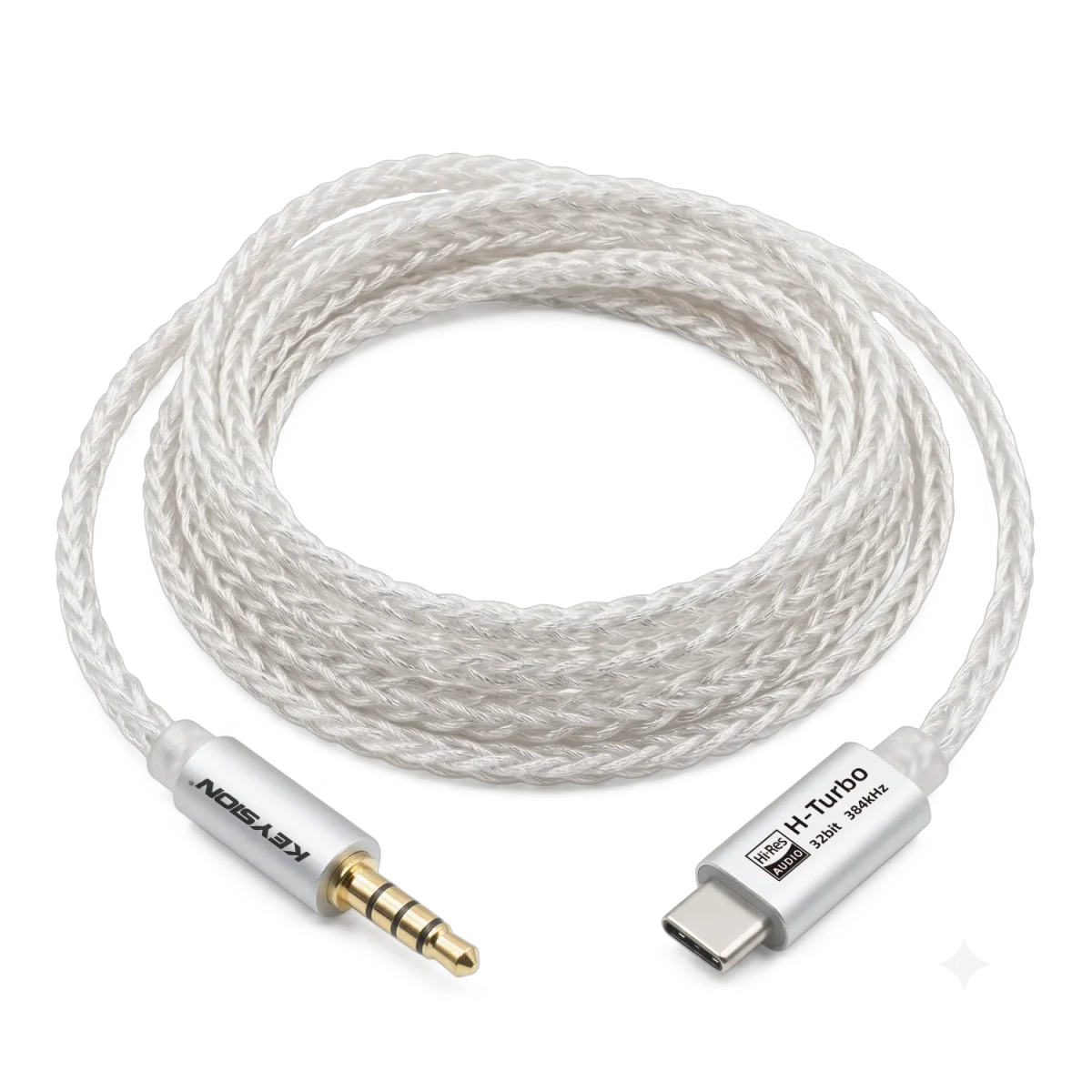
Usually the plug is not fully seated, or the TV output is set to mono or Dolby. Set the TV audio output to PCM stereo, then try a four-pole cable with clean contact.
Can a Bluetooth transmitter and receiver work at the same time?
Yes, but one box doing both at once is rare in budget models. Most switch modes by hand and handle one direction at a time. For simultaneous use, buy two units or a model that explicitly lists it.
What should I watch for with an old speaker that has only one 3.5mm input?
Input level and volume. The receiver output is usually line level, so set it around 60% and fine-tune on the speaker. Both at maximum will clip.
Is Bluetooth 5.3 always better than 5.0 for sound?
No. The version affects link stability, power and multipoint. Bitrate and latency come from the codec. SBC on 5.3 is still SBC.
Related products
Related articles