Is Replacing a Headphone Plug Yourself Worth It? Rewiring Risks, a Check Order, and Where KSHF-AUX Fits
Where the fault sits decides whether this is worth doing. A cable that cuts out when you wiggle the plug usually survives a connector swap. A broken core halfway down the cable, or a loose solder joint inside the housing, does not. The difficult part is not soldering; it is confirming the pinout, controlling heat, and accepting that the warranty is gone. A 3.5 mm TRS plug, a TRRS plug and a 4.4 mm balanced plug are wired differently, and a wrong connection can silence one channel or trip the player's protection.
01 Plug, cable, or driver?
Play a familiar track from your phone. Press the plug's strain relief and rotate it gently. If the sound cuts in and out, the problem is at the plug or the jack. Bend the cable at several points; if sound returns only at one spot, the break is in the cable.
Try a cable you know works, then a different source. A good cable that still misbehaves points to the jack or an adapter. If both are fine, suspect the driver.
Set a multimeter to continuity. Hold one probe on a plug contact and the other on the far end of the matching wire. A reading that jumps by more than 0.5 Ω while you rotate the plug, or a beeper that stutters, means the contact is no longer reliable.
02 What should you confirm before cutting?
Count the wires. Single-ended headphones usually use three (left, right, ground); balanced wiring needs four separate conductors. A two-core cable with a shield uses the shield as the return, and converting it to balanced will short the output.
Check for a microphone. On TRRS cables, CTIA and OMTP swap ground and mic. Wire an OMTP cable to a CTIA plug and the mic stops working; worse, ground can end up on the mic contact.
Check the warranty. Moulded plugs usually cannot be opened without damage, and most brands exclude user soldering. Accept that before you start.
03 Which tools and soldering settings do you need?
| Item | Setting or method | What it means |
|---|---|---|
| Iron temperature | 350-380°C for leaded, 380-400°C for lead-free | Too cool gives a dull joint; too hot shrinks insulation |
| Solder | 63/37 or leaded, 0.5-0.8 mm | Flows better than lead-free, easier for repairs |
| Flux | Rosin or no-clean | Acidic flux residue keeps eating the strands |
| Strip length | 2-3 mm | Long enough to solder, short enough not to touch the shell |
| Heat shrink | 2 mm per conductor, 4 mm outer | Most shorts between strands start here |
| Strain relief | Shrink tube plus a sleeve over the tail | Nearly all repeat failures happen at the plug's bend |
| Measurement | Multimeter continuity and resistance | Under 0.2 Ω per conductor, under 0.1 Ω left-to-right difference |
Keep the tip clean and tinned. Hold each joint for no more than two seconds and let it cool before moving the cable.
04 How do 3.5 mm, TRRS and 4.4 mm pinouts differ?
| Plug | Contacts | Common wiring | What it means |
|---|---|---|---|
| 3.5 mm TRS | T/R/S | Tip left, ring right, sleeve ground | Single-ended; both channels share one ground |
| 3.5 mm TRRS | T/R1/R2/S | CTIA: left, right, ground, mic | Reversed wiring kills the mic or puts ground on the mic contact |
| 4.4 mm Pentaconn | 5 poles | L+, L-, R+, R-, ground | Four independent conductors; ground cannot be tied to a signal leg |
| 2.5 mm TRRS balanced | 4 poles | Same as 4.4 mm, thinner | Small pads, fragile cable, little room for error |
Converting 4.4 mm to 3.5 mm single-ended means joining L- and R- to ground. Some players use a bridged output where the negative leg must not be grounded, so read the manual first. If you are unsure, keep the 4.4 mm plug and use an adapter.
05 When should you leave it alone?
True-wireless earbuds, driver solder tabs, electrostatic and piezo drivers are not amateur soldering jobs. A few seconds of heat near a diaphragm can deform the voice coil.
Inside the warranty period, or without a multimeter, do not start. Without continuity testing you are soldering blind. If the cable has several breaks, replacing the whole cable is less work than repairing one plug.
On budget IEMs, the time spent usually costs more than the cable. Solder it yourself if you want the skill; buy a finished cable if you want the result.
06 How do you test the repair?
Check continuity on every conductor, then measure each channel to ground. Rotate the plug ten times; the reading should stay steady. A left-right difference above 0.1 Ω is audible on low-impedance IEMs.
Play pink noise and a 20 Hz-20 kHz sweep. The image should stay centred and no band should drop out. A 50 Hz or 100 Hz hum points to ground or shielding.
Pull gently and bend the plug's strain relief 30 times, then listen again. A notchy feel, or sound that returns only when you press, means the crimp is not seated.
07 New plug, new cable or new gear: which way?
A new plug repairs the connection and nothing else. If the cable is oxidized, stiff or broken in several places, replace the cable. KEYSION's KSHF-16G and KSHF-24G are finished upgrade cables that skip the soldering step.
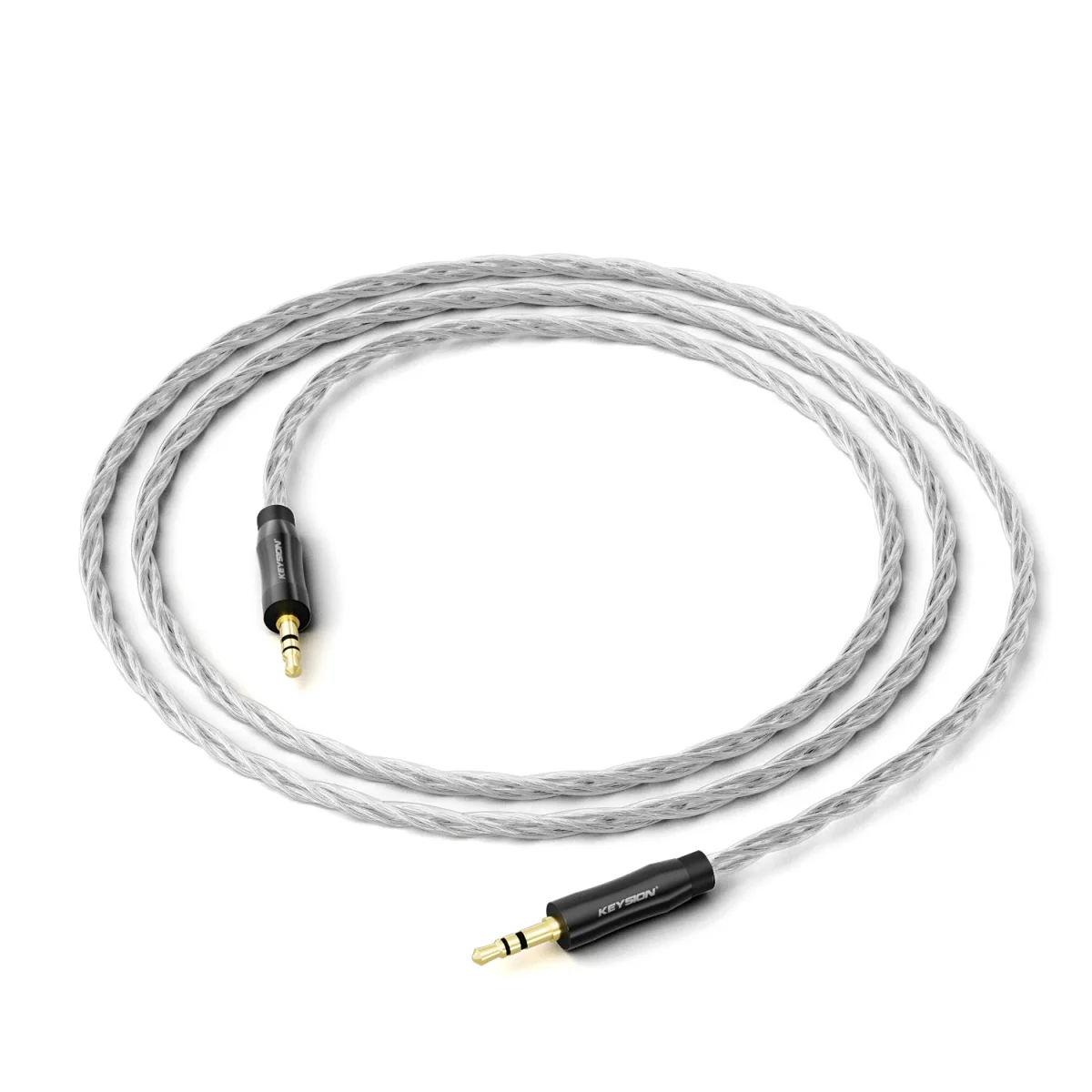
KSHF-AUX is an analog 3.5 mm and 4.4 mm cable: 4N oxygen-free copper, four 56×0.05 mm cores, 1.2 m. It solves a mismatch between devices, not a broken plug. When the plug is fine and you only need to reach another input, it is the sensible part to buy.
KSHF-YCX is a dual USB-C OTG cable with eight 49/0.05 mm silver-plated OFC cores, 1 m. It handles digital-side connections, which is a separate problem from a headphone plug.
H-Turbo S1 is a USB-C input cable with a built-in DAC (PCM 32-bit/384 kHz, 105 dB SNR). It replaces the phone-to-speaker link; it is not a repair part for headphone cables.
For background, see copper purity and litz and shielding and crosstalk. The 3.5 mm, 4.4 mm and 2.5 mm plug guide compares connector specs, and this upgrade cable guide covers how to choose a replacement.
About the author
Written by the KEYSION audio content team. We have cut open more than a dozen 3.5 mm and 4.4 mm plugs and logged joint resistance on a 4.5-digit multimeter. The 0.2 Ω and 0.1 Ω thresholds come from those measurements, not from a standard. Insulation temperature limits vary a lot between cables, so treat the iron settings as a starting point and test on a scrap lead first. Warranty terms follow each brand's official policy; this article does not replace a service decision.
FAQ
Do I always have to replace the whole cable for a bad connection?
Check where the break is. At the plug, replace the plug; with several breaks or a stiff oxidized cable, replace the cable.
Does a DIY 3.5 mm plug change affect sound quality?
With joint resistance under 0.2 Ω and under 0.1 Ω channel difference, most listeners cannot tell. A poor joint brings imbalance and noise.
Can a 4.4 mm balanced cable be rewired to 3.5 mm single-ended?
Yes, by joining L- and R- to ground. Some players use a bridged 4.4 mm output that must not be grounded, so read the manual first.
One channel is quieter after the new plug. What should I check first?
Check the joints and the plug's spring contacts, then measure each channel to ground. Above 0.1 Ω, low-impedance IEMs make the difference audible.
Does replacing the plug void the warranty?
Most brands exclude user soldering, and moulded plugs cannot be restored. Ask the service centre first if the warranty matters to you.
Related products
Related articles