TV to DAC and Headphones: Optical, HDMI ARC or Bluetooth, and Can KSHF-02 Connect Directly?
- 01 Count the outputs on the back of the TV
- 02 Optical into a DAC: why it is stable, and what the 48 kHz ceiling means
- 03 HDMI ARC and eARC: one cable, two trade-offs
- 04 Bluetooth transmitters: convenience against latency
- 05 Can the KSHF-02 plug into a TV?
- 06 No sound from TV headphones: check in this order
- 07 Choosing between the three paths
- About the author
Connect a TV to a DAC and headphones and the answer starts with one question: which output the TV actually exposes. For headphone listening, optical S/PDIF into a dedicated DAC is the most stable path. If you already own a decoder with HDMI ARC, ARC saves a cable and lets the TV remote control volume. A Bluetooth transmitter is the easiest temporary fix, but lip-sync drifts on video. The KSHF-02 is a USB-C dongle DAC, not a TV decoder: it works from a TV only when that TV outputs USB audio, which most sets do not.
01 Count the outputs on the back of the TV
Most TVs offer four: a 3.5 mm headphone jack, optical TOSLINK, HDMI ARC or eARC, and USB. The jack is analog and already amplified inside the TV. Optical and ARC are digital and leave decoding to an external DAC. The USB port usually supplies power only; a few Android TVs accept USB Audio Class devices.
Change the audio output setting in the TV menu as well. With internal speakers selected, optical and ARC stay silent. With optical selected, the headphone jack mutes. Correct cables will not help if this setting is wrong.
02 Optical into a DAC: why it is stable, and what the 48 kHz ceiling means
Optical is one-way and galvanically isolated, so switching noise from the TV power supply cannot travel down the ground wire into the DAC. Many TVs lock optical output at 48 kHz, so a 96 kHz or DSD file gets downsampled first. For series and pop music this is hard to hear. If you keep a library of 24-bit/192 kHz masters and want to listen seriously on the TV, optical is the bottleneck.
Signal order: TV optical out, DAC optical in, then the 3.5 mm or 4.4 mm headphone output. Set the TV digital format to PCM. Dolby Digital or Auto can send a bitstream that some DACs cannot decode, and the result is silence.
03 HDMI ARC and eARC: one cable, two trade-offs
ARC returns audio over pin 13 of the HDMI connector and lets the TV remote adjust volume, so one cable links TV and audio system. Legacy ARC carries about 1 Mbps, enough for PCM 2.0 at 48 kHz or lossy 5.1. eARC raises that to roughly 37 Mbps and passes 192 kHz/24-bit PCM and Dolby TrueHD, but the cable, TV and decoder all have to support eARC; miss one and the link falls back to ARC.
For stereo headphones in the evening, the 48 kHz limit rarely matters. For multichannel film, check that the decoder lists eARC and that the TV menu offers passthrough. The difference between USB Audio Class 1 and 2 is covered in UAC1 vs UAC2.
04 Bluetooth transmitters: convenience against latency
A transmitter plugs into the TV optical or 3.5 mm output and sends audio to Bluetooth headphones. SBC and AAC usually add 100-300 ms; aptX Low Latency can reach about 40 ms when the headphones support the same codec. News and music are fine. Lip-sync drama and rhythm games show the delay past roughly 100 ms.
The transmitter needs power, and the TV USB port is the easy source. Some TVs cut USB power in standby, so the transmitter reboots with the set. More on codec latency in Bluetooth latency for games.
05 Can the KSHF-02 plug into a TV?
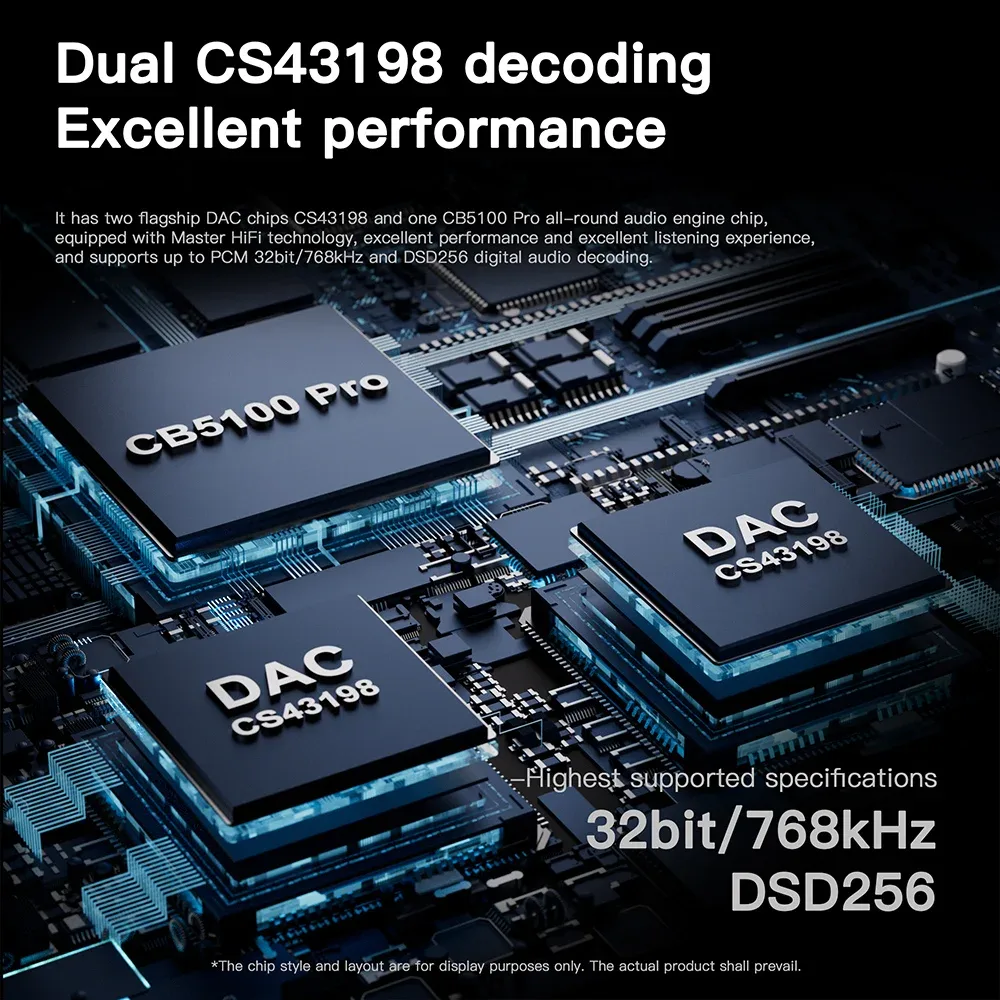
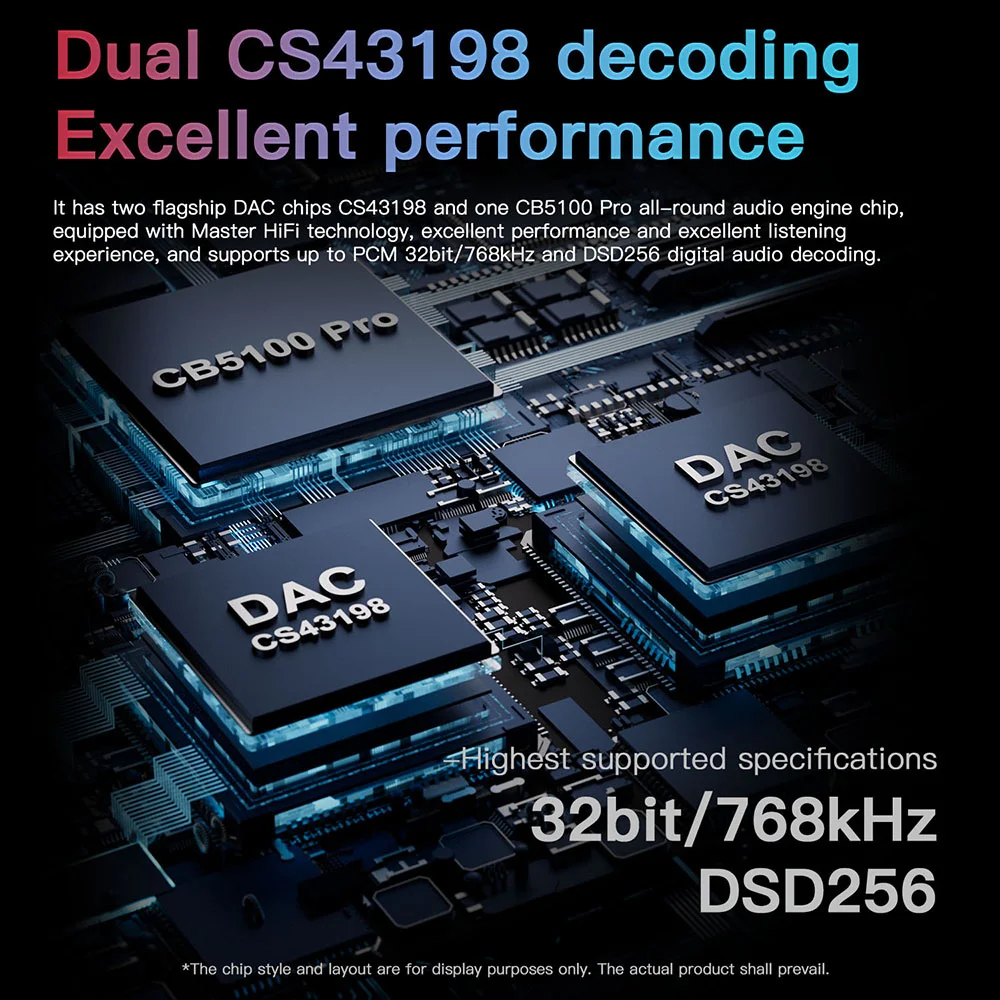
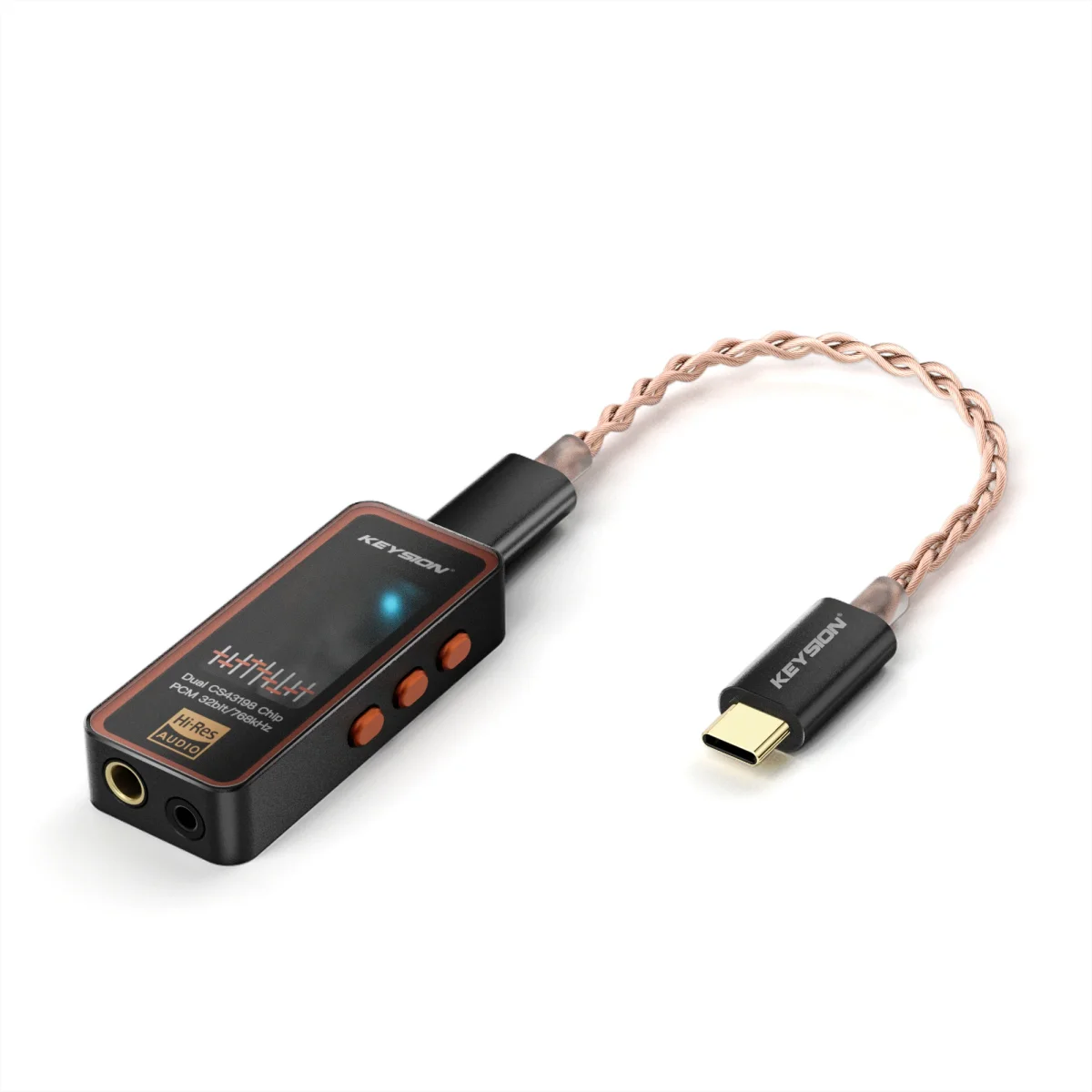
The KSHF-02 is a portable USB-C DAC and headphone amp: PCM 32-bit/768 kHz, native DSD256, 130 dB SNR, 16-600 ohm range, 3.5 mm and 4.4 mm outputs. It has no optical or HDMI input. The only TV route is a TV USB port that outputs USB Audio Class audio.
In practice most TV USB ports supply power only and nothing happens. Test: plug the KSHF-02 into the TV, open the audio output menu, and look for a USB device or USB DAC entry. No entry means no support, and adapters will not fix it. If the TV has a headphone jack, use a KSHF-AUX cable into powered speakers; for headphone listening from the TV, an optical DAC or a desktop decoder with ARC is the right tool.
06 No sound from TV headphones: check in this order
- TV audio output set to the jack you use.
- Optical port shows red light and the cable is not bent sharply.
- DAC input is on optical or ARC and volume is not at zero.
- TV digital output fixed to PCM.
- Another known-good headphone, to rule out plug wiring.
Consoles followed by a DAC follow different rules; see USB DAC compatibility with consoles.
07 Choosing between the three paths
| Path | Sample and bandwidth ceiling | Typical latency | Power and cable | What it means for you |
|---|---|---|---|---|
| 3.5 mm jack | Analog, no sample ceiling | Under 10 ms | No power, ordinary 3.5 mm cable | Cheap and simple, sound limited by the TV amplifier |
| Optical S/PDIF | PCM 2.0, usually 48 kHz/24-bit | 10-30 ms | Optical cable plus DAC power | Cleanest electrical isolation, high-rate files are downsampled |
| HDMI ARC | ARC 48 kHz; eARC up to 192 kHz/24-bit | 20-50 ms | HDMI cable, decoder must support ARC | One cable with remote control, compatibility depends on all three devices |
| Bluetooth transmitter | SBC/AAC/aptX, 200-600 kbps | 100-300 ms, low latency about 40 ms | Transmitter needs power | Most freedom, video may lose sync |
A small room and late-night headphone viewing: an optical DAC covers it for years. A living room with multichannel and one remote for volume: ARC is handier. Rentals and moving between rooms: a Bluetooth transmitter saves cable runs. The paths do not conflict. Start with optical, add a transmitter later for phones and tablets.
About the author
This article was written by the KEYSION audio content team. The interface notes come from cabling three TVs in our office (an older LCD, an OLED and a projector) to several DACs. Firmware versions change menu labels, so trust your own TV manual. One test set locked optical output at 48 kHz; that was not a cable fault.
FAQ
My TV only has optical output. Can I plug headphones straight in?
No. Optical carries a digital signal and a headphone cannot decode it. You need a DAC or amp with an optical input, then the 3.5 mm or 4.4 mm output feeds the headphones. If the TV has a headphone jack, that is the simple route.
Is HDMI ARC better than optical for sound quality?
For stereo both are capped at 48 kHz in most setups, so the difference is small. eARC can pass 192 kHz/24-bit and lossless multichannel, but the TV, cable and decoder must all support it. The TV end is usually the limit, not the connector.
Why is Bluetooth headphone audio out of sync with the TV picture?
SBC and AAC encoding plus transmission add 100-300 ms. aptX Low Latency can reach about 40 ms, but both the transmitter and the headphones need it. Music and news hide this; drama does not.
Can the KSHF-02 run from a TV USB port?
Only if that USB port outputs USB audio. Plug it in and check the audio output menu for a USB device or USB DAC entry. If there is none, adapters will not help. Most TV USB ports supply power only.
There is a hum after connecting a DAC to the TV. Where do I start?
Unplug the DAC charger and listen again. If the hum disappears, it is likely a ground loop. If not, swap the optical cable, confirm the TV outputs PCM, and try the TV and DAC on the same power strip.
Related products
Related articles