16-bit vs 24-bit: How Much Real Difference, What Dither Does, and Whether a DAC Like 02 Pro Needs It
- 01 Which numbers actually differ?
- 02 How much of 96 dB and 144 dB survives in real listening?
- 03 Does dither trade distortion for noise?
- 04 Why does noise shaping help at low levels?
- 05 When is 24-bit actually required?
- 06 What does a 32-bit/768 kHz DAC rating actually mean?
- 07 Three common misunderstandings
- About the author
16-bit and 24-bit differ by one number: every extra bit adds 6.02 dB of dynamic range. That works out to about 96 dB at 16 bits and 144 dB at 24 bits. The awkward part is that those extra 48 dB rarely get used at normal listening levels, because a quiet room already sits at 30-40 dBA and headphones add their own noise floor. The value of 24-bit lives in recording, mixing and small digital gain changes, not in extra detail arriving at your ear.
01 Which numbers actually differ?
16 bits divide the full voltage swing into 65,536 steps; 24 bits use 16,777,216. That is a factor of 256. In voltage terms at a 2 V full scale, the smallest 16-bit step is about 30 µV, the smallest 24-bit step about 0.12 µV.
Quantisation noise spreads evenly across the band, so dynamic range is the ratio of the largest signal to the smallest resolvable one. The familiar formula gives 6.02 × 16 + 1.76 = 96.3 dB and 6.02 × 24 + 1.76 = 144.5 dB.
| Bit depth | Quantisation steps | Theoretical dynamic range | Smallest step at 2 V full scale | Typical use | What it means |
|---|---|---|---|---|---|
| 16-bit | 65,536 | 96.3 dB | about 30 µV | Release masters, CD, standard streaming tier | Enough at normal levels; the limit shows up when you attenuate digitally |
| 24-bit | 16,777,216 | 144.5 dB | about 0.12 µV | Recording, mixing, mastering | Headroom for production, not for your ears |
| 32-bit float | 16,777,216 steps of effective precision | Above 700 dB on paper | Depends on exponent | DAW processing, digital volume, EQ | No clipping while processing; exports still go to 16 or 24 bit |
| DSD64 | 1-bit, high sample rate | About 120 dB in 20 Hz-20 kHz | Not applicable | Some release formats | Not directly comparable with bit depth; do not mix the two |
The word theoretical matters. Real dynamic range is set by the recording noise floor, the DAC noise floor and the amp's own noise, and the 96 dB limit is seldom reached.
02 How much of 96 dB and 144 dB survives in real listening?
Run the numbers for a normal setup. A quiet room sits at 30-40 dBA, closed headphones add 15-25 dB of isolation, and music peaks land at 85-95 dB. The span music needs is roughly 55-70 dB. Sixteen bits cover that.
Now look at the file. Most commercial masters have a noise floor between -60 and -80 dBFS, so the bottom 48 dB of a 24-bit file holds studio air conditioning and microphone self-noise.
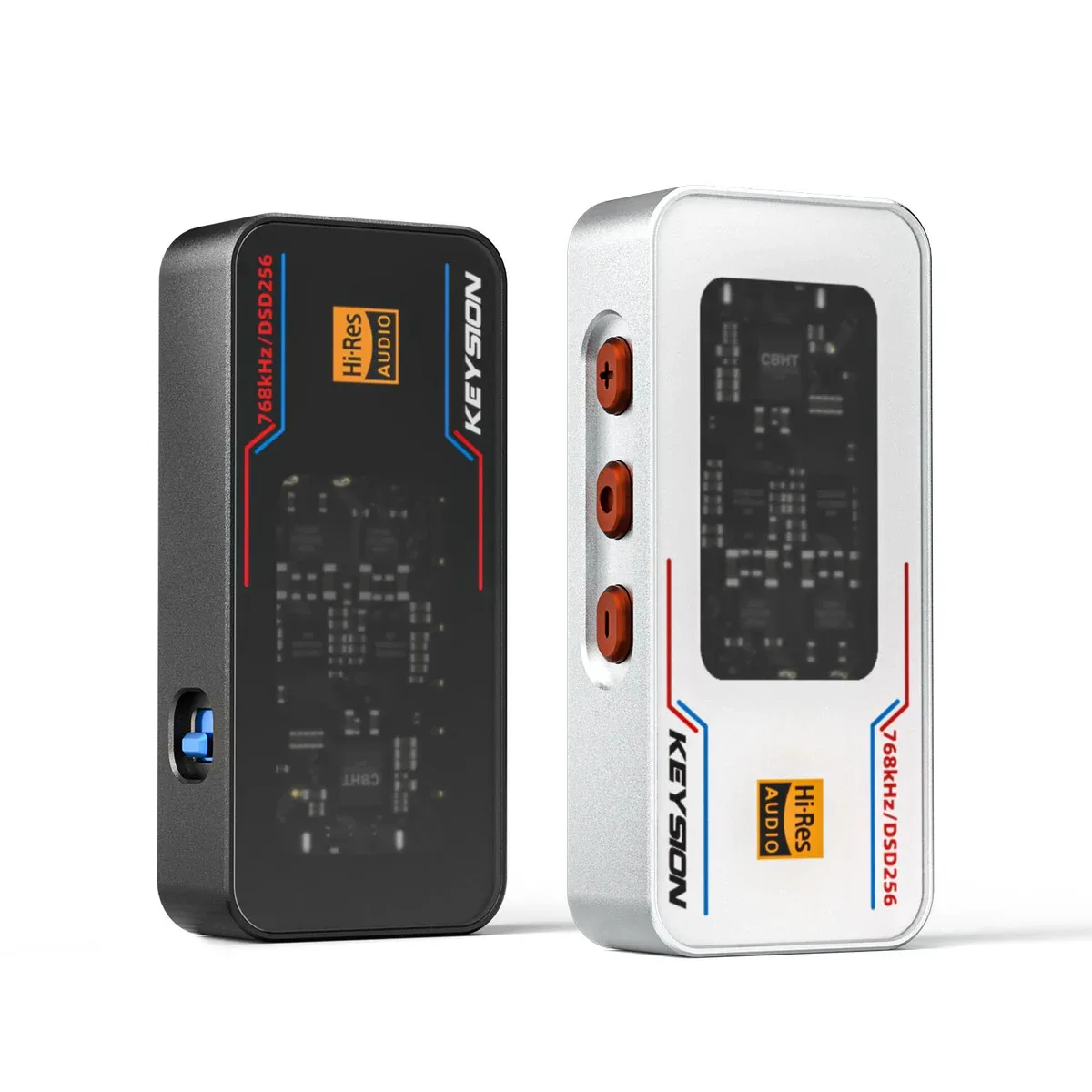
"24-bit sounds clearer" therefore holds only when two things are true: the recording floor is genuinely low, and so is the floor of your playback chain. KEYSION's 02 Pro is rated at 135 dB SNR and 1.30 µV noise on the 4.4 mm output, the 02 at 130 dB and 1.02 µV, the 01 at 130 dB and 0.85 µV. That kind of number decides whether 24-bit content can be heard at all.
03 Does dither trade distortion for noise?
Yes. When quantisation error correlates with the signal it turns into harmonic distortion: grain in a fade, quiet detail swallowed by the step size, a reverb tail that sounds rough.
Dither adds a small amount of noise before the bit reduction, usually TPDF at roughly ±1 LSB. The error then decorrelates from the signal, harmonic distortion becomes steady white noise, and the noise floor rises by 3-4.8 dB.
You do this once, at the final reduction. It belongs when a 24-bit master becomes a 16-bit release. Re-dithering a file that is already 16-bit just adds another layer of noise.
04 Why does noise shaping help at low levels?
The ear is most sensitive between 2 and 5 kHz, where the equal-loudness curves dip lowest. Noise shaping pushes quantisation noise above 15 kHz, and the result sounds quieter.
The cost sits up there too: hiss becomes audible, and an aggressive curve sounds sandy. Most mastering tools default to a gentle setting; the heavy versions only pay off on low-level material.
05 When is 24-bit actually required?
Recording, mixing, repeated gain changes, fades and sample-rate conversion all accumulate rounding error, and the extra bits keep that error below hearing.
Digital volume is the other case. A 24-bit stream attenuated by 30 dB still has about 114 dB of range; a 16-bit stream keeps only 66 dB, and the noise floor starts to sit close to the music.
That is why system volume and player volume should be used differently. Pulling a 16-bit stream down to 20% in the Windows mixer throws away roughly 3 bits. For quiet listening, use the player's 32-bit path or the amp's analog volume instead of dragging the system slider to the bottom.
06 What does a 32-bit/768 kHz DAC rating actually mean?
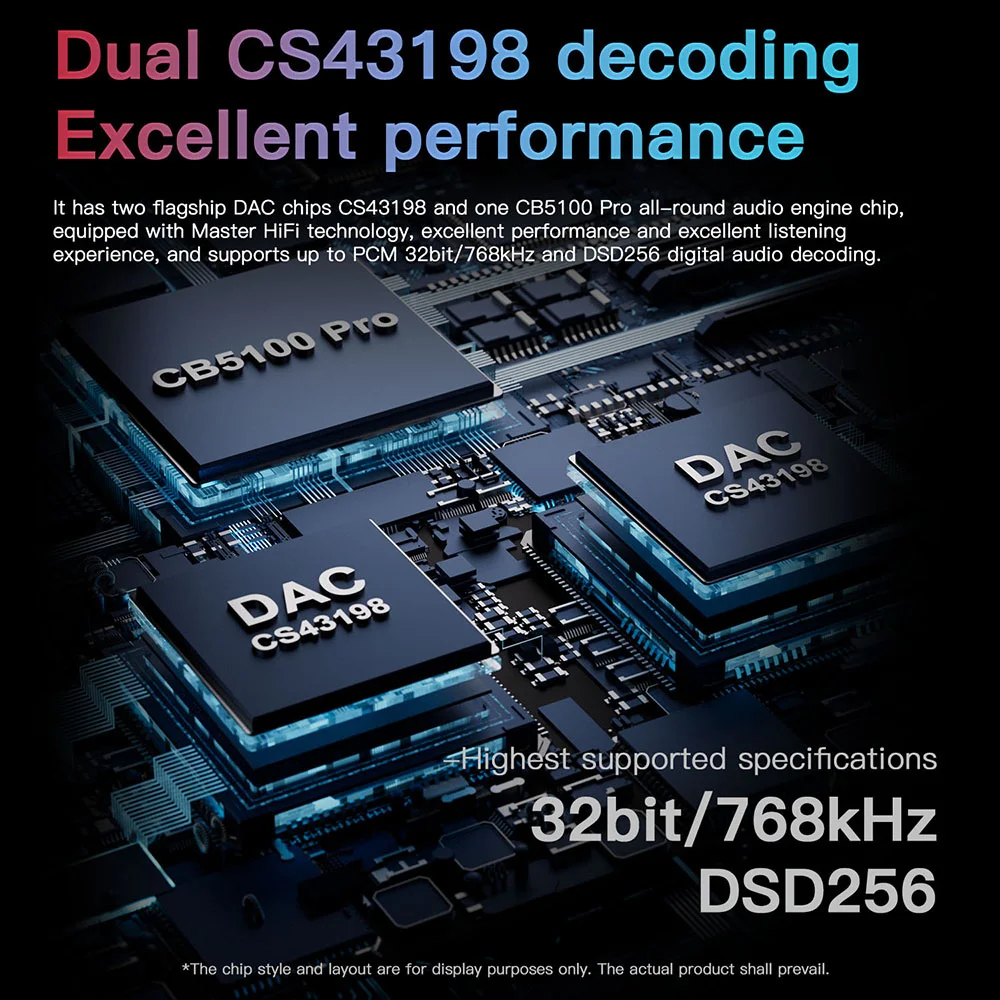
32-bit describes the internal processing width of the chip, not the file depth. It keeps digital volume, EQ and filter maths from losing audible resolution. The input still accepts only 16-bit, 24-bit or DSD files.
The 02 Pro is rated PCM 32-bit/768 kHz with native DSD256 and -121 dB distortion on the 4.4 mm output; the 02 runs 32-bit/768 kHz at -115 dB; the 01 runs 32-bit/384 kHz at -115 dB. Those are chain capabilities, not a way to turn a 16-bit file into a 24-bit one.
07 Three common misunderstandings
First, sample rate and bit depth are different things. 44.1 kHz counts samples per second; 16-bit describes the precision of each sample. Neither replaces the other.
Second, upsampling and up-bit-depth conversion cannot add information. A 44.1 kHz/16-bit file converted to 192 kHz/24-bit gets bigger, not richer.
Third, DSD and PCM bit depth are not directly comparable. DSD64 is 1-bit at a high rate and uses noise shaping to push noise out of band, giving about 120 dB in-band. It is a different scheme, not a 1-bit version of a 24-bit file.
For more background, read sample rate and resampling, DSD versus PCM, how to read SNR and distortion, digital versus analog volume and streaming quality tiers.
About the author
Written by the KEYSION audio content team. We compared 16-bit and 24-bit versions of the same master on one playback chain, then reduced 24-bit material to 16-bit with and without TPDF dither and logged the noise-floor change and how fades sounded. The 6.02 dB, 96.3 dB and 144.5 dB figures come from the standard formula; 30 µV and 0.12 µV are calculated from a 2 V full scale and will shift with a device's gain structure. The listening notes come from small blind sessions and should not be read as a general rule.
FAQ
Will a 24-bit file sound clearly better than the same track in 16-bit?
Usually not. Commercial masters sit between -60 and -80 dBFS, so the extra low bits of a 24-bit file hold recording noise. Unless the source is very clean and your chain is quiet, a blind test will not separate them.
Do I always need dither, and when do I apply it?
Once, at the final reduction, for example when a 24-bit master is exported as a 16-bit release. Adding dither to a file that is already 16-bit only layers on more noise.
Does 24-bit help at low listening levels?
It does, but only through digital attenuation. A 24-bit stream cut by 30 dB keeps about 114 dB of range; 16-bit keeps 66 dB, so the noise floor closes in on the music. That difference is audible when you drag the system slider down.
A DAC rated 32-bit/768 kHz can turn 16-bit into 24-bit, right?
No. 32-bit describes internal processing width, used to keep digital volume and EQ precise. The input keeps whatever bit depth it arrives with; up-conversion cannot restore information that was never there.
Is DSD better than 24-bit PCM?
They are different schemes and cannot be ranked by bit depth. DSD64 is 1-bit at a high rate, using noise shaping to push noise out of band for roughly 120 dB in-band. Sound depends on the master, not the format name.
Related products
Related articles