What Is Headphone Resolution, and How Do You Tell How Much Detail a System Really Retrieves? (With KEYSION 02 Pro and 16G/24G Cables)
- The short answer
- Is resolution the same as hearing "more detail"?
- Which specs hint at resolution?
- A five-minute check for a system's detail ceiling
- Do 16G or 24G cables add detail?
- What a DAC such as the 02 Pro actually does
- Is high resolution always better?
- The recording end is often ignored
- Common myths
- About the author
The short answer
Resolution is a system's ability to reproduce low-level information: quiet passages, reverb tails, a singer taking a breath, a finger brushing a string. It is not the same as bright treble, and it is not the sample rate on a spec sheet. Recording, earphones, source and fit all have to cooperate; any one of them can cap what you hear. Measurements narrow the field, but your ears make the final call.
Is resolution the same as hearing "more detail"?
When someone says a setup has more detail, they usually mean they noticed sounds they had missed. That covers three things: micro-dynamics, the swing from very soft to medium-loud; transients, the first few milliseconds of a drum hit; and spatial cues, reverb and reflections. A resolving system keeps those from smearing into one blob. Put plainly, it does not add brightness. It lowers masking, so a loud 1kHz tone stops covering a -60dB signal beside it.
Masking is the key word. Inside the same critical band, a strong signal raises the threshold for a weak one. Distortion, noise and frequency-response peaks all make masking worse. Resolution therefore starts as subtraction: less distortion, less noise, less unwanted colour.
Which specs hint at resolution?
| Spec | Common "good enough" threshold | What it affects | What this means for you |
|---|---|---|---|
| THD+N (1kHz, 32Ω) | Below -110dB | Harmonic distortion masking quiet notes | At this level, distortion is rarely the detail bottleneck |
| SNR / dynamic range | Above 120dB (A-weighted) | Headroom between quiet and loud passages | Roughly 20 bits of usable dynamic range, enough for most recordings |
| Channel separation (1kHz) | Above 60dB | Image placement and instrument separation | Below 40dB, the stage collapses inward at high volume |
| Output impedance | Below 1Ω | Voltage split with the headphone load | Most audible with 16Ω multi-driver IEMs |
| Frequency response deviation (20Hz-20kHz) | Within ±1dB | Masking | A peak in one band hides detail next to it |
Specs are a filter, not a verdict. Once THD+N is below about -110dB, distortion is usually no longer the bottleneck, but system noise and the earphones themselves can be worse. An SNR of 120dB works out to roughly 20 bits of usable dynamic range; 24-bit audio has a theoretical 144dB, while real masters often sit between 90 and 110dB. Below 40dB of channel separation, the image narrows at high volume.
A five-minute check for a system's detail ceiling
- Pick three recordings you know well: a solo voice or instrument, a small ensemble, and a bass-heavy pop track. Unfamiliar material hides changes, so familiarity comes first.
- Match the volume between both setups. A 1dB difference is enough to make people hear "more clarity"; it is the most common trap in A/B tests.
- Listen to decay, not just attack. Piano pedal release, room reflections, a breath between phrases. Noise and distortion eat those first.
- Switch to mono and listen again. If the image stays stable and instruments do not blur, crosstalk and phase are probably fine.
- Go back to the old setup. If the only difference is louder or brighter, it is not resolution.
Do 16G or 24G cables add detail?
The 16G uses 16 groups of 14 x 0.06mm strands in 4N oxygen-free copper with a LITZ layout; the 24G uses 24 groups of 9 x 0.05mm strands. The first has more copper cross-section and lower DC resistance; the second is more flexible. The difference is in milliohms, and into a 16Ω IEM the damping factor barely moves.
What you hear after a cable swap usually comes from three places: contact resistance at the connectors, microphonics, and a slightly different fit when you put the earphones back in. I went through the limits in what cables can and cannot change. In blind tests most people cannot separate cables of the same gauge, and I do not think a cable creates information. It leaks a little less of what is already there.
What a DAC such as the 02 Pro actually does
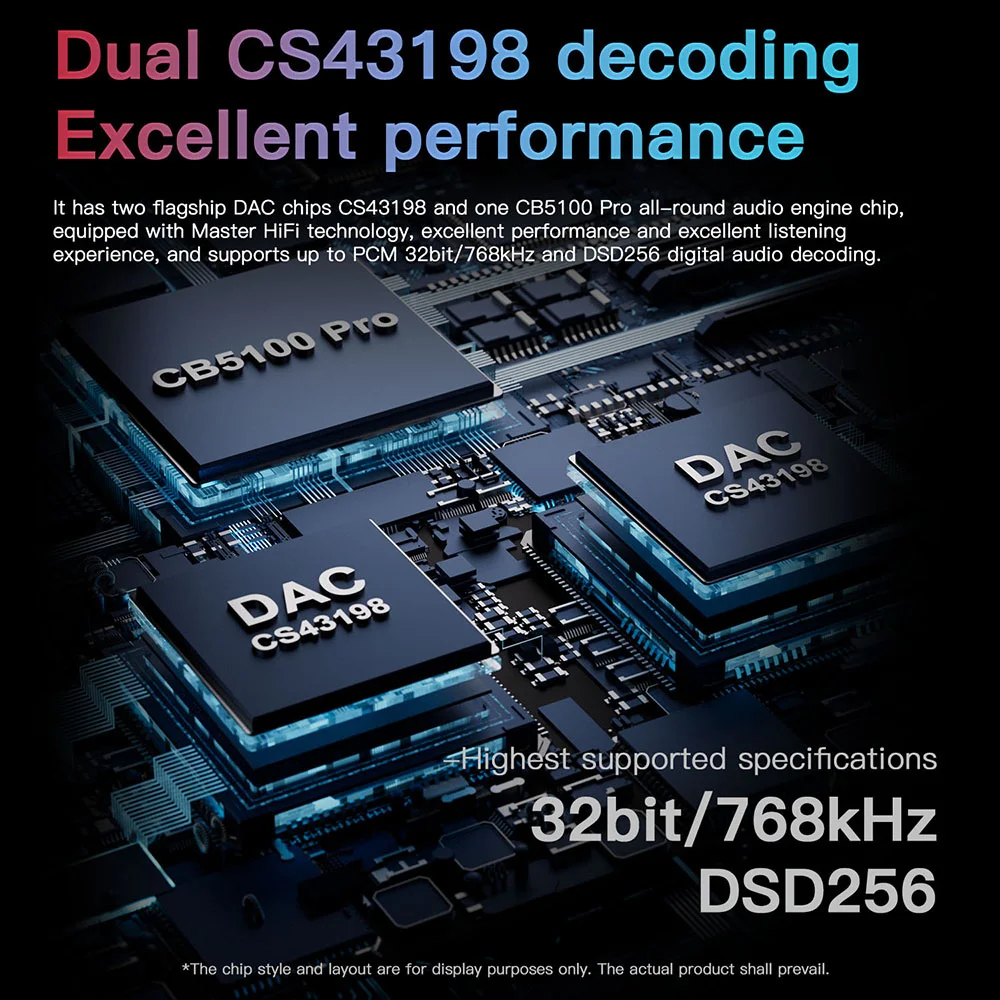
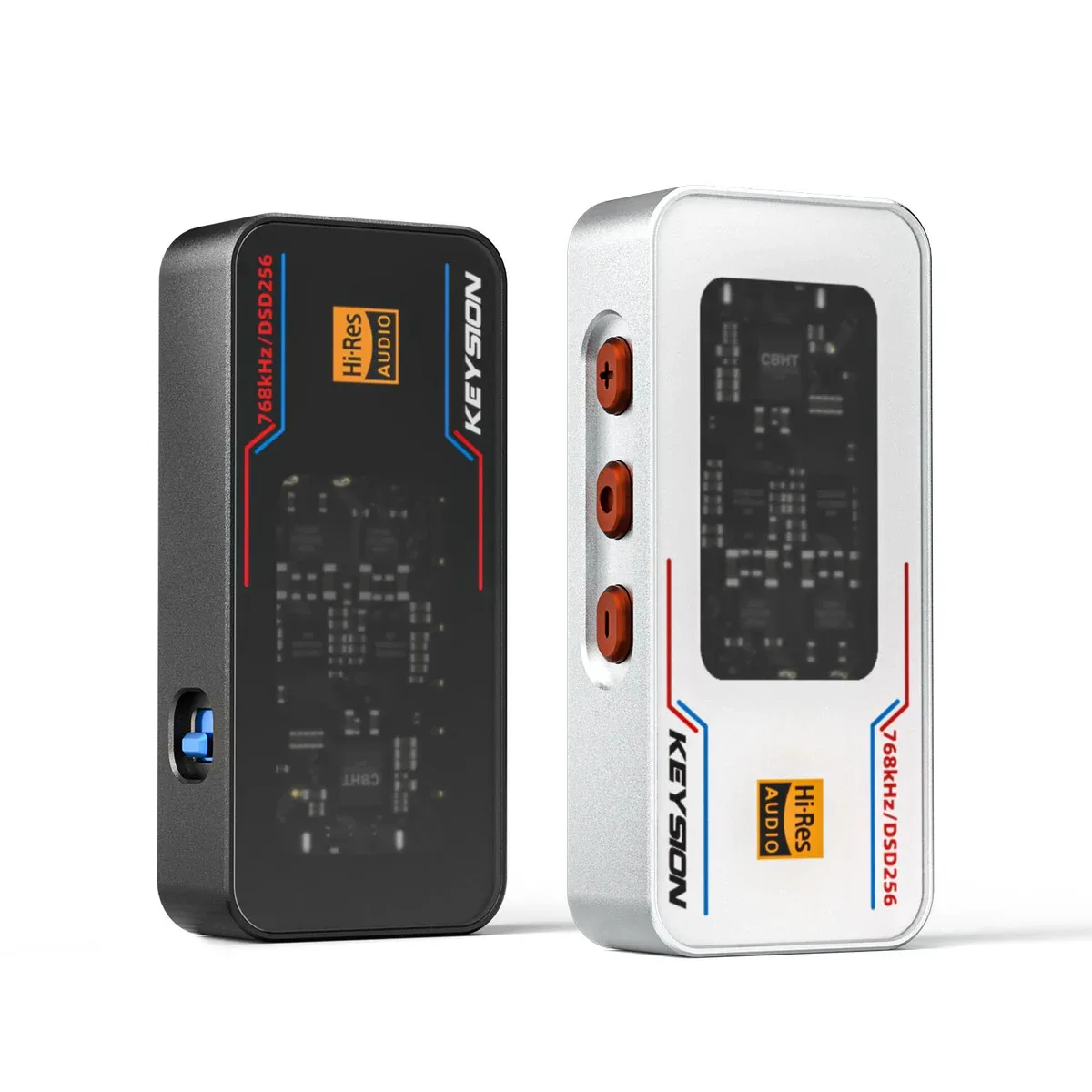
The KSHF-02 Pro is rated at 551mW into 32Ω, PCM up to 768kHz, DSD256, with EQ. Its job is not to add detail but to leave enough power headroom and a low enough noise floor that transients are not compressed. Underpowered amps make kicks soft and the stage shrink; listeners often call that "muddy" and blame resolution.
High gain on sensitive IEMs lifts the noise floor with it. Use low gain with low-impedance, high-sensitivity earphones and keep about 20% volume headroom. Digital filters and EQ change the sound too. DAC filter settings covers how linear and minimum phase differ on transients, but that is voicing, not extra resolution.
Is high resolution always better?
No. Sibilance, compression and room noise in the recording become more obvious on a resolving chain. Some earphones fake detail with a 4-6kHz lift, and ten minutes later your ears are tired. Poorly transcoded streams show up too. Transient response and IEM fit and seal go deeper on what to listen for.
My reservation: resolution and long-term comfort often pull in opposite directions. A good system has enough detail and stays listenable for hours. It does not remind you every second that a sound exists.
The recording end is often ignored
The same earphones playing a rough live recording will bury quiet notes under coughs and venue noise, and no amount of resolution rescues that. A pop single compressed to 6-8dB of dynamic range has little quiet material left. Before judging the gear, check that your file is not a 128kbps version that has been re-encoded several times.
Common myths
| Claim | What actually happens | What this means for you |
|---|---|---|
| Higher sample rate means more resolution | Sample rate sets the bandwidth limit, not quiet-note recovery | 44.1kHz already covers 20kHz |
| Brighter treble means more detail | A 4-6kHz lift only masks something else | Tiring, not resolving |
| A cable upgrade raises resolution | Contact and shielding gains are limited | Fix fit and source first |
| More power is always better | Excess gain amplifies the noise floor | Matching matters more than raw power |
About the author
Written by the KEYSION editorial team. Specs are taken from the public listings for the KSHF-02 Pro, KSHF-16G and KSHF-24G. The THD+N and SNR thresholds reflect common audio-measurement practice; results shift with test conditions. Listening notes come from our own comparisons, individual ears differ, and your own A/B test should be the reference.
FAQ
Does headphone resolution depend on sample rate?
Only loosely. Sample rate sets the recordable bandwidth, and 44.1kHz already covers 20kHz. Resolution depends more on distortion, noise and masking. A high-resolution file with a noisy master will not reveal more detail.
Can an upgrade cable really reveal more detail?
Differences between cables of the same gauge are usually in the milliohm range, and most people cannot hear them in blind tests. A "clearer" result often comes from better connector contact, lower microphonics, or a changed seal after refitting. Check fit and source before spending on cable.
Why does pop music sound muddy on my earphones while classical sounds clear?
Pop masters are compressed harder, so quiet notes sit close to the noise floor and any hiss or distortion shows up as mud. Small-scale classical has more quiet passages and decay, which makes layering easier to hear. A bass-heavy pop mix can also mask mid and high detail.
Can a weak dongle DAC make resolution sound poor?
Yes. Too little power compresses transients, softens kicks and shrinks the stage, which reads as muddiness. A higher-output DAC such as the 551mW@32Ω KSHF-02 Pro helps more than a cable here, but use low gain with sensitive IEMs.
How can I judge earphone resolution quickly with a phone?
Pick three familiar tracks, match volume, and listen only to decay and quiet passages. Then switch to mono and check that the image stays stable. Finally, go back to the old device. If the difference is only louder or brighter, resolution has not changed.
Related products
Related articles