How to Cut Audio Latency on Windows: WASAPI Exclusive, ASIO and Buffer Sizes, and Where X1 and 02 Fit
- Where does Windows audio latency actually come from?
- WASAPI shared, WASAPI exclusive and ASIO: what is the difference?
- Should the buffer be 128 frames or 512?
- Bluetooth, a USB-C dongle or the motherboard jack: which one holds you back?
- How do you actually bring latency down?
- When is this not worth the effort?
If music and games feel half a beat late on Windows, the headphones are rarely the cause. The system mixer and buffer settings are. Switch the player to WASAPI exclusive or ASIO and drop the buffer to 128–256 frames, and a USB DAC usually brings the gap between a keypress and sound down to 20–40 ms. Bluetooth is the exception: the codec alone eats 100 ms or more, and no software setting closes that gap.
Where does Windows audio latency actually come from?
By default Windows uses WASAPI shared mode. Every app sends audio to the system mixer, which feeds the sound device in processing periods of roughly 10 ms. The player also keeps a buffer of its own so playback does not stutter. Add the two, and 30 ms end to end is common.
| Stage | Typical delay | What this means for you |
|---|---|---|
| Player buffer | 10–30 ms | Headroom the app keeps to avoid dropouts; larger is steadier and slower |
| System mixer (shared mode) | About 10 ms per period | Several apps share one path, so none of them can take it over |
| USB transfer and decoding | 3–10 ms | Depends on driver and firmware; compliant UAC devices are close |
| Bluetooth codec | 100–300 ms | Encode, transmit, decode again; lip-sync errors show up in games |
Those figures come from several desktop machines. Motherboards and drivers vary. The first two rows usually dominate, which is why a new headphone changes nothing.
WASAPI shared, WASAPI exclusive and ASIO: what is the difference?
Shared mode is the easy option. Track changes, message notifications and voice chat all keep working, at a cost of 20–40 ms. WASAPI exclusive lets the player claim the device and bypass the mixer, so the buffer can go to 3–10 ms. ASIO is a separate driver path with the lowest theoretical latency, though driver quality varies. ASIO4ALL on a consumer motherboard is not automatically steadier than exclusive mode.
| Path | Buffer range | Bypasses the mixer | What this means for you |
|---|---|---|---|
| WASAPI shared | From 10 ms, usually fixed | No | Fine for albums and video; game sync is usually unnoticeable |
| WASAPI exclusive | 3–10 ms | Yes | Other apps go silent while it is active; good for games and monitoring |
| ASIO | 1–5 ms | Yes | First choice for recording and soft synths; a poor driver causes crackle |
| Bluetooth | Above 100 ms | Not applicable | The codec sets the floor; software cannot change it |
Should the buffer be 128 frames or 512?
At 48 kHz, 128 frames last about 2.7 ms, 256 frames about 5.3 ms and 512 frames about 10.7 ms. Buffers are often double-buffered, so real latency is roughly twice the figure. Small numbers look attractive, but the smaller the buffer, the less time the CPU has to fill it.
| Buffer at 48 kHz | Duration per pass | What this means for you |
|---|---|---|
| 64 frames | 1.3 ms | Worth trying on an idle desktop only; most laptops crackle |
| 128 frames | 2.7 ms | Common for gaming and streaming; fan spikes can destabilise it |
| 256 frames | 5.3 ms | The balance point for most machines |
| 512 frames | 10.7 ms | Enough for music and editing, almost never crackles |
Do not jump straight to the smallest value. Step down from 512 and listen for ten minutes at each setting. If crackle appears, go back one step. That slow method beats copying someone else's numbers.
Bluetooth, a USB-C dongle or the motherboard jack: which one holds you back?
A motherboard 3.5 mm jack in shared mode sits around 20–40 ms, and its quality is limited by the onboard chip. A USB-C DAC sends digital audio and typically lands at 5–20 ms with a proper driver. A portable DAC such as the KSHF-02 also gives headphones more clean gain. Bluetooth is the widest gap: SBC often exceeds 150 ms, and AAC or LDAC do not necessarily improve it. More complex encoding usually means a longer buffer.
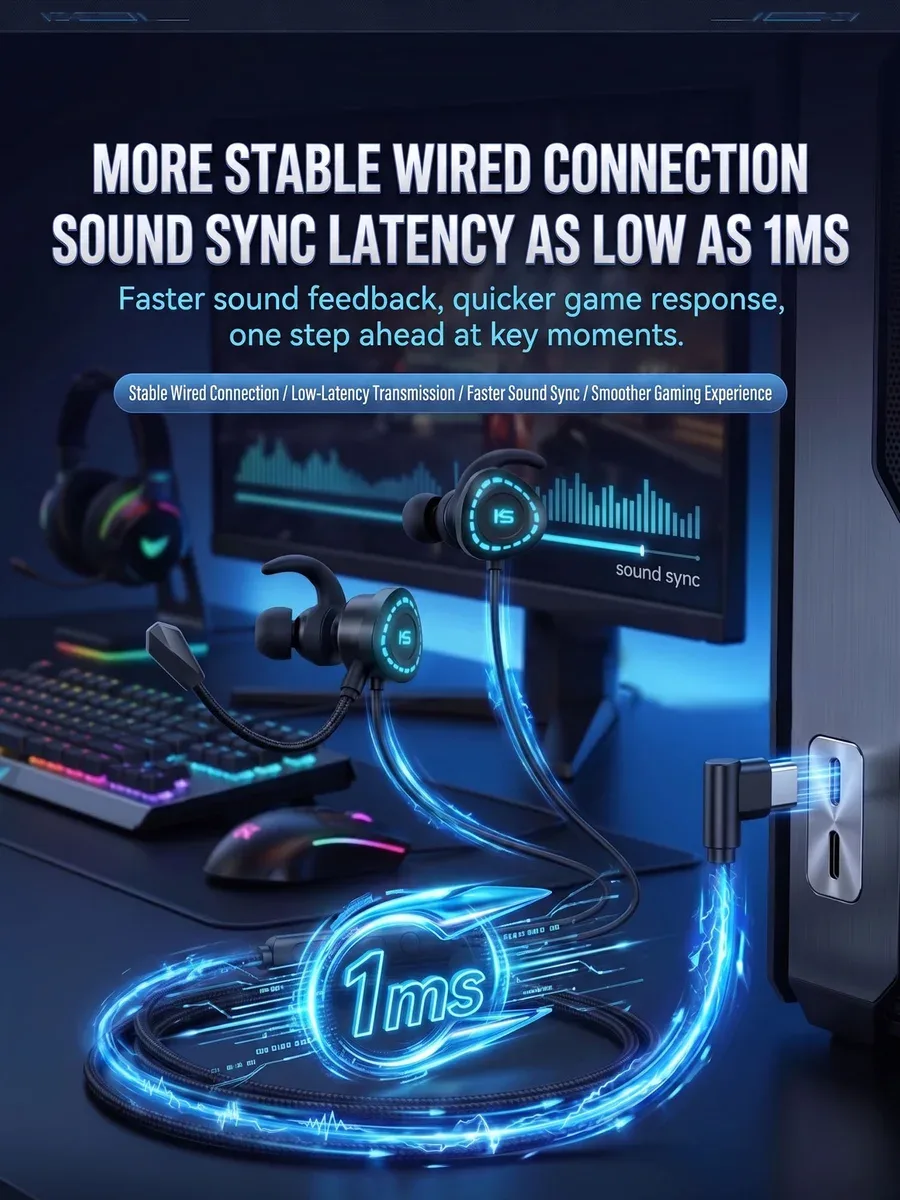
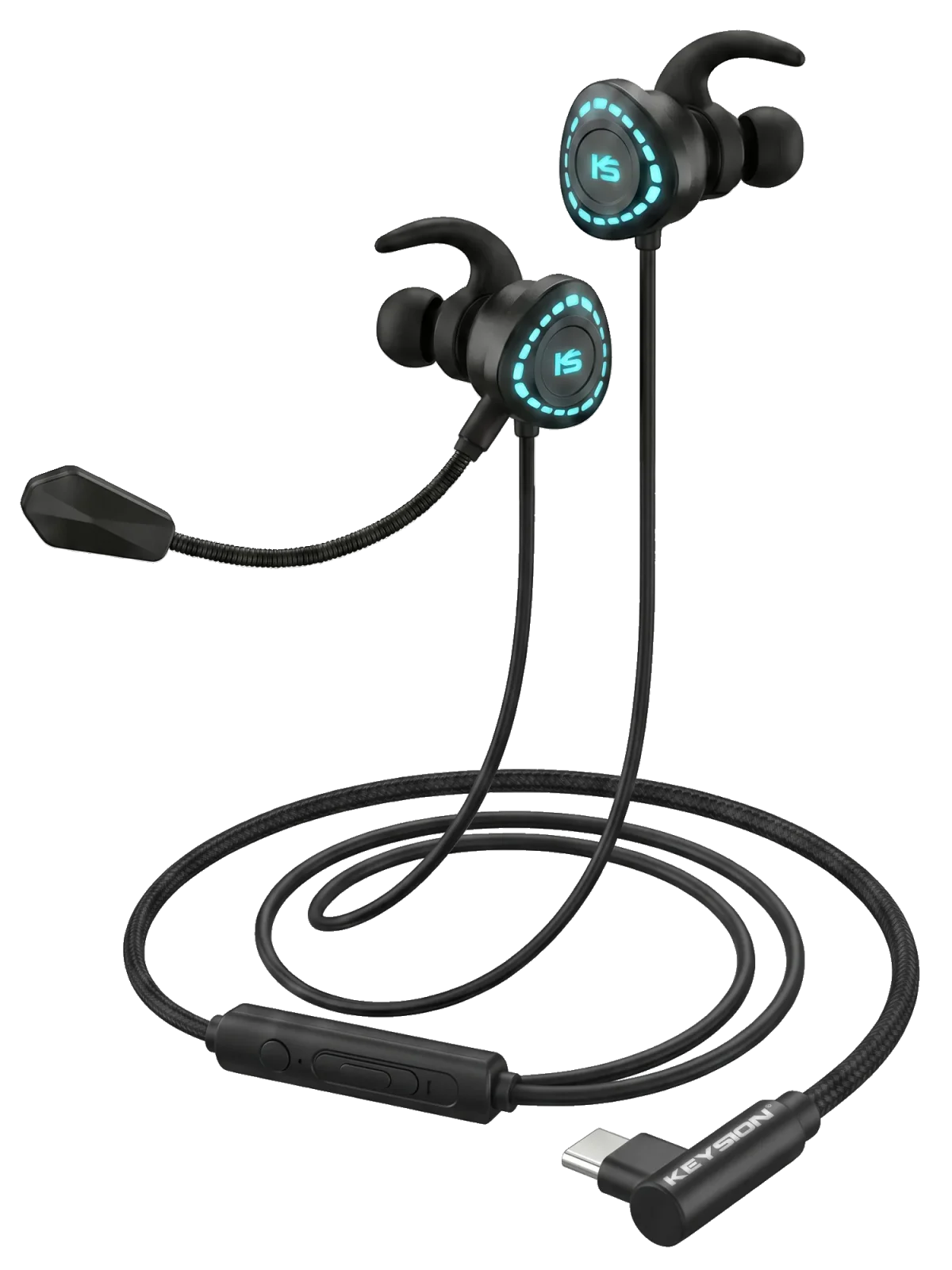
A Type-C headset with a built-in decoder removes the analogue jack from the chain. Gaming headsets such as the X1 put decoding in the earcup, so they work as soon as you plug them in, with no dongle to manage. The trade-off is cable length and the fact that they are not meant for speakers.
Cable choice matters with USB-C gear. A poor OTG cable has higher contact resistance, which leads to reconnects and re-enumeration, and latency actually rises. The troubleshooting order is in /blog/usb-otg-compatibility-troubleshooting. For Bluetooth game delay specifically, see /blog/bluetooth-latency-gaming-guide.
Product pages: /product/kshf-02 (portable DAC), /product/kshf-ycx (dual Type-C OTG cable), /product/g-turbo-x1 (Type-C gaming headset with decoding).
How do you actually bring latency down?
Match the sample rate first. Set Windows sound settings, the player output and the DAC firmware to 48 kHz so the system does not insert an extra resampling stage. Then choose WASAPI exclusive or ASIO for the output device. Other notifications disappear while exclusive mode is active; that is expected.
Start at a 512-frame buffer and step down. Do not trust your ears for the measurement: film the keypress and the screen in slow motion, or record a hand clap and compare the waveform with the picture. A difference of 15 ms is not something you can remember reliably.
When is this not worth the effort?
For films and albums, 30 ms is below most people's noticing threshold, and exclusive mode only silences everything else. For Bluetooth gaming, a wired connection does more than any setting. Recording and monitoring justify time spent on ASIO, provided the interface driver is solid. On an old motherboard with ASIO4ALL, I would run WASAPI exclusive for a week before trusting it.
References: Microsoft Learn’s WASAPI documentation and Steinberg’s ASIO SDK notes. Measurements were taken locally in October 2026.
About the author: the KEYSION audio content team. We measured buffer settings and time-to-sound on Windows 11 23H2 and Windows 10 22H2 with a motherboard 3.5 mm jack, USB-C DACs and two Bluetooth headsets. Figures are medians across several machines; perceived differences still vary by listener.
FAQ
Why do other apps go silent when WASAPI exclusive mode is on?
Exclusive mode means the player holds the sound device and the system mixer is bypassed. Chat apps, notifications and game voice chat are muted. If you need voice chat during a game, use shared mode or a second audio device.
Does a smaller buffer always mean lower latency?
In principle yes, but too small a buffer leaves the CPU no time to supply data, which produces crackle, stutter or dropouts. On most laptops 128 frames is already the limit; desktops can sometimes go lower.
Can Bluetooth headphones reach 20 ms in games?
No. The floor is set by the codec and wireless retransmission. aptX LL is around 40 ms, and ordinary AAC is above 150 ms. No software setting changes the radio link.
Is ASIO4ALL worth installing?
It depends on the motherboard. It wraps the WDM driver in an ASIO emulation layer, and stability is usually below a vendor's native driver. If crackle is frequent, go back to WASAPI exclusive instead of forcing it.
Is 44.1 kHz lower latency than 48 kHz?
At the same frame count, 44.1 kHz takes slightly longer per pass. Games and video are usually 48 kHz, and matching that avoids one resampling step. For 44.1 kHz music files, letting the DAC convert is often cleaner than a system-level conversion.
Related products
Related articles