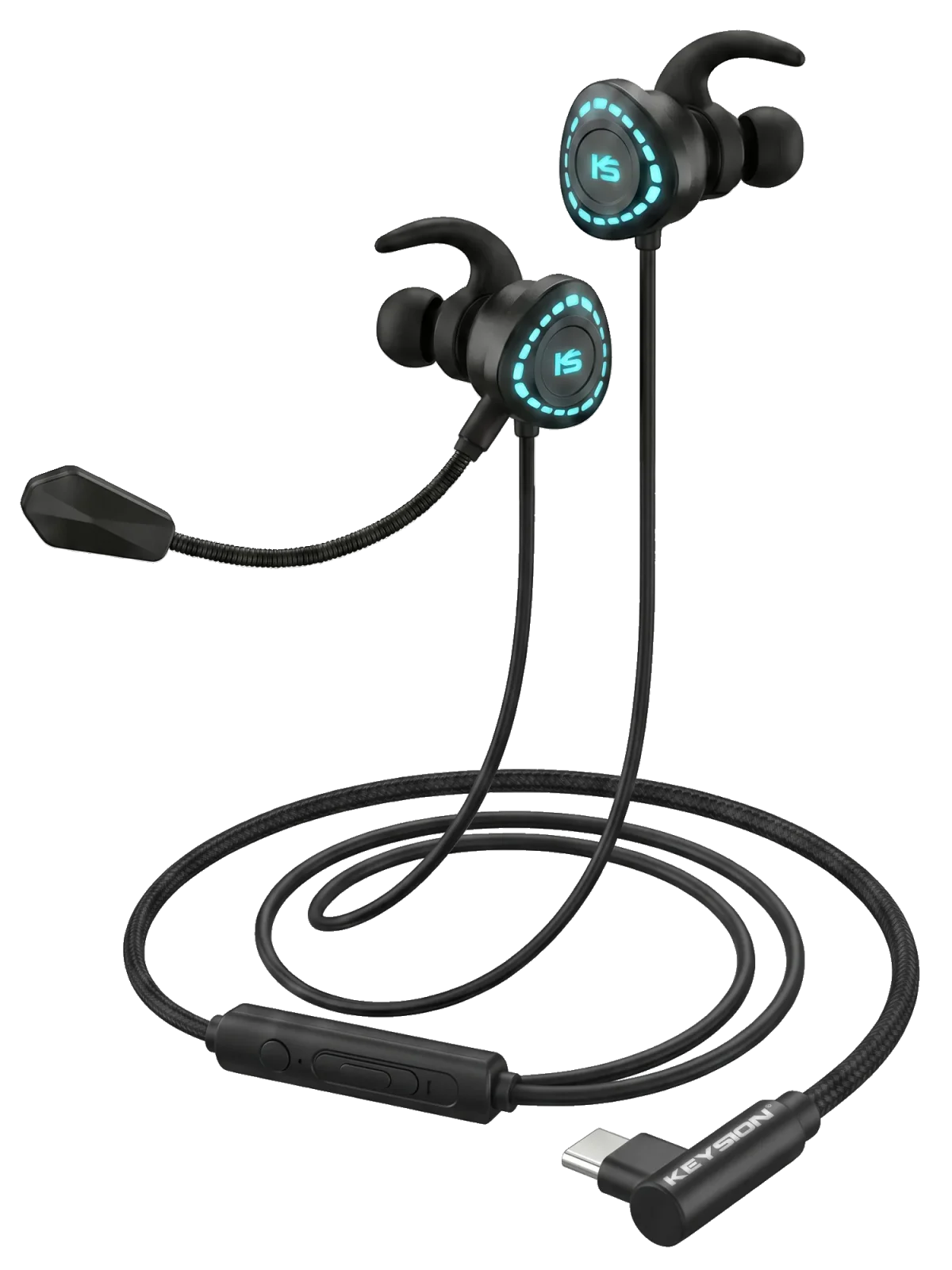
Dongle DAC silent on a PC or console? How to choose between UAC1 and UAC2 (KEYSION 02 Pro and X1 as examples)
Dongle DACs that go silent on a PC or console are usually fine hardware hitting a USB Audio Class (UAC) mismatch. UAC1 is the old protocol and the most broadly compatible; UAC2 carries more bandwidth, reaching 384kHz and 32bit, but some consoles and older systems only speak UAC1. This piece lays out the differences, the sample-rate ceiling, and the right moment to switch: keep UAC2 for music, drop to UAC1 for a PS5 or Switch.
What are UAC1 and UAC2, anyway?
UAC is the audio agreement a USB device and the host work out in advance. The moment you plug a DAC into a computer, the host leans on it to decide sample rate, channel count, and whether a driver is needed. UAC1.0 arrived with USB 1.1 back in 1998 and tops out at 24bit/96kHz; UAC2.0 landed with USB 2.0 in 2006, supporting 32bit, 384kHz, and beyond.
A quick way to tell them apart: UAC1 is the old protocol everyone recognizes, and UAC2 is the newer one with more bandwidth but a higher bar. In numbers, UAC1's 12Mbps full-speed link is plenty for two channels of 96kHz/24bit; UAC2 taps 480Mbps high-speed bandwidth, loosening the limits on channels and sample rate. That's why pro audio interfaces and multi-channel recorders run almost entirely on UAC2.
Why do the PS5, Switch, and some PCs only see UAC1?
The USB audio stacks on PlayStation and Switch implement UAC1 only. Plug in a UAC2 device and the console simply never enumerates it, so you get no sound. Windows behaves much the same: native UAC2 support didn't arrive until Win10, and a few builds still want a vendor driver, while UAC1 is built in and works on plug-in. That's why makers often leave a UAC1 toggle on their devices for exactly these cases.
If your dongle works fine on a phone but goes quiet on a PC or console, don't blame the hardware first—this is almost always the cause.
Does switching to UAC1 cost you sound quality?
Yes, within clear limits. UAC1's bandwidth caps it at 96kHz/24bit, so anything faster gets downsampled on playback.
| Item | UAC1.0 | UAC2.0 | What this means |
|---|---|---|---|
| Max sample rate | 96kHz | 384kHz and up | No difference for tracks at or below 96kHz; faster ones get throttled |
| Bit depth | 24bit | 32bit | 24bit already sits well past most listening setups, and you rarely notice |
| Driver | Driverless | Some Windows setups need one | UAC1 just works; UAC2 may need a driver install |
| Console support | Friendly to consoles and older gear | Some consoles won't see it | Prefer UAC1 on PS5 and Switch |
| Power draw | Lower | Higher | Slightly better battery life with a phone |
Put plainly, if most of your sources sit at or under 96kHz/24bit, the gap between UAC1 and UAC2 is essentially inaudible. What trips you up is whether you get sound at all, not that sample rate.
Which one should you use? Three checks
Devices ship on UAC2 by default, and you switch by hand only when a machine refuses to see it. Work from the device toward the cable: confirm the current mode, then check the sample rate the computer reports, and treat a cable swap as a last resort.
- Find the UAC mode in the manual or companion app and confirm whether it ships as UAC1 or UAC2.
- Plug into a computer, open sound settings, and check the sample rate; if it's detected but silent, drop to 96kHz and retry.
- Before connecting a PS5 or Switch, switch the device to UAC1 so the console can enumerate it.
- If it's still silent, swap the OTG cable and try another USB port to rule out power and contact issues.
Which devices deserve a closer look?
The 02 Pro's PCM support reaches 32bit/768kHz and the 01 reaches 32bit/384kHz, both far above the UAC1 ceiling. For everyday music on a computer, stay on UAC2; switch to UAC1 when a console is involved. USB-C gaming headsets like the X1 target PC and consoles, where UAC1 is the steadier path. Before buying, check whether the device supports manual protocol switching—it matters more to getting sound out than the sample rate on the spec sheet.
Further reading: for what sample rate actually changes, see the sample rate and resampling guide; for phones that won't connect, start with the OTG compatibility checklist; for reading dongle specs, see how to read dongle DAC specs. Related products: KEYSION 02 Pro, G-Turbo X1 gaming headset.
About the author
Written by the KEYSION audio content team. We build portable DACs and cables, and we test the 02 Pro, 01, and X1 daily for sound and compatibility. The specs here come from product spec pages and USB-IF's USB Audio Class documents; UAC toggle locations differ between firmware builds, so follow your own device's manual.
FAQ
My dongle is silent on the PC—is it a UAC problem?
First check whether the system even detects the device: if it's detected but silent, the sample rate or output routing is usually the culprit; if it's not detected at all, suspect the UAC mode and the OTG cable first.
Does UAC1 topping out at 96kHz actually sound different?
For most people and most sources, no. 96kHz/24bit already covers common lossless and Hi-Res material, and real differences usually show up in noise floor and power output instead.
Why won't the Switch or PS5 recognize my DAC?
Both consoles implement UAC1 only for USB audio. Switch the DAC to UAC1 mode, or pick a model with UAC1 compatibility, and it usually gets recognized.
Do UAC1 and UAC2 affect output power?
Not directly. Power comes from the amp circuit and the supply; the protocol only limits sample rate, bit depth, and bandwidth. A weaker sound is more likely downsampling or a driver issue.
Do I need to set UAC manually on a phone?
Android is usually driverless over UAC, though a few models need a check in developer options or USB settings; iPhone audio runs over Lightning/USB-C and normally needs no manual switch.
Related products
Related articles