Bluetooth Headphones Won’t Pair or Keep Dropping? A Step-by-Step Check and What Usually Causes It (Tested on X1)
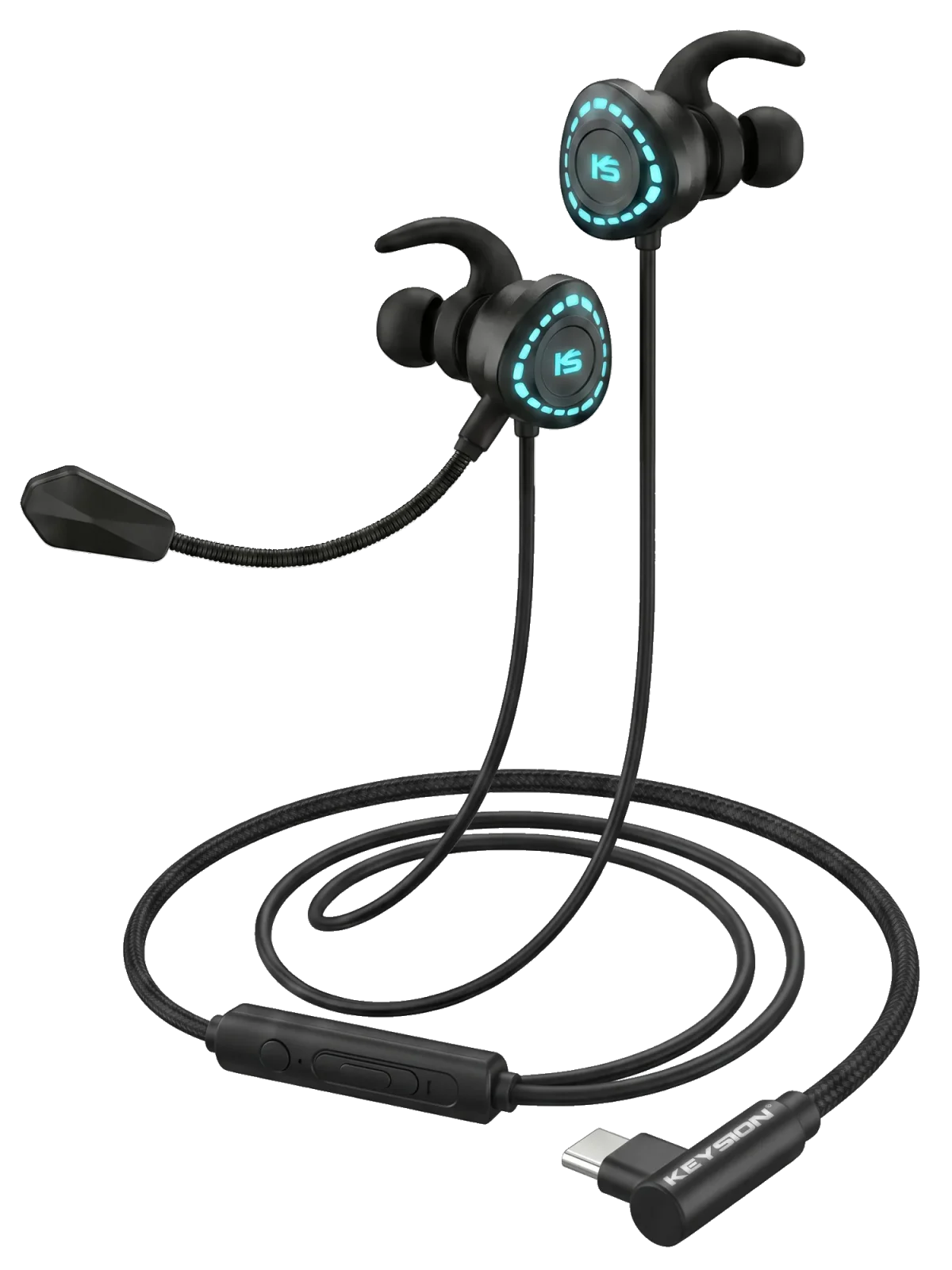
AirPods are one thing, but a Bluetooth headphones that won’t pair, or pairs and then drops the link every few minutes, is usually not a broken unit. The bottleneck sits somewhere in the connection chain: your phone’s Bluetooth stack, a stale pairing record, 2.4GHz interference around you, or the phone’s battery-saver sleep logic. Short version: in roughly eight out of ten cases, clearing the pairing list once, turning off extra connected devices, or charging the headphones past 50% fixes it. Only when none of those work should you think about repair. This guide runs the checklist on the KEYSION X1 gaming headphones, ordered by how often each cause shows up, with a way to verify each one.\n\n## Which link in the chain is failing\n\nStart by pinning down where it fails: do you not see the device at all, or does it show up but time out when you hit pair? That decides the whole direction. No search result usually means Bluetooth is actually off, or phone and headphones are too far apart (drop-off is obvious past ten meters). It pairs badly or times out when you can see it: the likely cause is a conflicting old pairing, or the headphones are still holding another connection.\n\nBluetooth headphones only store a handful of pairing records. Moving an old device over, a leftover record from a laptop you used years ago can block the new phone. Put the headphones into re-pair mode to wipe it; most models enter pairing by holding the power button for five to eight seconds (X1’s exact gestures are on the /product/g-turbo-x1 page).\n\n### Table 1: what each failure symptom points to\n\n| Symptom | Likely cause | How to verify | What this means |\n|---|---|---|---|\n| Device not found | Bluetooth off / too far | Confirm Bluetooth is on, keep phone within one meter | Rule out the basic switch and distance first |\n| Found but pairing times out | Conflicting pairing record | Clear the paired list, retry | A single clear usually fixes it |\n| Drops seconds after connecting | Headphones still on old device | Turn off Bluetooth on the old device | Single-connection units only take one; find the old one first |\n| Patches of dropouts after pairing | Battery saver / interference | Allowlist the app, move and retest | The hardware is usually fine; the OS policy is the culprit |\n\n## Most dropouts come from interference or battery saver\n\nThe most annoying kind of dropout is the intermittent one. First suspect, by probability, is 2.4GHz interference: USB 3.0 devices, non-5G Wi-Fi and microwave ovens all sit in this band. Put a USB hub right next to the headphones on a desk and the dropout chance climbs noticeably. The test is simple: move to another room, or switch the router off for a moment. If it stays stable, you have your answer.\n\nSecond on the list is the phone’s battery-saver logic. Both iOS and Android throttle background scanning, and after the screen has been off a while they can suspend the low-power Bluetooth link, causing occasional stutter or a full drop. Allowlisting the music app and anything that needs Bluetooth access usually helps.\n\n## How to tell the headphones are actually broken\n\nHardware failure has a clean signature: it won’t connect to a second phone or a second computer either, and it fails after you already ran every software-level check above. Only then point at the unit. With a Type-C decoding headset like the X1, rule out power first — if the Type-C port feeds unstable power, the connection looks fine but audio cuts in and out; switch to a charger to tell them apart.\n\nIf you want to know how much quality Bluetooth really takes off, the SBC, AAC, aptX and LDAC measurements are in this article (/blog/bluetooth-codec-quality-guide); if your pain point is gaming latency, there is a separate piece on where delay comes from and how to cut it (/blog/bluetooth-latency-gaming-guide).\n\n## When to stop fixing and go for after-sales\n\nIf the unit is under warranty and a couple of rounds of clearing records and switching devices fail, after-sales beats harder digging. A lot of X1 Type-C decoding headset repairs turn out to be a cable or contact issue, so swap the cable and try once more before anything else. Proving the driver itself is dead needs proper test gear; for most people, comparing against a second device is enough to decide.\n\nAuthor: KEYSION Lab. The troubleshooting order follows how often each cause appears; the data comes from X1 connection tests on iPhone and Android phones. Individual devices vary, treat the conclusions as guidance.
FAQ
What do I do if my Bluetooth headphones won’t show up in search
Confirm Bluetooth is actually on, then bring the headphones within one meter and retry. If it still won’t appear, pause to restart from the case or a charger, then hold the power button to enter pairing mode.
Why do my Bluetooth headphones drop the link seconds after connecting
The usual cause is that they are still connected to an old device. Turn Bluetooth off on that device or unpair it, and pair again if needed. Rarely it is unstable power; comparing against a charger will tell.
Are my headphones broken if the audio stutters or drops out
Usually not. Suspect 2.4GHz interference (nearby Wi-Fi, USB 3.0 gear, a microwave) and the phone’s battery-saver sleep first. Moving and allowlisting the music app usually helps.
How do I fully clear Bluetooth pairing records
On the headphones, enter re-pairing mode (generally hold the power button five to eight seconds). On the phone, choose "forget this device" in Bluetooth settings. Clearing both sides before re-pairing fixes most old-record conflicts.
When should I send the headphones for repair instead of troubleshooting myself
If they fail to connect to both a different phone and a computer, clearing records and re-pairing does nothing, and the unit is under warranty, use after-sales. For Type-C decoding headsets like the X1, swap the cable first to rule out a cable or contact fault.
Related products
Related articles