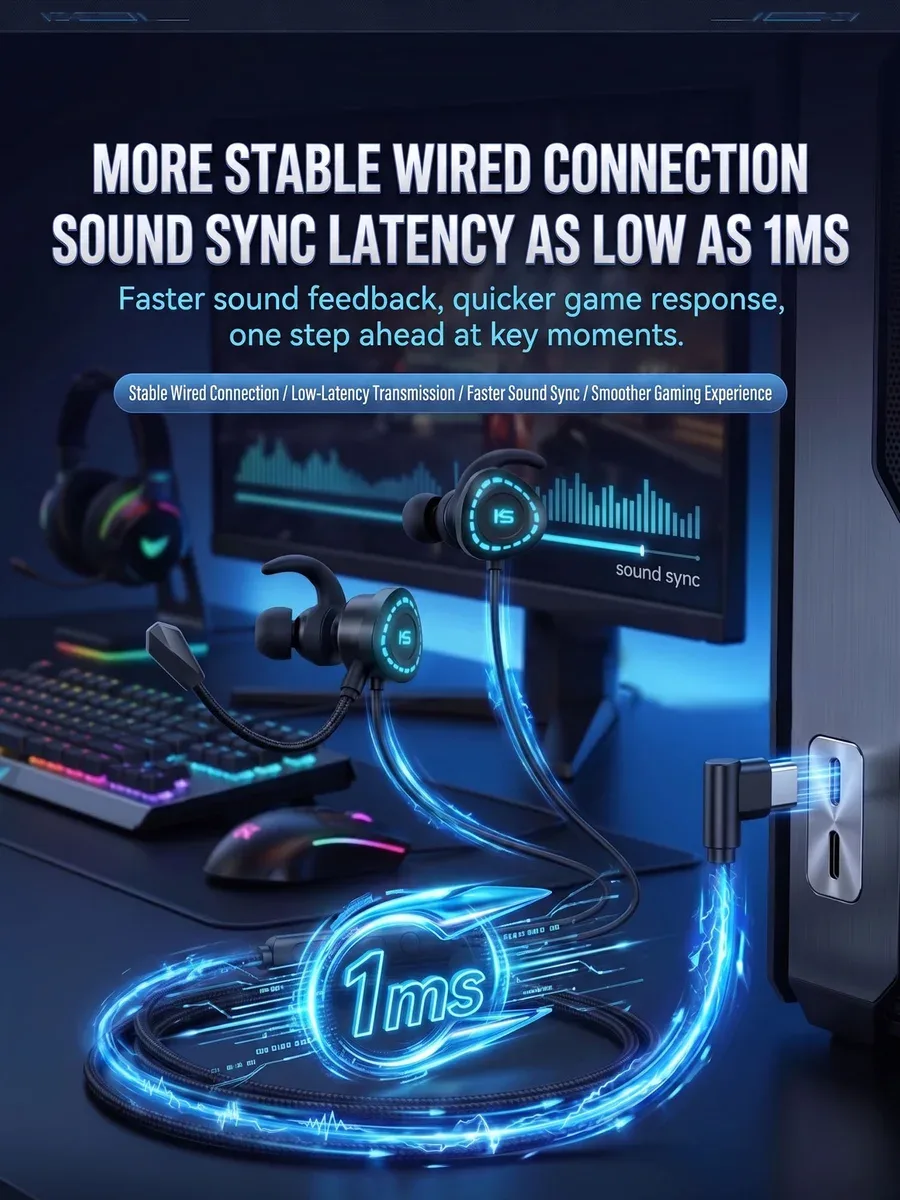
USB-C Headphones Not Working? Digital vs Analog USB-C Audio Explained
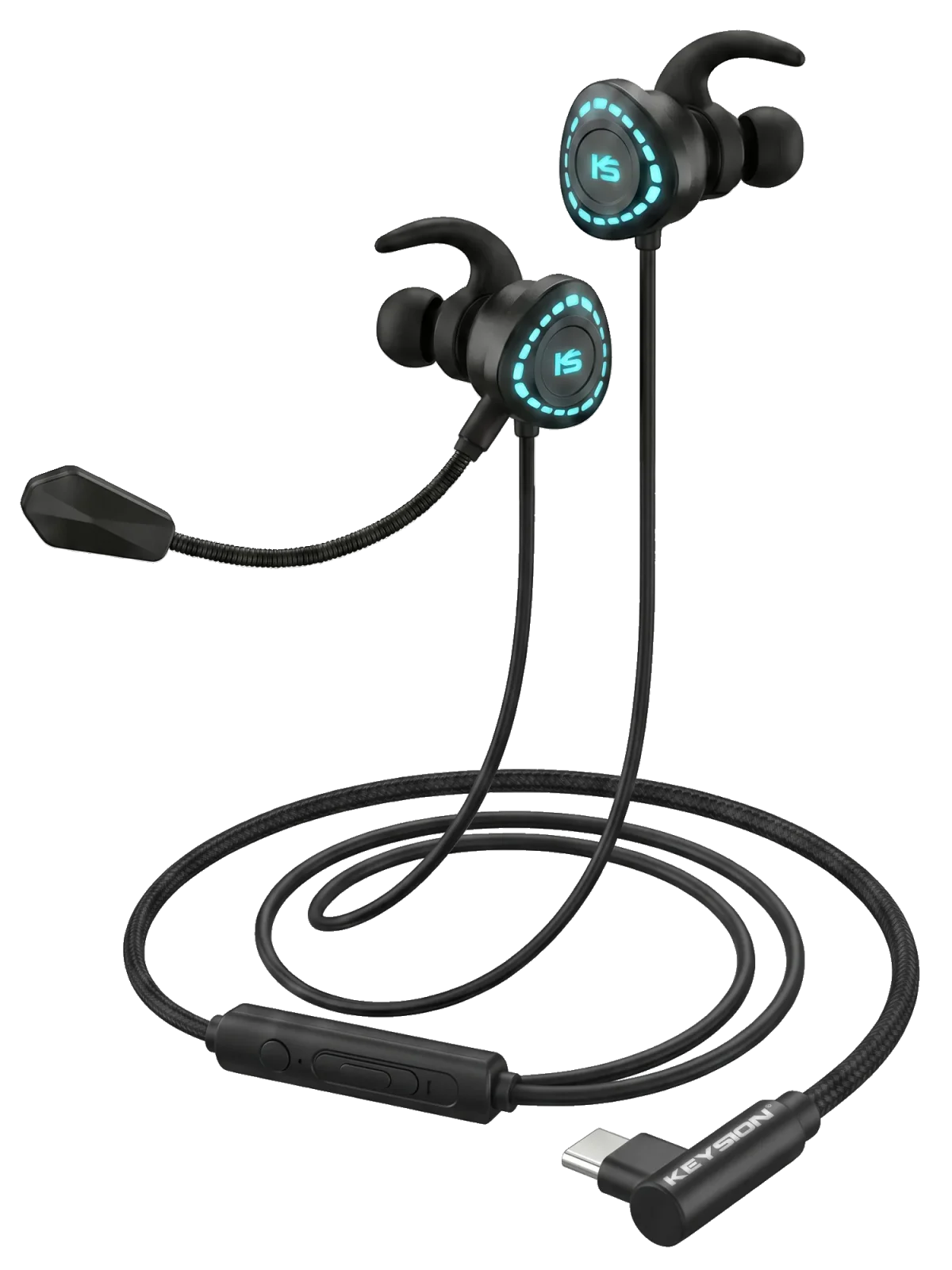
Silent USB-C headphones are usually not broken. There are two kinds: analog pass-through models, whose plug only rewires pins and relies on the DAC and amplifier inside the phone, and digital models with a decoder chip in the plug that the host must see as a USB sound card. The first kind cannot work on a phone that dropped its analog output. The second stays silent on a device without OTG or with UAC1 support only. Below is how to tell them apart and what to check, starting with the cheapest step.
What are the two kinds of USB-C headphones?
| Type | What is inside the plug | What the device needs | Typical symptom | What it means for you |
|---|---|---|---|---|
| Analog pass-through (passive) | Pin rewiring only, sometimes an ID resistor | An analog audio output on the host | The same adapter works on an older phone and fails on a newer one | The headphone is fine; the host has no analog output |
| Digital (built-in DAC) | Decoder chip, power and clock | USB Audio (UAC) and USB host or OTG mode | A new USB audio device appears; usually driver-free on a computer | Compatibility depends on the host, not the price |
| USB-C headphone with its own amp | DAC plus amplifier stage | More current, sometimes external power | Low volume on a phone, dropouts when skipping tracks | The current a phone can supply sets the ceiling |
The shape of the plug tells you nothing. Two identical USB-C plugs can differ by a whole circuit board inside.
Why does the same headphone work on a phone but not a computer, or the reverse?
A computer USB port is a host by default, and UAC audio is normally driver-free. A phone has to switch into host mode, which is what OTG does. Some brands hide the switch in settings; others enable it by default and only supply power once something is plugged in. Check the USB configuration too: in "charging only" mode a digital headphone gets no power at all.
USB-C iPhones support USB audio, but they are stricter about power draw and accessory authentication. A Lightning-to-USB-C adapter is not automatically a digital audio path. At the protocol level, a host that speaks only UAC1 can stay silent with a headphone that reports only UAC2; the difference is explained in UAC1 vs UAC2.
Which switches does a phone need?
On Android, look for an OTG entry, often under connected devices or additional settings. Some models need the developer-options USB configuration changed from charging only to audio source or file transfer. If a player app has exclusive mode enabled, it can take the audio device away from the system; exit exclusive mode and try again.
On iPhone, unlock the phone and tap Allow, otherwise the port only charges. On Windows, pick the USB device manually in sound settings; the default output does not always follow. Car head units and game consoles use their USB ports for different jobs, so check the manual before assuming a charging port is an audio port.
Can an adapter turn an analog headphone into a digital one?
No. Most small USB-C-to-3.5 mm adapters simply route the USB-C analog pins to a 3.5 mm socket; there is no decoder inside. On a phone without analog output, that adapter stays silent. An adapter with a DAC is a different product, and its specs list the chip and sample rate. The two can look identical and differ by a factor of two in price.
Direction matters as well. USB-C to 3.5 mm and 3.5 mm to USB-C solve opposite problems: the first connects a wired headphone to a phone without a jack, the second connects a USB-C headphone to a device with a 3.5 mm output. Check plug gender and purpose before buying. Port-level checks are covered in USB OTG compatibility and USB DACs and consoles.
How do you tell which kind you have?
Specs are the quickest clue. A listing that mentions DAC, PCM sample rate or signal-to-noise ratio is almost certainly a digital model. One that only says "3.5 mm to USB-C" or "driver-free adapter" is likely analog pass-through. Then look at device recognition: a new USB audio device means digital; no new device at all suggests a passive rewiring.
Cross-testing is faster. Plug the same headphone into a computer and then another phone. If neither produces sound, suspect the headphone or cable first. If only one fails, the problem is that device's output or settings.
| Test result | More likely cause | What it means for you |
|---|---|---|
| Works on a computer, silent on a phone | Phone lacks OTG or analog output | Enable OTG, then confirm the headphone type |
| Silent on two phones, works on a computer | Digital headphone, phone cannot supply enough current | Use a powered OTG cable or another device |
| Silent everywhere | Headphone, plug or cable fault | Retest with another cable before repair |
| Sound but very quiet, thin bass | High impedance or weak supply | Add a portable amp or choose a lower-impedance model |
What should you look for when buying?
For plug-and-play, choose a USB-C headphone with a built-in DAC and an explicit UAC claim. The G-Turbo X1 uses a custom chip and a dual microphone design, with specs of PCM 32-bit/384 kHz and ADC 24-bit/48 kHz. It is a digital headphone, recognized directly by computers and by Android phones with OTG enabled. The product page is G-Turbo X1, and the compatibility notes are in this usage guide.
If you already own a 3.5 mm headphone and want to use it on a USB-C phone, first confirm the phone has an analog output. If it does not, buy an adapter with a DAC, not a plain pass-through. A dual USB-C OTG cable connects a digital headphone to a phone or portable DAC and contains no decoder itself. For both full-size headphones and USB-C headsets, the 3.5 mm and 4.4 mm outputs of the 02 portable DAC are the steadier option.
Price does not predict compatibility. A cheap digital headphone works on any computer with UAC support, while an expensive analog headphone stays silent on a phone without analog output.
About the author: KEYSION audio editorial team. We test USB-C headphones, OTG cables and portable DACs on Android phones, iPhones, Windows machines and game consoles, cross-checking with the G-Turbo X1, KSHF-02 and several devices. The symptoms above come from common device combinations; models and system versions vary, so treat your own repeat test as the reference.
FAQ
My USB-C headphones are silent. What should I check first?
Look for a new USB audio device in the system. If one appeared, the headphones are digital and the issue is OTG, the USB mode, or an exclusive-mode player. If nothing appeared, they may be analog pass-through and the phone needs its own analog output.
Can I use 3.5 mm headphones with a USB-C adapter?
It depends on whether the phone has an analog output. An adapter without a DAC only rewires pins, so it stays silent on phones that dropped analog output. Only adapters that list a DAC chip and sample rate carry a digital signal.
Why do they work on a PC but not on my phone?
A PC USB port is a host by default and audio usually runs over UAC without drivers. A phone has to enable OTG and allow USB audio. On iPhone, unlock the screen and tap Allow; on some Android phones, change the USB mode away from charge-only.
Do USB-C headphones with a DAC drain the battery faster?
They draw more power, since the decoder and amplifier both need current. High-impedance headphones make the gap wider. A weak phone supply shows up as low volume or dropouts when tracks change; a powered OTG cable or a portable amp helps.
Do USB-C headphones work on iPhone 15 and later?
Yes, the USB-C port supports USB audio, but it is stricter about accessory certification and power. Devices that only declare UAC1 can still clash with headphones that only report UAC2, so check the spec sheet before buying.
Related products
Related articles