AUX, Bluetooth or USB: Which Way to Connect a Phone to Car Audio Is Most Reliable?
Connecting a phone to car audio, the reliability order runs roughly AUX, then USB when the head unit accepts digital audio, then Bluetooth. AUX carries an analog signal: no codec, no pairing, no buffer, and sound starts as soon as the plug seats. Bluetooth saves the cable but adds compression and 100-300 ms of delay. USB works only if the head unit sees the phone as a USB audio device. What follows is how each path behaves and what to check in the car.
Where does each connection send the sound?
| Connection | Signal path | Typical latency | Power | Compatibility | What it means for you |
|---|---|---|---|---|---|
| AUX | Phone analog output → 3.5 mm cable → head unit amplifier | Near zero | Phone (passive cable) | Almost every head unit | The most predictable route; if the phone has no jack, use a cable with a built-in DAC |
| Bluetooth | Phone encoder → head unit decoder | About 100-300 ms with SBC/AAC; 40-80 ms with low-latency codecs | Each device powers itself | Head unit must support the codec | Convenient for navigation and calls; video can drift out of sync |
| USB | Phone digital output → head unit USB audio | Usually under 50 ms, set by the head unit buffer | Charges while playing | Needs UAC, CarPlay or Android Auto | Many older units only read USB sticks and will just charge the phone |
Compatibility is the column people skip. AUX and Bluetooth differ in sound and delay; USB often differs in whether it works at all.
Why does AUX pick up alternator whine in a car?
Charge the phone from the car and connect AUX at the same time, and two ground paths meet in the same chassis. Alternator and ignition noise travel along those grounds into the audio path. The whine rises with engine speed and is loudest at idle.
Unplug the charger first and listen. If the noise disappears, you have a ground loop. If it stays, try a cable you know is good and check that the plug seats fully. Moving the cable away from the cigarette lighter socket or a power inverter helps too; shielding does little when the cable runs against a power wire.
Not every hiss comes from a ground loop. Amplifier noise inside the head unit, a low output level from the phone, and oxidised contacts all make the sound rough. The ground-loop guide covers multimeter and isolation-transformer checks: ground loop hum.
How much Bluetooth delay can you tolerate when watching video?
SBC on most head units runs at 100-300 ms, AAC is somewhat lower, aptX Low Latency can reach 40-80 ms, and LDAC trades delay for bitrate. Lip-sync tolerance sits near 100 ms for most viewers; past 150 ms it becomes obvious.
The head unit usually offers only SBC and AAC, and the phone cannot force a codec the receiver does not advertise. To measure, film a hand clap with the phone, then count how many frames late the sound arrives. Navigation prompts can be late because they are spoken ahead of the turn; video and games cannot hide it.
Codec differences are broken down in Bluetooth codec quality and Bluetooth latency for gaming.
Why does USB only charge?
Head-unit USB ports come in two kinds. One reads sticks and charges; the other supports USB audio (UAC) or a phone projection protocol. With the first kind, the screen shows charging and no cable will change that.
Look for CarPlay, Android Auto or a USB audio entry in the head-unit menu. If it exists, check the phone side: on Android, confirm under developer options that USB configuration is not "charging only"; on iPhone, unlock the phone and allow the accessory. A unit that only speaks UAC1 may reject a device that offers only UAC2. The protocol difference is explained in UAC1 vs UAC2.
How do you choose and route an AUX cable in a car?
Most car AUX inputs are 3.5 mm TRS stereo. A four-pole TRRS headset cable can push the ground contact out of place, giving mono sound or buzz. Wiring order is covered in CTIA vs OMTP.
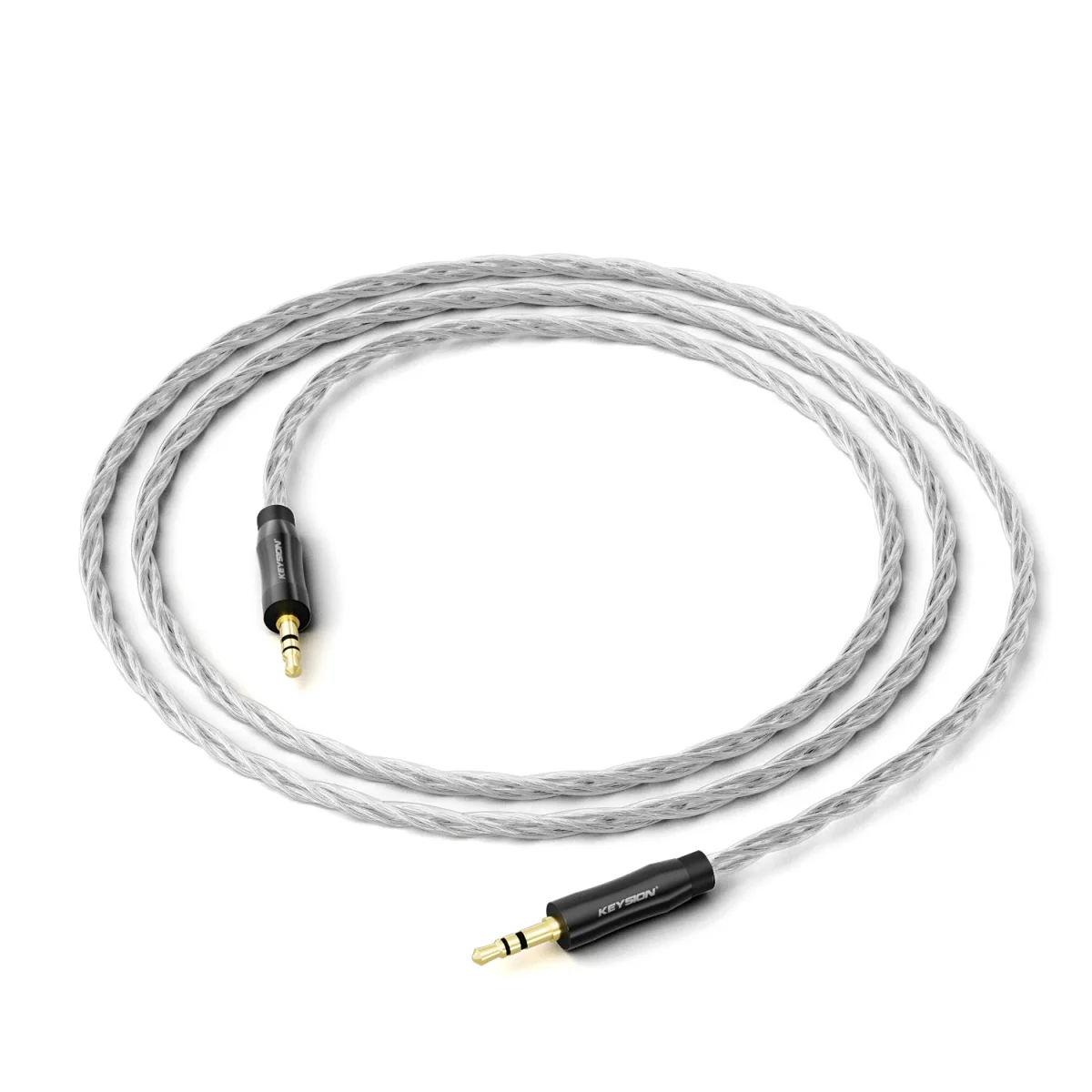
If the phone has no jack, an AUX cable with a built-in DAC is the simple answer: USB-C in, a small decoder inside the cable converts to analog, then into the head unit. These cables depend on the phone and are not universally driver-free. The S1 is documented in this AUX decoder cable note, and the product page is HiFi oxygen-free copper AUX cable S1.
1-1.5 m is enough. A longer cable acts as an antenna in the car and collects noise; route it away from the lighter socket, inverters and amplifier power leads. 4N OFC and silver plating mainly buy corrosion resistance and stable contact in a car, not a transformed sound. For a short, well-shielded run, see the HiFi silver-plated OFC AUX cable; to take digital audio from the phone into an AUX input, pair a dual USB-C OTG cable with a DAC-equipped device.
Which connection fits your use?
| Situation | Better option | What it means for you |
|---|---|---|
| Older car, music only, phone has a headphone jack | AUX | Lowest cost; the ceiling is set by the phone output |
| Daily commute with navigation and calls | Bluetooth | One less cable; delay barely affects navigation |
| Head unit supports CarPlay or Android Auto | USB or wireless projection | Digital audio and charging at the same time |
| No phone jack, no Bluetooth in the car | AUX cable with a DAC | Adds an analog input the head unit lacks |
| Video or games in the car | USB first, low-latency Bluetooth second | Lip sync matters more than raw sound quality |
Three common claims, and where they hold
"AUX always beats Bluetooth" holds only when the phone output level matches the head-unit input. Phone jacks often run low, and pushing the volume to the top adds distortion. Bluetooth compression leaves grit in the upper mids, but road noise covers part of it.
"A more expensive cable is better" ignores the electrical environment. Contact plating, shield coverage and cable routing matter more in a car than copper purity.
"USB is digital, so it must be best" is not guaranteed. The signal still passes through the head unit's own DAC and amplifier. In a car with a basic head-unit DAC, USB does not automatically beat AUX.
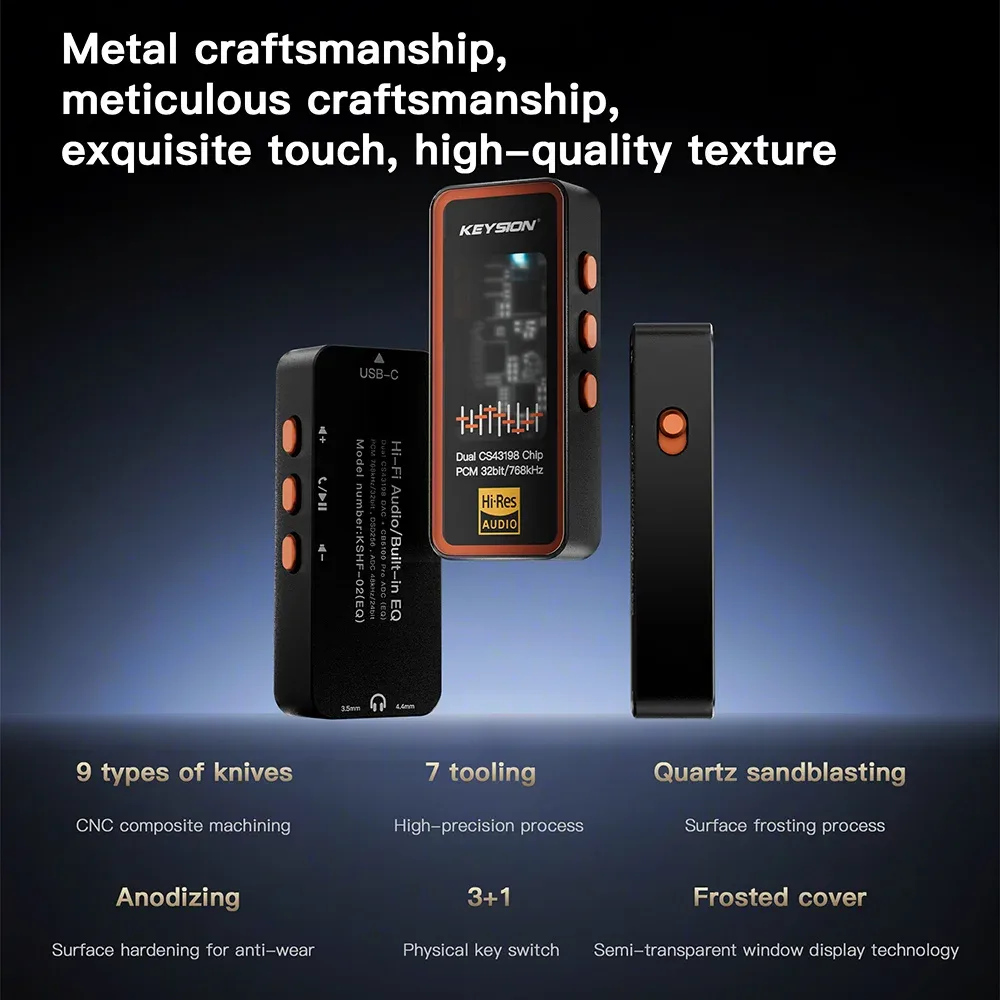
About the author: KEYSION audio editorial team. We test portable DACs, AUX cables and adapters across phones and head units, cross-checking with the S1, KSHF-02 and several Android and iPhone models. The latency figures above come from published codec specifications and ranges measured on common head units; individual cars vary, so treat your own repeat test as the reference.
FAQ
My car AUX has a whine. What should I check first?
Unplug the charger and listen. If the whine disappears, it is likely a ground loop; try an isolated adapter or improve the ground. If it stays, swap in a known-good AUX cable and check that the plug seats fully and the contacts are clean.
Is Bluetooth audio delay in a car normal?
Yes. SBC and AAC on most head units run at 100-300 ms. Navigation prompts are spoken ahead of the turn, so they are barely affected; video shows lip-sync error past 150 ms.
Why does my phone only charge over the car USB port?
The port may only read USB sticks and charge, without USB audio. Check the head-unit menu for CarPlay, Android Auto or USB audio, then check the phone USB configuration and OTG state.
Does a longer AUX cable hurt sound in a car?
A long cable picks up more noise and behaves like an antenna in the cabin. 1-1.5 m is enough; beyond 3 m, shield quality and routing matter more than copper purity.
Is car Bluetooth or AUX better for sound?
It depends on the phone output, the head-unit input and the codec. AUX avoids one compression stage, but a low phone output can distort. Bluetooth is convenient, and its compression leaves grit in the upper mids that road noise partly masks.
Related products
Related articles