One Headphone Channel Silent or Quieter? The Check Order from Plug to Cable to DAC
- Why check the plug before blaming the driver?
- Swap the earbuds: which side does the fault follow?
- How much fake imbalance can an ear tip seal create?
- Which source and system settings change left and right?
- Test tone and multimeter: narrow it to one cable section
- Replace the cable, the adapter, or send it in?
If one side is silent, check that the plug is fully seated and that the cable is not bent at the connector. If both sides play but one is quieter, swap the left and right earbuds first, then turn off mono audio and channel balance in the phone or computer settings. Most channel faults come from contacts, ear tip seal and software settings; a failed driver is less common than people assume. Here is the check order, from the cheapest step to the most expensive.
Why check the plug before blaming the driver?
A 3.5 mm plug that stops half a millimetre short can misalign the ring and sleeve on a four-pole TRRS connector. On a phone this often shows up as one dead channel, or both channels playing with thin vocals. A case cutout that is too small, or a short adapter plug, can hold the plug out of the socket. Balanced 4.4 mm plugs behave the same way: without full insertion, the left and right contacts make poor contact.
Pull the plug out, push it back until you hear the click, then play something. Test on a second device: a computer, a DAP, another phone. If both devices are off, the fault sits in the headphone or cable. If only one is off, look at that socket or its settings. Pinout differences are covered in TRRS and TRS headset wiring.
Swap the earbuds: which side does the fault follow?
On a headphone with detachable cables, swap the left and right earbuds in your ears. Do not reverse the cable. A dead channel that follows the earbud points to the driver or shell; one that stays on the same side points to the cable, the connector or the source.
| What you hear | More likely cause | What it means for you |
|---|---|---|
| One side dead, sound returns when you wiggle the plug | Oxidised or loose contact in the plug or socket | Clean the contacts and try another cable before replacing the headphone |
| Same side dead after a cable swap | Broken voice coil wire, solder joint or crossover part | Not a DIY fix; repair or replace the driver |
| Both play, one side always 1-3 dB lower | Driver sensitivity tolerance or ear tip seal | Change tips and reseat first, then judge |
| Imbalance obvious at low volume, fine at high volume | Analog potentiometer tracking error at the bottom of its range | Control volume from the OS or an external DAC |
| Only a few tracks sit off-centre | The recording's own panning | Not a hardware fault |
How much fake imbalance can an ear tip seal create?
In-ear models react strongly to seal. A tip one size too small lets low bass escape through the gap, so that side sounds thin. Left and right ear canals differ, and the same tip seals differently on each side. A 3-6 dB difference in the low end is common.
Midrange level differences of about 1 dB are audible to most listeners, and 2-3 dB is clear. A phone sound level app gives relative readings only: an uncalibrated mic can be several dB off, yet the left-right difference from one measurement still tells you something. To rule out seal, fit new tips of the same size, swap the earbuds and listen again, then switch on mono mode. That is faster than staring at specs. Tip materials are compared in ear tip material and sound.
Which source and system settings change left and right?
Mono audio in phone accessibility settings sums both channels, and some models add a balance slider. Windows sound properties include a left-right balance. A few players and gaming headsets apply virtual surround that shifts level between sides. Bluetooth sets drop a side when used in single-ear mode, when multipoint switches devices, or when one earbud has much less charge.
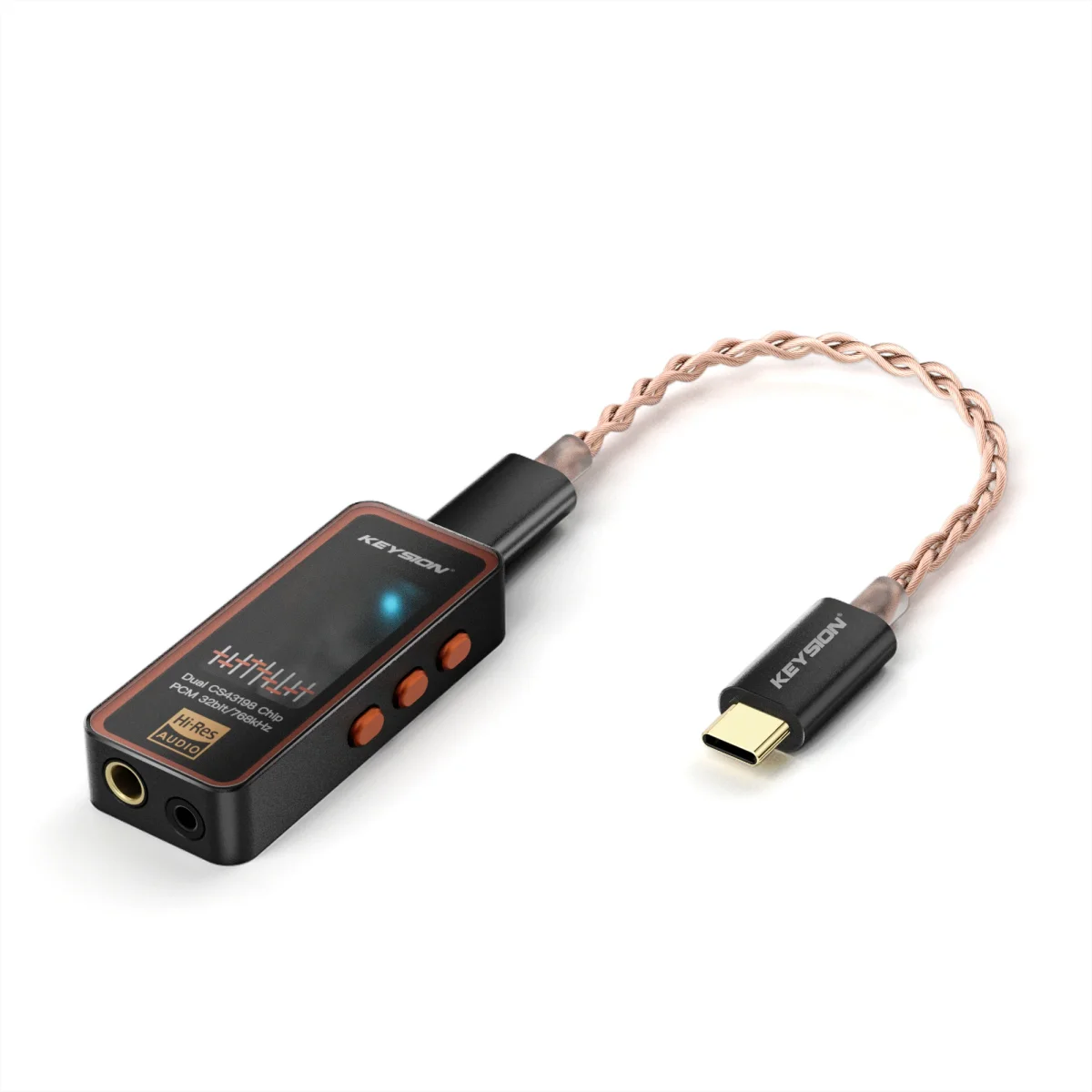
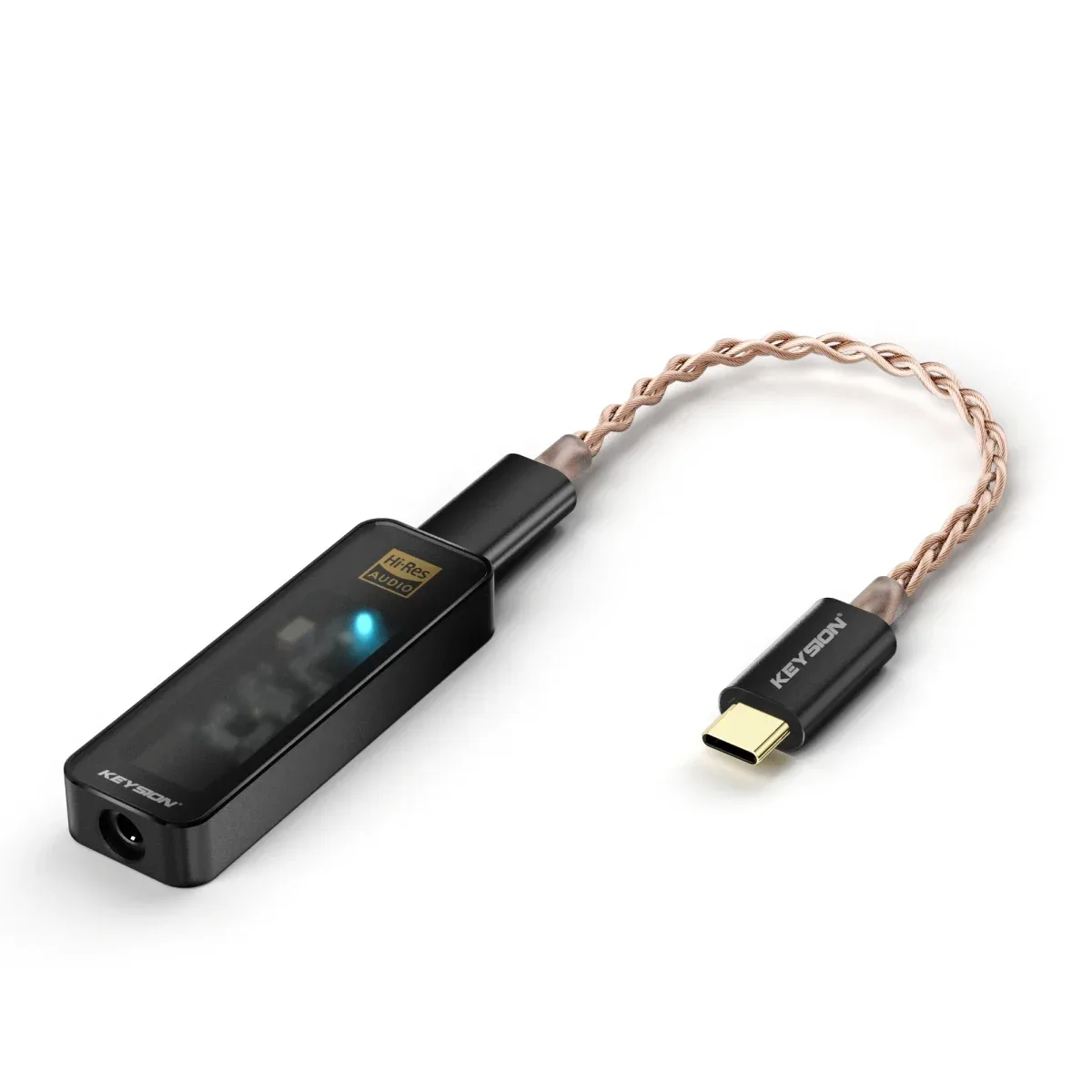
Turn off effects, EQ and spatial audio, then replay a familiar mono recording. On a computer, route the output through a KSHF-01 portable DAC for a test, bypassing the motherboard audio, and see whether the imbalance remains.
Test tone and multimeter: narrow it to one cable section
Play a 1 kHz mono test tone and listen to each channel with the same ear in turn. That is easier to judge than wearing both earbuds. With a multimeter, check continuity and DC resistance at matching contacts on both ends of the cable. A 1.2 m 3.5 mm cable usually measures under 1 ohm per channel; an oxidised connector reads a few ohms, and a broken strand reads open.
| Check | Rough reference | What it means for you |
|---|---|---|
| Left-right level difference | Under 1 dB | Hard to hear for most people, usable |
| Left-right level difference | 2-3 dB | Audible, worth fixing |
| Left-right level difference | Above 6 dB | Clear fault or a badly leaking seal |
| Cable DC resistance, one channel | Under 1 ohm at 1.2 m | Contacts are fine |
| Cable DC resistance, one channel | Above 2 ohm or unstable | Oxidised contact or a strand about to break |
These figures are typical ranges for common gear, not a bench calibration of every unit. A faulty bias supply on an electrostatic headphone, or a wrinkled planar diaphragm, will not show up on a multimeter. Those go to repair.
Replace the cable, the adapter, or send it in?
An MMCX joint loosens with use. Clean it, and if contact is still poor, replace the cable. Watch polarity on 0.78 mm two-pin connectors: a reversed plug puts the channels out of phase and the bass sounds hollow. On a fixed-cable model with a break at the plug boot, fit a new plug if the housing allows it; otherwise replace the cable. A broken coil wire or torn diaphragm will not be fixed by a cable.
For spares, the 16-strand 4N OFC upgrade cable suits in-ear models with detachable cables, and a HiFi jack adapter helps when you compare outputs. Find the faulty section first; that costs less than buying a pile of parts.
About the author: KEYSION Audio Editorial. We test portable DACs, upgrade cables and adapters for compatibility, cross-checking with the KSHF-01 and KSHF-02 DACs and several detachable-cable earphones. The level and resistance figures above are typical ranges from common gear, not lab calibration of every unit. Trust your own measurements for your own pair.
FAQ
One headphone side is dead but comes back when I wiggle the plug. Is the driver blown?
More likely an oxidised or loose contact in the plug or socket than a burnt driver. Reseat the plug twice, then try another cable or device. If both devices behave the same, consider repair.
My left and right differ by about 2 dB. Do I need new headphones?
2 dB is audible, but do not replace anything yet. Check tip size, seal and the system channel balance first; those account for most imbalances. If a fixed difference remains, judge the driver tolerance then.
Where do I turn off mono audio on a phone?
On iOS: Settings, Accessibility, Audio and Visual, Mono Audio. On Android: Settings, Accessibility, Mono audio. Menu names vary by brand. Leave it off for music.
A Bluetooth earbud went silent. Is it the same cause as a wired headphone?
Not quite. Single-ear mode, multipoint switching and a large charge difference between the two earbuds also matter. Swap sides, unpair and reconnect, or put both in the case and take them out again to rule out software.
What resistance should a headphone cable measure?
A 1.2 m 3.5 mm cable usually reads under 1 ohm per channel on a multimeter. A few ohms points to an oxidised connector; an unstable or open reading means a strand is broken or about to break.
Related products
Related articles