How Do You Connect a Wired DAC to an iPhone? Lightning vs USB-C Adapters, Explained (with KEYSION 01, 02 and the OTG Cable)
- The short answer
- Which port does your iPhone have?
- Lightning phones: which camera adapter?
- USB-C phones: is it just plug and play?
- Where does the sample-rate ceiling sit?
- What the OTG cable actually does here
- Ports and accessories, side by side
- Volume and hearing
- What an adapter will not fix
- About the author
The short answer
iPhones have shipped without a 3.5mm jack for years, so a wired DAC has to run through the port. Two cases matter. A Lightning iPhone (14 and earlier, SE included) must go through Apple's camera adapter. A USB-C iPhone (15 or later) plugs in directly. The first path has a power ceiling to watch; the second only needs the right cable.
Which port does your iPhone have?
| Model | Port | Direct USB DAC? | What this means for you |
|---|---|---|---|
| iPhone 14 and earlier (SE included) | Lightning | No, needs an adapter | One more Apple camera adapter, and power to watch |
| iPhone 15 and later (16 included) | USB-C | Yes | Plug a USB-C DAC straight in, the simplest route |
| Some iPad models | USB-C or Lightning | Depends on the model | iPads usually have more power headroom, so fewer compatibility surprises |
Lightning phones: which camera adapter?
Apple makes two. The Lightning to USB Camera Adapter gives you a single USB-A port. The Lightning to USB 3 Camera Adapter adds a Lightning pass-through, so the phone can charge at the same time. The DAC sits in the adapter's USB-A port, which means you also need a short USB-A to DAC cable. KEYSION does not make that short cable, so plan to supply one.
The on-screen message about an accessory drawing too much power is common, and it means the DAC wants more current than the Lightning port will give. Apple's advice is to move to the USB 3 adapter and connect a charger rated 12W or higher, with 20W safer, or to insert a powered USB hub. In third-party tests, most dongles pull tens of milliamps, with one record around 80mA, but models with a display or two chips draw noticeably more.
USB-C phones: is it just plug and play?
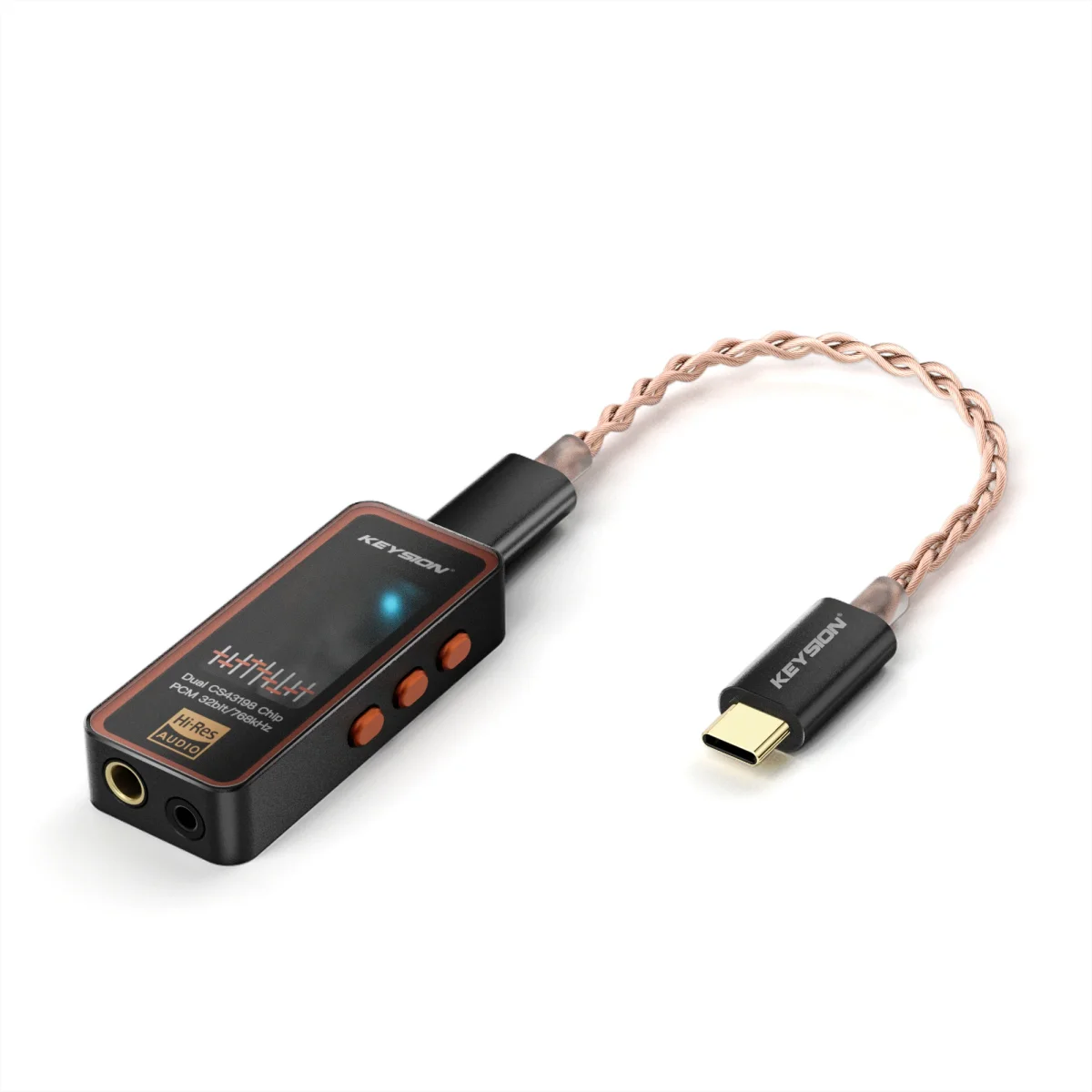
From the iPhone 15 onward you can plug a USB-C DAC straight in, with no adapter. A DAC such as the KSHF-02 is recognised on connection and the sound comes out of the DAC. Two things are worth knowing: the standard iPhone 15 and 16 run their USB-C port at USB 2 speeds, capped at 480Mb/s, while Pro models carry USB 3 at up to 10Gb/s. Audio needs far less than 480Mb/s, so neither changes what you hear. The phone also powers the DAC, so battery drops faster than usual; for long sessions, charge while you listen.
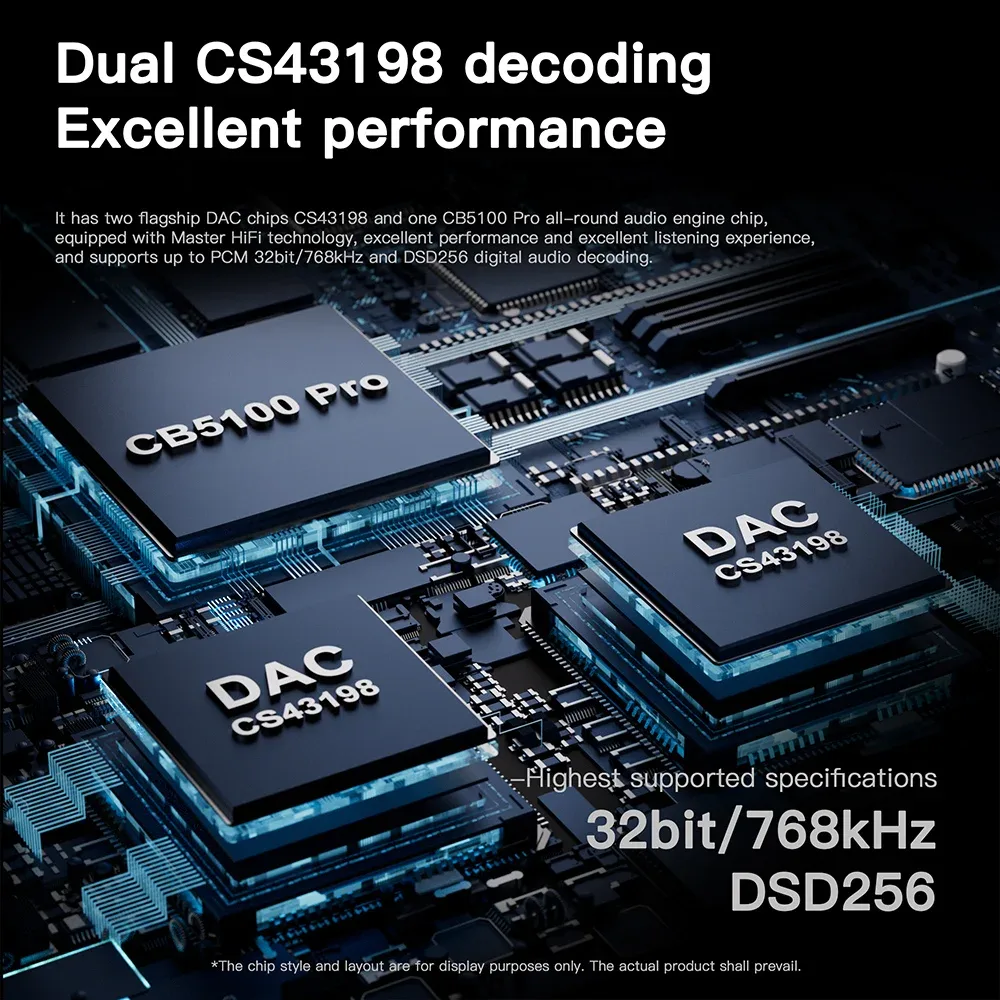
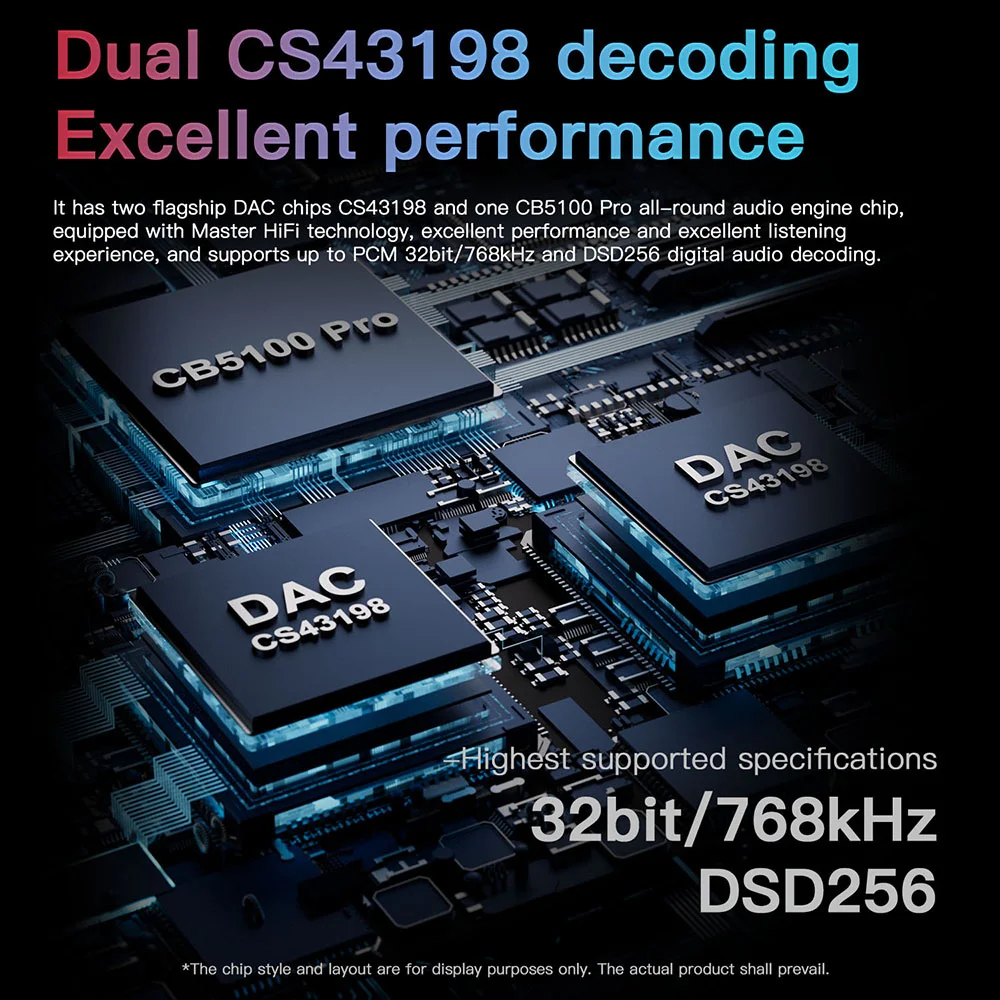
The KSHF-01 sells at CNY 219 (USD 33) and the KSHF-02 at CNY 349 (USD 53). Both handle DSD256 in hardware; the differences sit in the PCM ceiling, 384kHz against 768kHz, and in headroom for harder-to-drive headphones.
Where does the sample-rate ceiling sit?
The ceiling belongs to the apps and the system, not to the DAC. Apple Music tops out at 24-bit/48 kHz for lossless, and anything above 48 kHz — Hi-Res Lossless at 24-bit/192 kHz — requires an external DAC. That is Apple's own documented condition, and the analog output on an iPhone cannot reach it on its own. Once a DAC is connected, it handles the rate switching; there is no desktop-style audio settings panel to change by hand. Whether a third-party app can output a higher rate depends on whether it feeds the external device properly, so plugging in a cable is not a guarantee.
What the OTG cable actually does here
A USB-C to USB-C OTG cable such as the KSHF-YCX, at CNY 59 (USD 9), is for extending and bridging. First, the limit: a dual Type-C cable cannot serve a Lightning iPhone at all. That path runs on Apple's adapter plus a USB-A cable.
On a USB-C iPhone, the phone usually recognises a DAC without any OTG identification resistor, but cable quality still affects power stability. Thin conductors with higher resistance can sag at the moment the DAC powers up, which shows up as dropouts or a rising noise floor. The aluminium housing and silver-plated oxygen-free copper strands address shielding and contact reliability; they do not improve sound on their own. How OTG cables affect power and sound lays out a finer test method, and USB OTG compatibility checks covers what to try when nothing is detected.
Ports and accessories, side by side
| Your port | What to get | What this means for you |
|---|---|---|
| Lightning | Apple camera adapter (USB 3 version preferred) plus a short USB-A to DAC cable | The dual Type-C OTG cable is useless here, so bring your own short cable |
| USB-C | A USB-C DAC, or a dual Type-C OTG cable | Plug in directly, with no OTG resistor to think about |
Volume and hearing
With an external DAC connected, the iOS volume keys usually still control digital level, and some DACs add their own gain stages. At night, keep volume near ordinary conversation level and take a break after an hour. That habit protects your hearing more than any purchase, and safe listening levels covers the numbers.
What an adapter will not fix
If one channel is silent or nothing happens on plug-in, swap the cable, the port and the app before blaming the DAC. The power ceiling on a Lightning iPhone is a hardware limit, so an over-demanding DAC needs a powered adapter. And an iPhone will not switch sample rates freely or load drivers the way a computer does; when compatibility bites, a system update often lands sooner than a working set of tweaks.
About the author
Written by the KEYSION editorial team. The statements about camera-adapter power, Apple Music's lossless sample-rate ceiling and the USB-C data bandwidth on iPhone models come from Apple's own support documents and model specification pages; current figures come from third-party tests; DAC specifications follow the product pages.
FAQ
Does an iPhone 15 still need an adapter for a DAC?
No. On iPhone 15 and later, a USB-C DAC plugs straight into the port and is recognised immediately. Only Lightning models must go through Apple's camera adapter.
My Lightning iPhone says the accessory uses too much power. What now?
That means the DAC wants more current than the Lightning port provides. Switch to the Lightning to USB 3 Camera Adapter and connect a charger of 12W or more, 20W being safer, or put a powered USB hub in between.
Can an iPhone output 24-bit/192 kHz?
Yes, but only through an external DAC. Apple Music caps lossless at 24-bit/48 kHz, and Hi-Res Lossless at 24-bit/192 kHz requires an external DAC, because the iPhone's own analog output cannot reach it.
Can a dual Type-C OTG cable work with a Lightning iPhone?
No. Dual Type-C cables apply to USB-C models only. The Lightning path needs Apple's camera adapter plus a short USB-A to DAC cable, and KEYSION does not sell that short cable.
Why does battery drain faster with an external DAC?
The DAC draws its power from the phone. Most dongles pull tens of milliamps, but models with an always-on display or two chips draw much more, so runtime drops accordingly. For long sessions, charge while listening.
Related products
Related articles