Complete Guide to Connecting Android Phones to DACs: OTG, USB Exclusive, Power and Disconnection Troubleshooting
A portable DAC (dongle) for phones is currently the most cost-effective way to upgrade sound quality, but the details of Android connection often trip people up on the first try. This article explains the entire OTG connection process and common issues in one go.
Power Supply Basics
In OTG connection, the phone serves as both the audio source and the power supply. The power consumption of dongle DACs is low, so continuous use for several hours has a manageable impact on battery life. However, high-power devices like the 02 Pro consume significant power when driving headphones at high gain. For prolonged desktop use, it is recommended to charge the phone while in use (some devices support direct power) or have a power bank ready.
Troubleshooting Checklist
| Symptom | Most Likely Cause | Solution |
|---|---|---|
| Not recognized at all | OTG permission not enabled / Cable lacks data wires | Check permission in Developer Options; try a cable with data support |
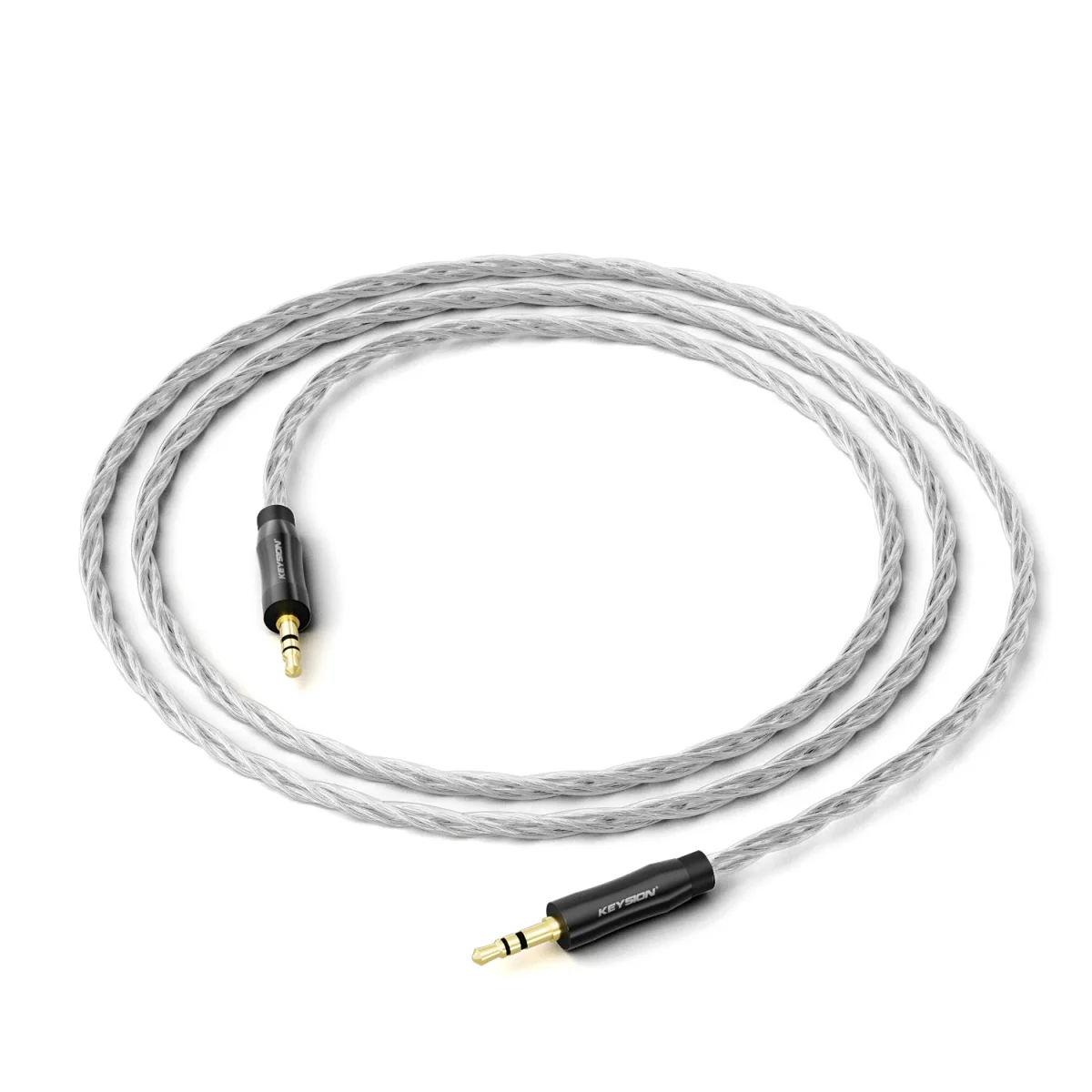
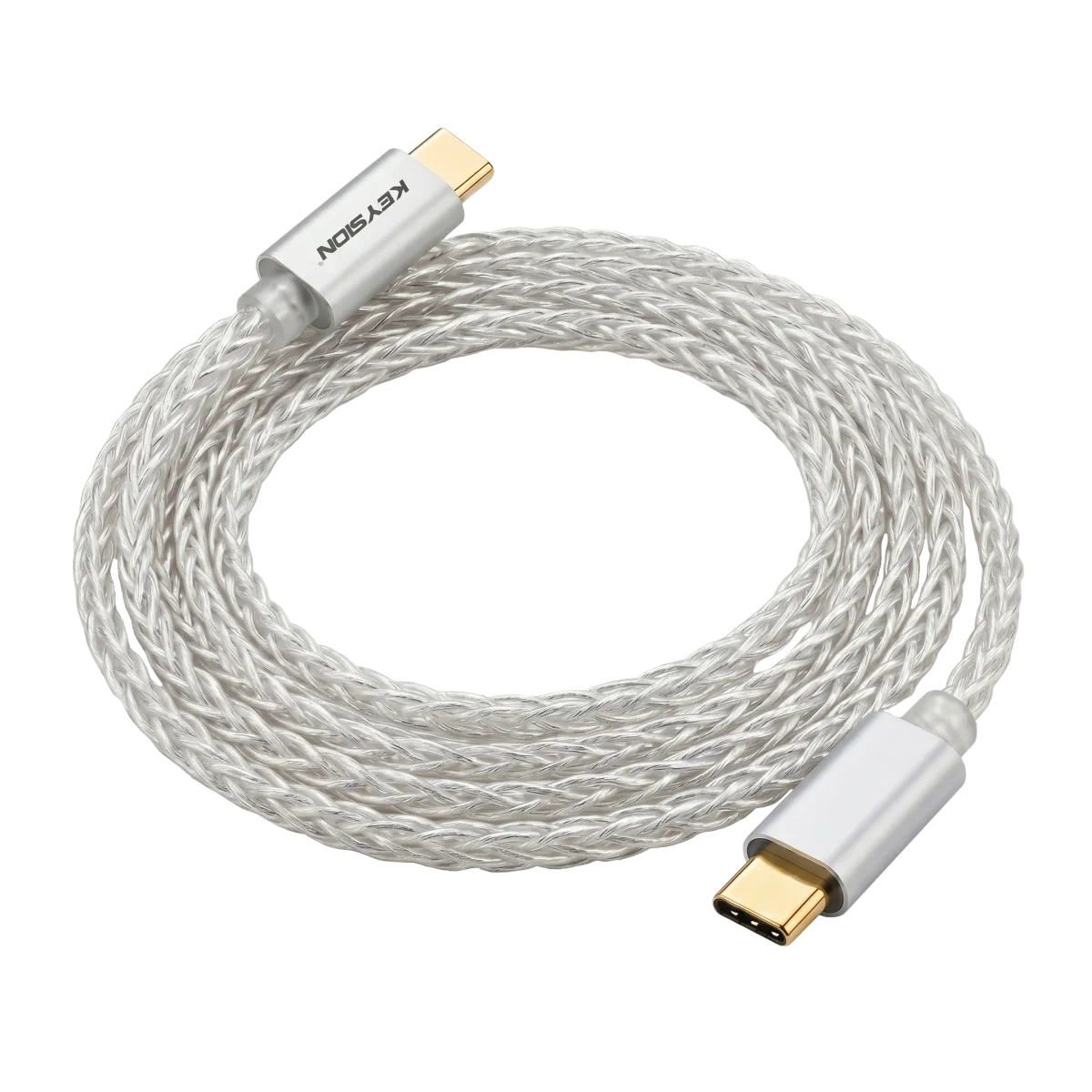
| Intermittent connection | Poor contact / Power fluctuation | Use a high-quality OTG cable with gold-plated connectors; avoid straining the cable |
| Noise or popping sounds | Exclusive output not enabled / Sample rate mismatch | Enable USB exclusive in the app; check sample rate settings |
| Muffled or blurred sound | System audio mixing involved | Same as above; exclusive output is key |
By the way, for iPhone: USB-C models (15 and later) can connect directly to the dongle; Lightning models need the official camera adapter solution. Compatibility depends on the device.
FAQ
Do all Android phones support external DACs?
Since Android 5, system-level support for USB Audio exists; models from recent years basically work. Some heavily customized ROMs require manually enabling USB audio routing.
What is USB exclusive output?
A mode that gives the player exclusive access to the DAC, bypassing the system mixer. System sounds and key tones won't mix into the audio stream; it's a key setting for mobile HiFi.
Can I charge and listen to music at the same time?
Depends on whether the decoder has a separate power port or bypass charging. Devices with a single Type C port occupy the phone's port, preventing simultaneous charging; in desktop scenarios, an expansion solution with PD bypass can be used.
Can the included OTG cable be used?
It works in an emergency. The included cable is often designed for charging priority, with varying data and power specs. If there is disconnection or noise, replacing it with an audio-grade OTG cable (such as YCX) is the first troubleshooting step.
Related products
Related articles