Headset Mic Not Working? CTIA vs OMTP Wiring: What Differs and How to Tell (with the KEYSION Mic01)
A headset mic that goes silent after you plug it in is usually not broken. The mismatch is in the wiring standard of the 3.5mm plug. Phones, laptops and handhelds use CTIA wiring; a few older devices (pre-2010 feature phones, some recorders and two-way radios) use OMTP. The plugs look the same and audio still plays, but ground and mic are swapped, so one channel often sounds thin or dead and the microphone does nothing.
What actually differs between CTIA and OMTP pins?
A 3.5mm four-pole (TRRS) plug has four metal segments: Tip, Ring1, Ring2, Sleeve. CTIA orders them Left, Right, Ground, Mic. OMTP swaps the last two to Left, Right, Mic, Ground.
| Position | CTIA (mainstream) | OMTP (older devices) | What it means for you |
|---|---|---|---|
| Tip | Left L | Left L | Identical on both standards |
| Ring1 | Right R | Right R | Wired the same |
| Ring2 | Ground GND | Mic MIC | This segment decides whether the mic works |
| Sleeve | Mic MIC | Ground GND | Swapped, the mic shorts to ground and most phones mute it |
Put simply: with a CTIA host and an OMTP headset, the right channel and the mic bleed into each other's return path, so audio can sound thin or collapse to one side.
How do I tell which wiring my headset uses?
- Count the rings on the plug. Three (TRS) means no microphone, so this issue does not apply. Four (TRRS) is where it can.
- Cross-test. Plug into a phone you know is fine. If the mic works there, your headset likely matches that phone's standard.
- With a multimeter, check continuity between Sleeve and Ring2 against ground. This is advanced and optional.
- The quick route is to try a cable with a known wiring standard and confirm by elimination.
Will an adapter fix it?
Yes, if you pick the right direction. A CTIA-to-OMTP adapter simply swaps the ground and mic lines. A passive adapter adds negligible resistance and does not change sound quality.
If your real issue is a different plug size (6.35mm to 3.5mm, single-ended to 4.4mm), that is a mechanical fit problem unrelated to wiring. See our notes on do headphone adapters ruin sound quality.
Which devices still use OMTP?
- Feature phones and early smartphones from around 2010 and before, Nokia and some older Samsung models in particular.
- A small number of recorders and two-way radios.
- Some older laptops.
Phones, tablets, laptops and handhelds shipped in recent years are almost all CTIA. One rule covers it: buy CTIA cables for new gear, and keep one adapter around for older devices.
A quick buying checklist
- Host is a phone, laptop or handheld: pick a mic cable wired for CTIA.
- Host is an older device: add a CTIA-to-OMTP adapter.
- You only listen and never need the mic: a three-pole TRS cable skips the whole issue.
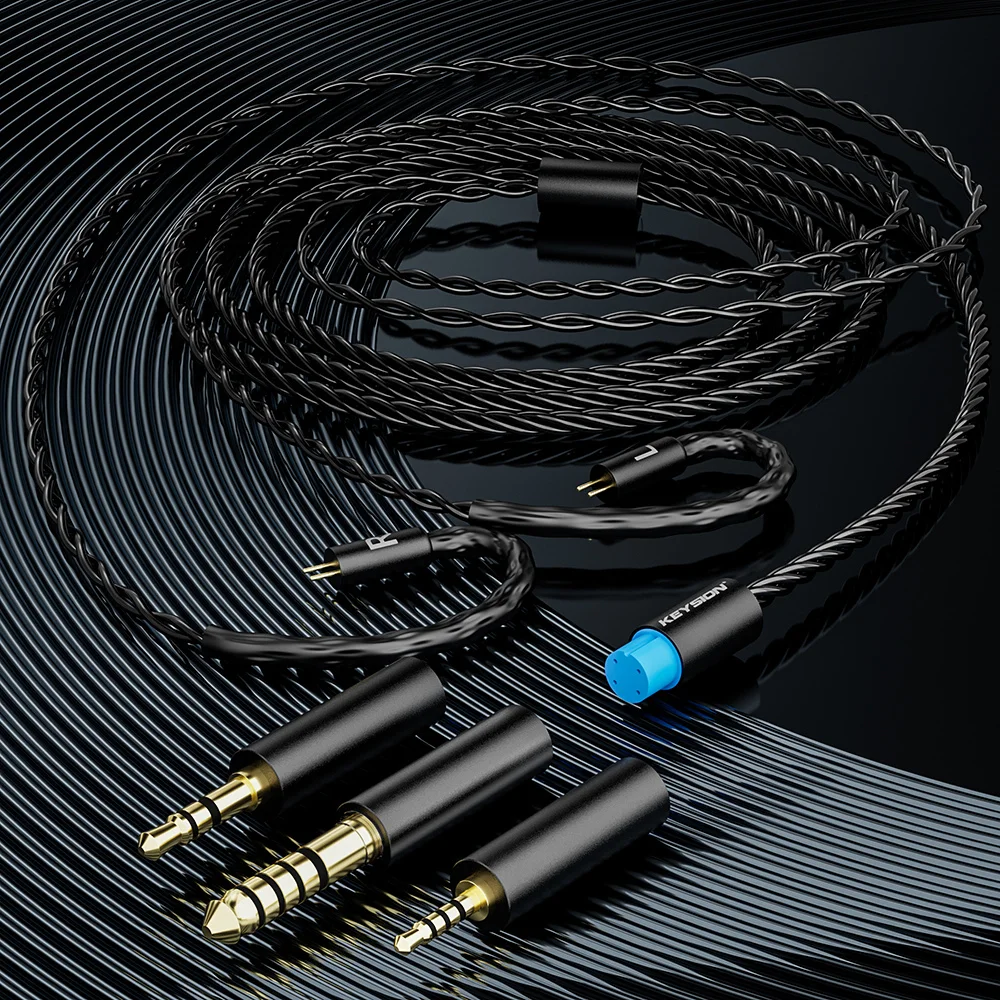
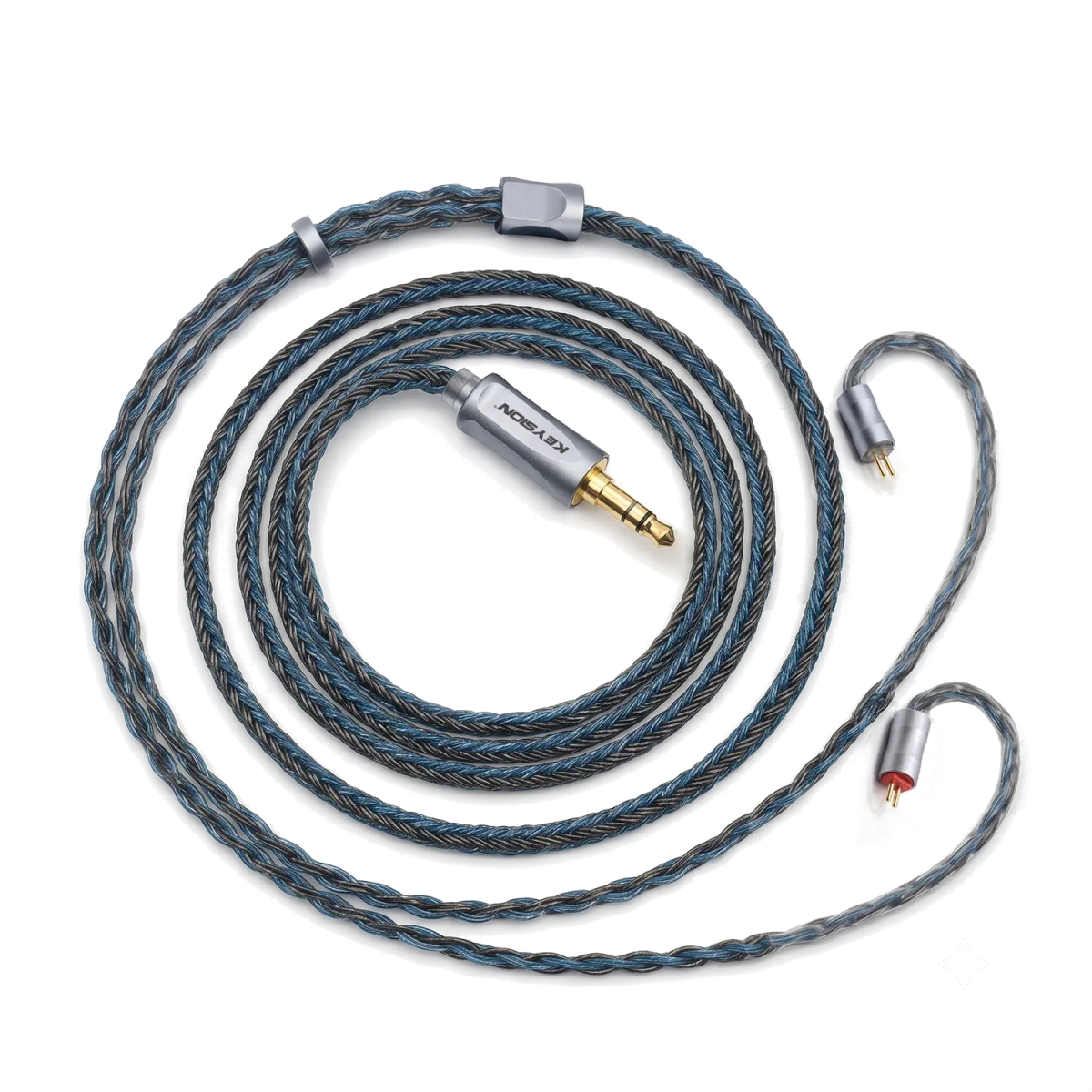
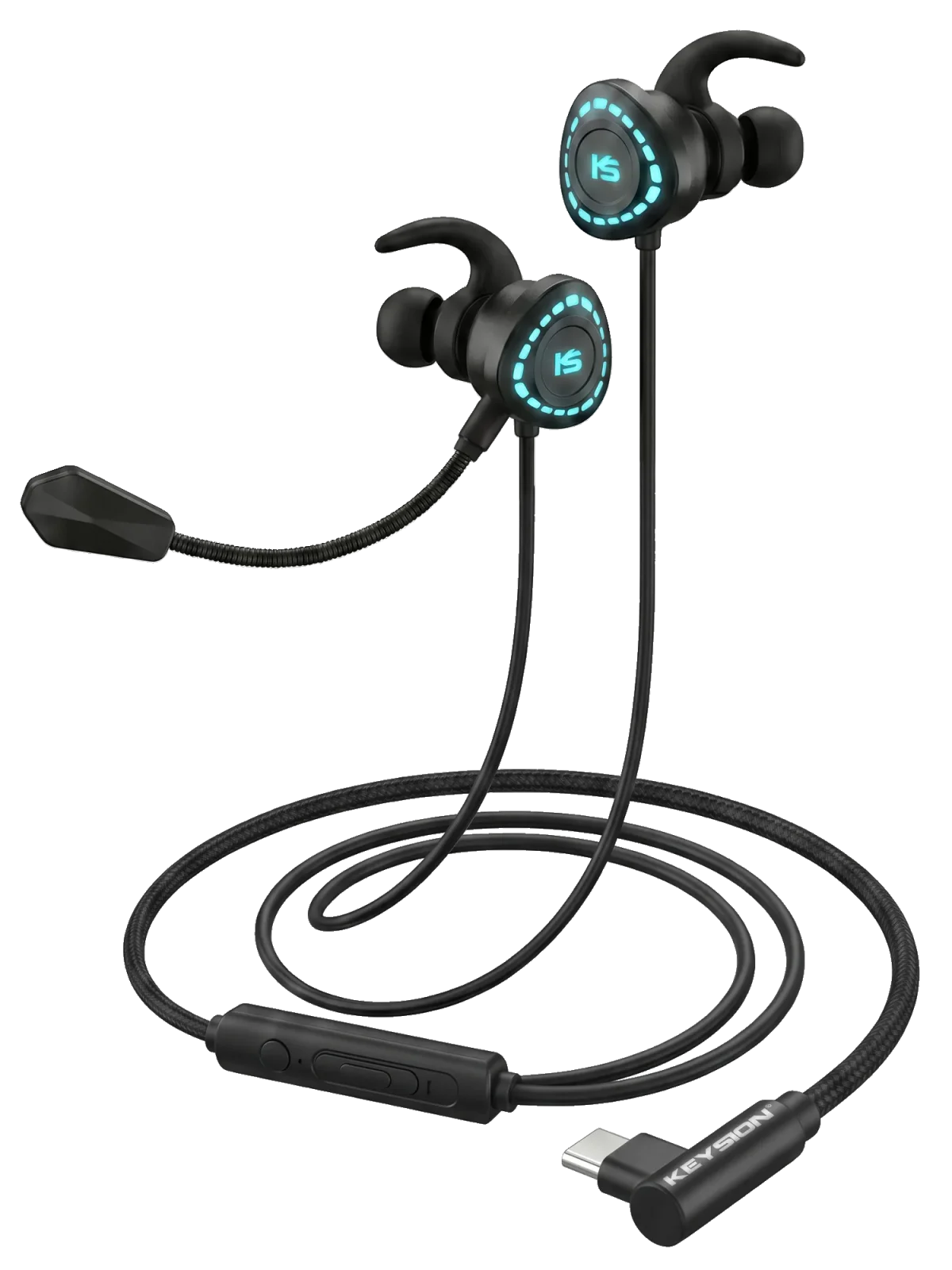
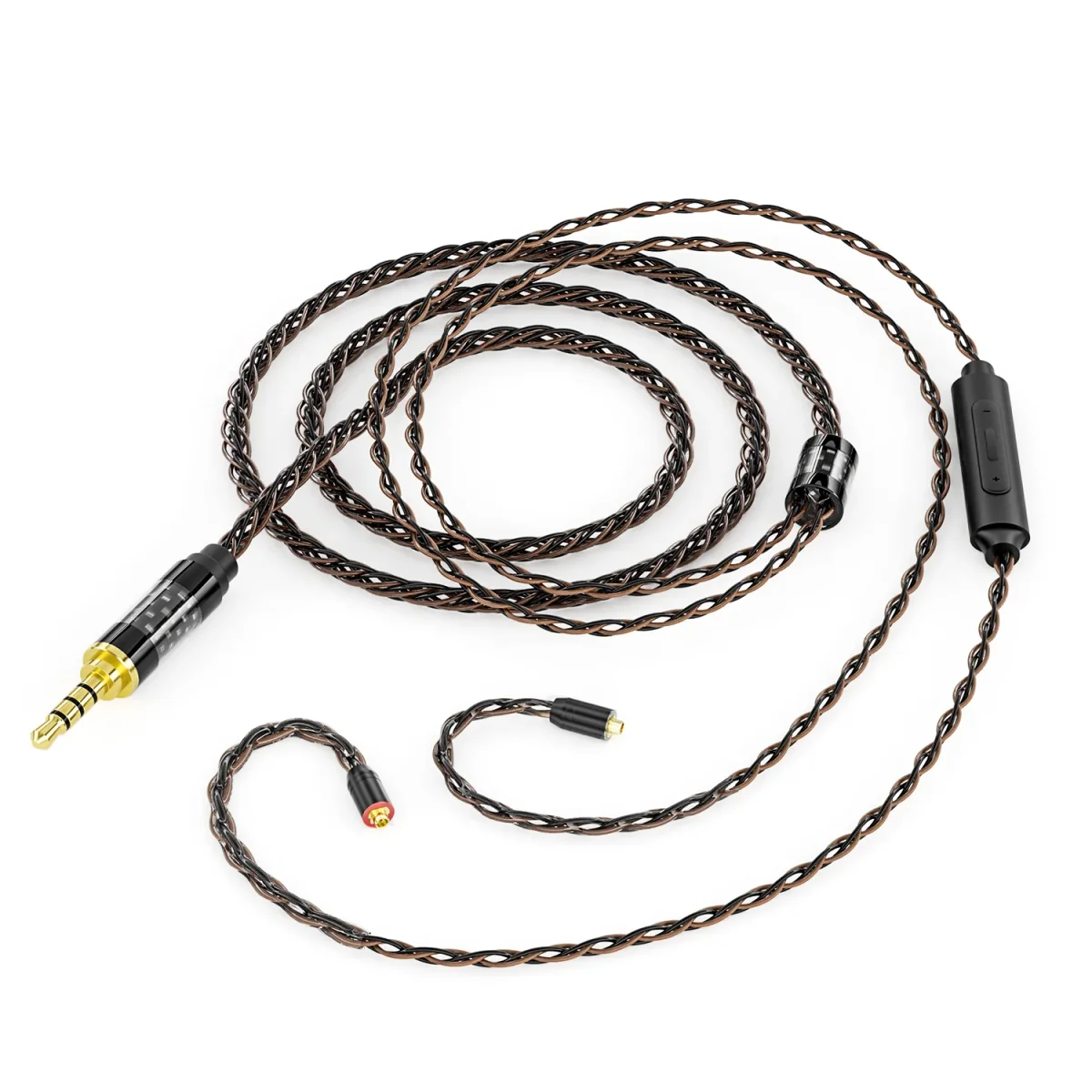
For a mic cable such as the KEYSION Mic01, the product page states its wiring standard. If you want a straight cable with no microphone, the 3in1 upgrade cable is a three-pole audio option. For plug-size changes, the J2Jack01 adapter covers 3.5mm and 6.35mm.
Author: the KEYSION content team. These notes draw on the public 3.5mm TRRS standard and hands-on troubleshooting; we still suggest confirming wiring by testing, since a few vendors ship non-standard devices.
FAQ
My headset plays on one side only. Is it broken?
Rarely. Confirm the plug is four-pole TRRS, then test it on a phone whose mic works. If that phone also gives you one side, look at the headset itself.
Which standard do current devices use, CTIA or OMTP?
CTIA is the mainstream choice. Phones, laptops and handhelds shipped in recent years mostly use it. OMTP turns up mainly on gear from around 2010 and older.
How can I quickly tell which wiring my headset uses?
Test the mic on a device you know works; if it works there, it likely matches. Otherwise swap in a cable labelled CTIA and confirm by elimination.
Does a CTIA-to-OMTP adapter hurt sound quality?
Not in any meaningful way. It swaps the ground and mic lines and adds negligible resistance. What shapes sound is the driver and the source, not this adapter.
Can I use a mic headset on a desktop 3.5mm jack?
It depends on the jack layout. Many recent motherboards use CTIA, but desktops often split mic and headphone into separate jacks, so the mic line may not reach. A splitter or adapter usually helps.
Related products
Related articles