Do You Need a 384kHz Gaming Headset? G-Turbo X1 for Mobile Gaming, Tested
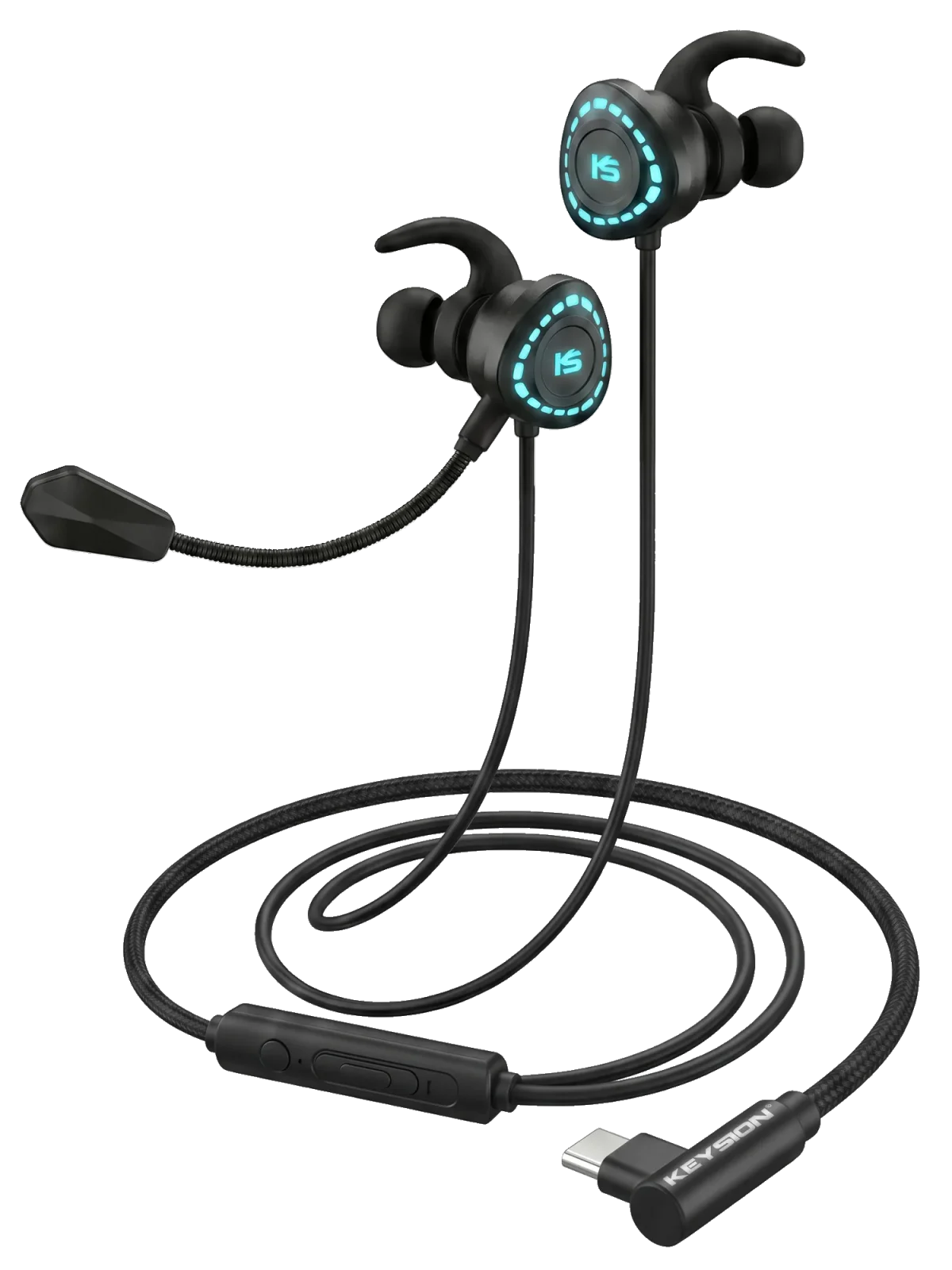
In the mobile gaming voice demand chain, latency and microphone quality of Bluetooth earphones have always been a thorny issue. The X1's solution is to go back to wired: Type C direct connection to the phone, digital transmission with zero latency accumulation, custom chip decodes inside the earphone cable (PCM 384kHz), and dual microphones pick out your voice from the background.
How to Actually Use
Plug-and-play is the main selling point: mainstream Android phones connect directly and produce sound, with voice and game audio going through the same line. The Type C port on computers is also usable. EQ switches by scenario: in FPS, boost mid-high frequencies to hear footsteps; switch back to balanced for watching shows.
Who it suits and who it doesn't
- Suitable for: heavy mobile gamers of Honor of Kings / Peace Elite; students who use phone, tablet, and PC; those tormented by Bluetooth microphone quality.
- Not suitable for: music enthusiasts seeking HiFi sound (earphones at the same price + S2 decoding cable are more suitable); those needing long desktop layouts (1.2m is somewhat short; can pair with YCX OTG cable to extend the digital end).
FAQ
How is X1 better than 3.5mm earphones?
Three points: direct Type-C connection doesn't require a headphone jack on the phone; digital decoding bypasses the noise and interference of the phone's built-in sound card; the microphone uses a digital path, making voice quality more stable.
Can it be used with iPhone?
iPhone with USB-C (15 and later) can be used directly; Lightning models are not compatible.
What does dual microphone mean?
Two microphone units on the headset work with the noise cancellation algorithm to calibrate each other, separating ambient noise from voice, making gaming chat cleaner than single-mic solutions.
Can I use it on a computer?
Yes. Computers with a Type C port can connect directly; desktops with only a round headphone jack are not compatible (X1 is a digital interface, not 3.5mm).
Related products
Related articles