Line Out vs Headphone Out: What Is the Difference, and Can You Plug Headphones Into a Line Out? (with the KEYSION 02 Pro)
Plug headphones into the line output on the back of a player and the sound nearly disappears. Feed powered speakers from the headphone jack and a small turn of the knob shakes the room. Both sockets may be 3.5 mm or RCA, but they were designed for different jobs. A line out sends a fixed-level signal that has not passed a headphone amp; a headphone out is amplified and adjustable. Whether you can run headphones straight from a line out depends on whether that LO is fixed or variable.
What actually differs between LO and PO
A line out is built to hand a clean signal to the next device, assuming that device will do its own amplification. Its output sits at a standard level, roughly -10 dBV to +4 dBu, does not follow the volume knob (variable line outs excepted), and does not account for headphone impedance. A headphone out contains an amp, delivers enough current for low-impedance headphones, and can be adjusted.
| Item | Line out (LO) | Headphone out (PO) | What it means for you |
|---|---|---|---|
| Output level | Fixed (or variable) line level | Tracks the volume knob, wide range | Headphones on LO may be too quiet or too loud |
| Headphone amp | None, or a separate gain stage | Built in | Only PO needs drive and impedance matching |
| Impedance | Aimed at high-impedance loads (about 1 kΩ and up) | Aimed at 16-600 Ω headphones | LO may not supply enough current for low-impedance IEMs |
| Typical use | External amp, powered speakers | Headphones | A wrong jack usually spoils level and tone, not the device |
Why is a line out fixed?
A fixed level gives the next device a consistent input reference. External amps, power amps and recorders all expect a standard-level signal, and their gain staging only makes sense against that. If the line out also followed the volume knob, you would be adjusting level in two places at once, which invites distortion or a lifted noise floor.
So what happens if you plug headphones into a line out?
Two cases. With a fixed line out, the sound is usually too quiet: line level was never meant for low-impedance headphones, and some devices end up thin and light, with little bass. With a variable line out that can supply enough current, it may not sound far off a headphone out, but nothing about the design is optimised for headphone impedance. For how impedance and drive interact, see Output Impedance and Damping.
Will it damage the headphones? Very unlikely. Line-level voltage is normally too low to hurt a headphone. The real risks are a pop when the output jumps from silence to full, or a DC offset in the device. Start with the volume low when driving headphones from an LO.
How to tell an LO from a PO
Read the label first: Line Out, LO and Audio Out are usually line outputs; Phone, Headphone, PO and a headphone icon are headphone outputs. Then test whether the volume knob changes it: if turning the knob leaves the output level unchanged, it is probably a fixed line out. Finally check the manual or spec sheet, which states whether the output is fixed or variable.
When a line out is the right choice
For an external headphone amp or powered speakers, the line out is correct: send the signal at standard level and let the next stage amplify. Driving headphones from an LO only makes sense in two cases: you have no amp and the device's line out happens to be variable with enough current, or you need a quick monitoring setup with higher-impedance headphones.
Wiring a KEYSION 02 Pro, 02 or S2
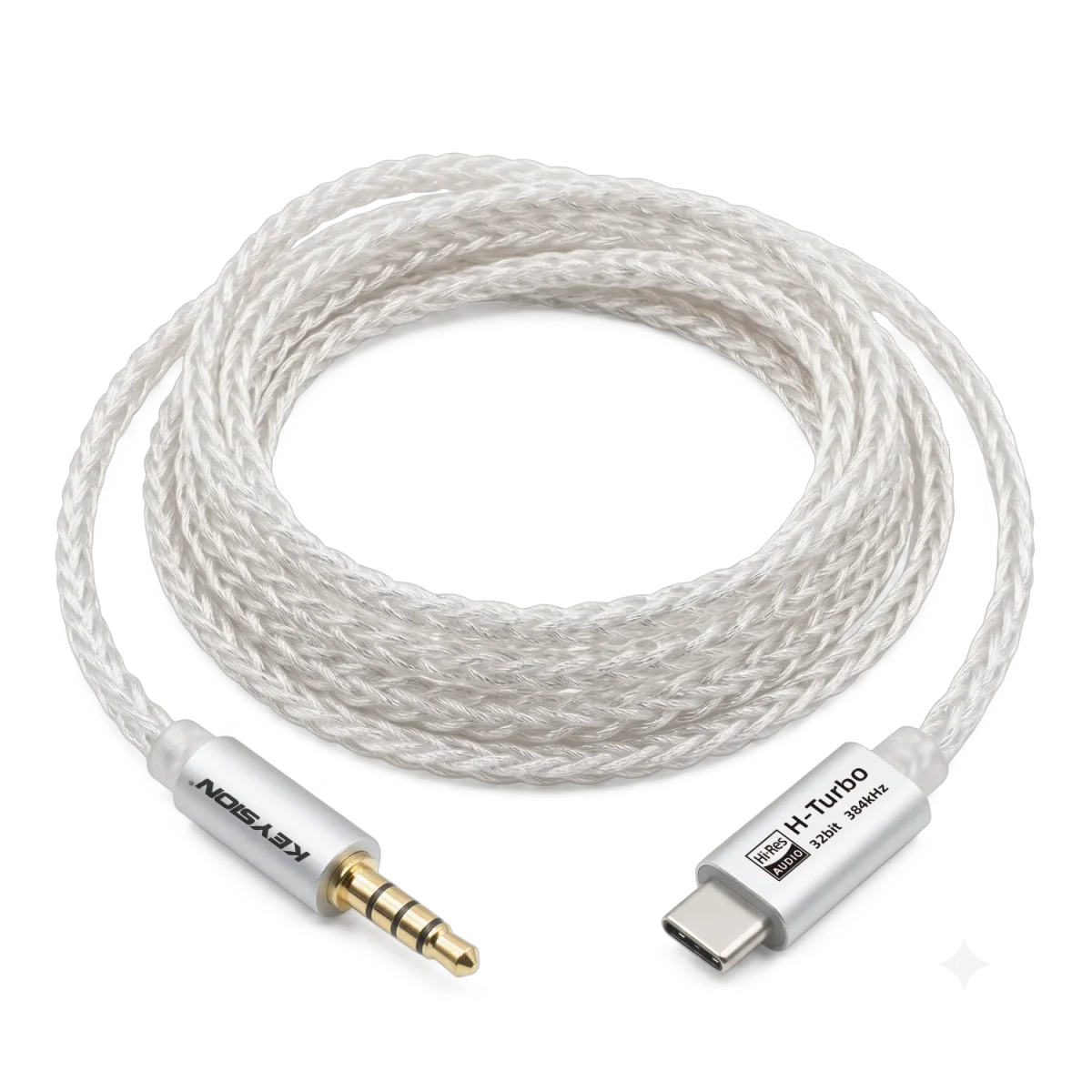
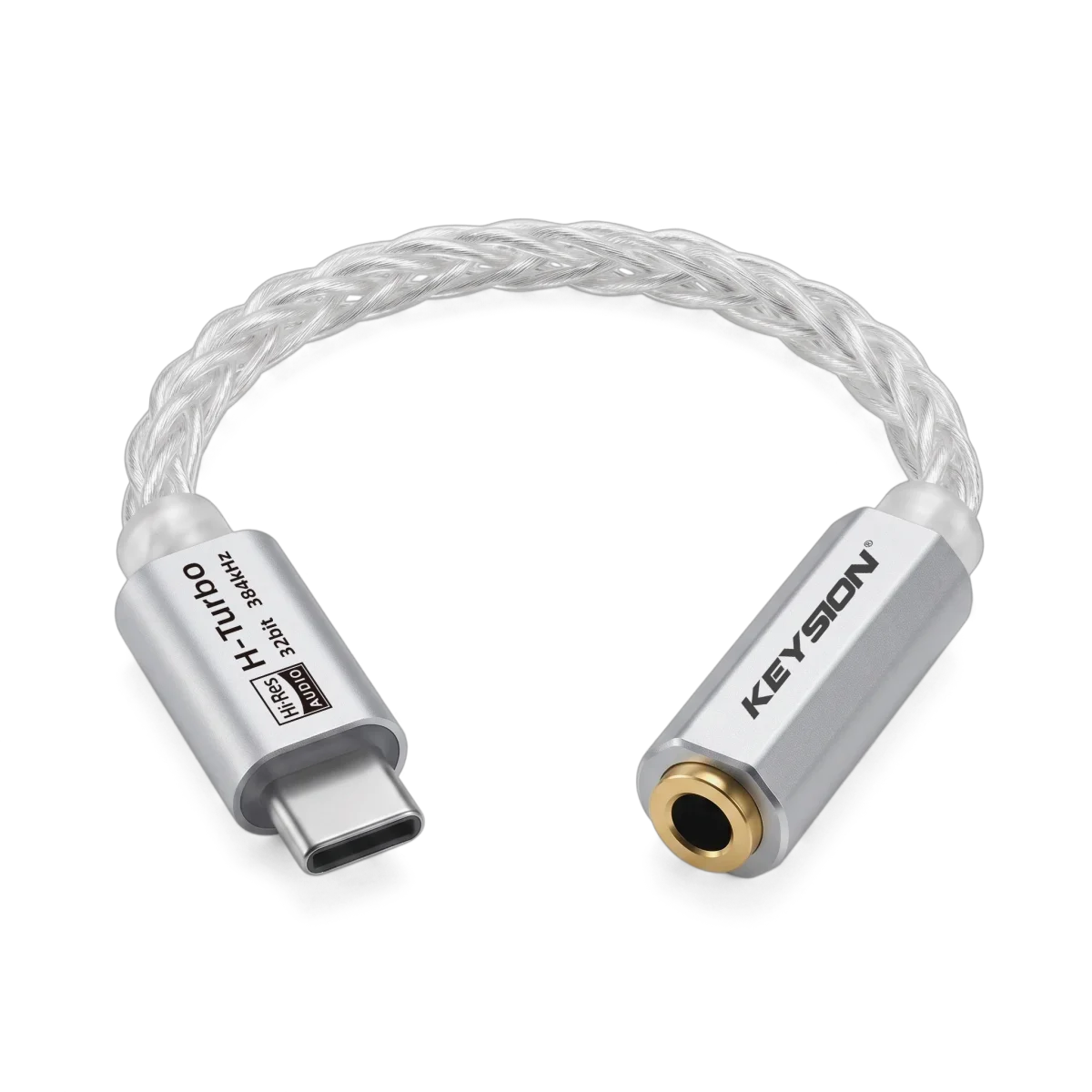
Take the KEYSION 02 Pro. It is itself a DAC and amp, and both its 3.5 mm and 4.4 mm outputs are headphone outputs, so plug headphones straight in; when you want an external amp, use it as the source. The portable H-Turbo S2 follows the same logic: Type C in, 3.5 mm out, aimed at 16-32 Ω headphones.
The LO/PO distinction matters most with desktop DACs or sound cards, which offer a line output for speakers and a headphone output for headphones side by side. Plugging headphones into the line out is a common source of "something sounds off" complaints.
How to connect it, then
Check the labels, then match the purpose: headphones to PO, external amp or powered speakers to LO. Mixing them up usually costs level and tone, not the device. When in doubt, start with the volume low.
Written by the KEYSION audio content team. We test portable DACs with a range of amps and headphones; the 02 Pro, 02 and S2 connector figures here come from our measurements and the official spec sheets. For standard line-level values, refer to each device's manual.
FAQ
Can LO and PO replace each other?
Not really. Headphones go to PO, amps and powered speakers go to LO, and that is the design intent. Plugging headphones into a variable line out may make sound, but drive and impedance are not optimised, so level and headroom are not guaranteed.
Will plugging headphones into a line out damage them?
Very unlikely. Line-level voltage is normally too low to hurt a driver. Watch for a pop when the output jumps from silence to full, and for DC offset. Start with the volume low when driving headphones from an LO.
How do I quickly tell an LO from a PO?
Read the label: Line Out, LO and Audio Out are line outputs, while Phone, Headphone, PO and a headphone icon are headphone outputs. Then turn the volume and see if the output level changes; if it does not, it is likely a fixed line out. The manual settles it.
Which jack for powered speakers?
Use the line out. Powered speakers have their own amp and expect a standard line-level signal. Feeding them from a headphone out adds a second gain stage, which makes volume hard to control and can lift the noise floor.
What if headphones on a line out are too quiet?
First check whether that line out is fixed or variable. A fixed line out cannot be raised at the source, so adding an external headphone amp is the simplest fix. A variable line out can go louder, but watch for distortion and noise.
Related products
Related articles