FLAC, ALAC, WAV, AIFF: What Actually Differs? How the Four Lossless Formats Work, and How to Pick (Tested on KEYSION 02)
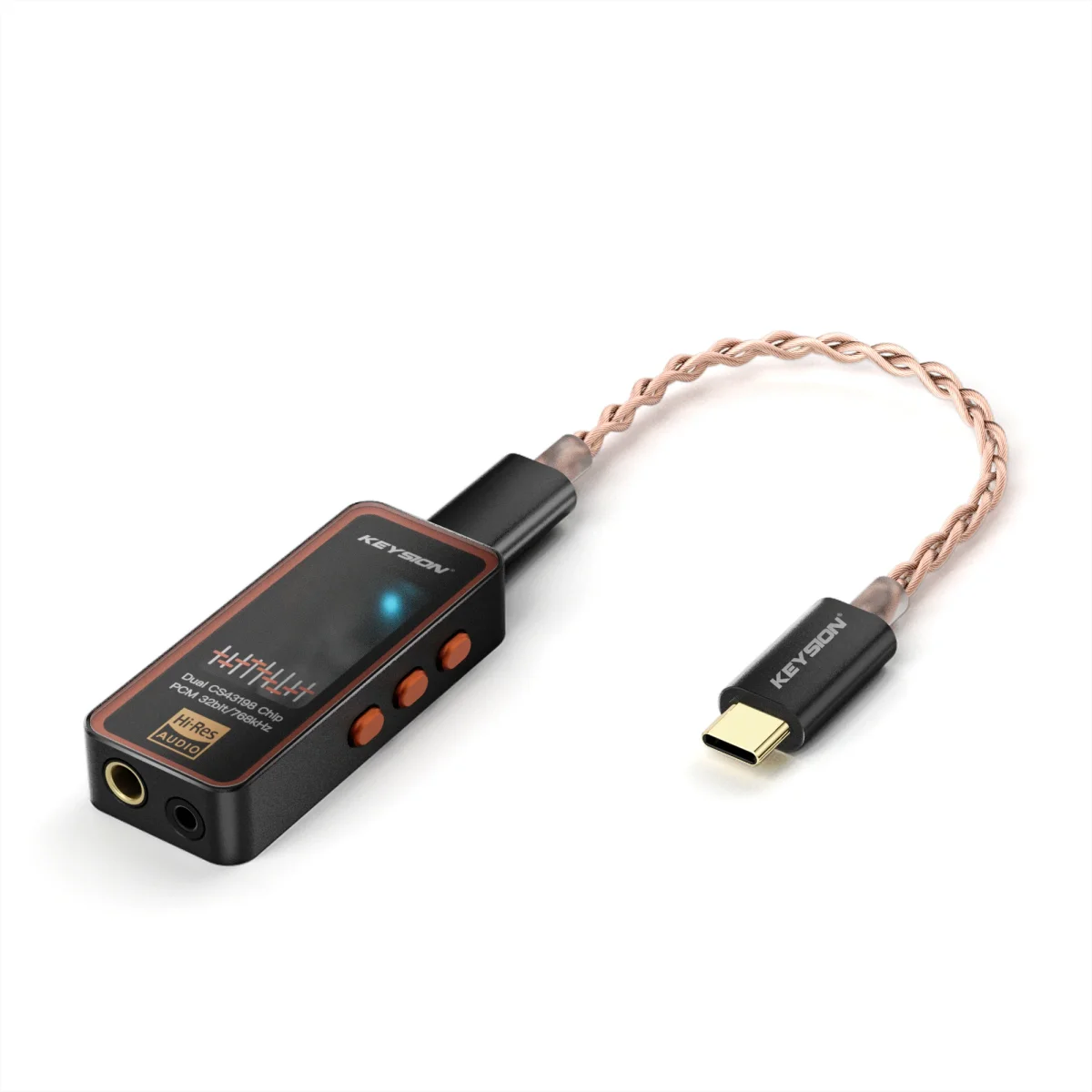
FLAC, ALAC, WAV and AIFF all decode to the same PCM stream, so in theory they sound identical. What separates them in daily use is file size, metadata support and device compatibility. Your pick comes down to the gear you listen on, whether you tag files, and how much room your drive and phone have. Below we run all four through the 02.
Yes. As long as the source comes from the same master, the decoded PCM sample values match bit for bit. WAV and AIFF are uncompressed containers; FLAC and ALAC apply lossless compression — they shrink storage, not sound.
WAV was defined by Microsoft and IBM, AIFF was Apple's early answer. The two structures differ, but both are raw PCM with a header. FLAC and ALAC squeeze PCM with a ZIP-like algorithm and rebuild it in real time during playback.
| Format | Type | Compression | Typical size (vs WAV) | Metadata | What this means |
|---|---|---|---|---|---|
| WAV | Uncompressed | None | 100% | Weak | Best compatibility, but bulkiest and hard to tag |
| AIFF | Uncompressed | None | 100% | Fair | Friendly to Apple gear, same space cost |
| FLAC | Lossless | Linear prediction | ~50-70% | Strong | Good size and tagging, works across platforms |
| ALAC | Lossless | Linear prediction | ~50-70% | Strong | Native on Apple devices, awkward outside that world |
At CD spec (44.1kHz/16bit) a track runs about 40-50MB as WAV; converted to FLAC it usually lands at 20-30MB. It depends on the music — quiet tracks compress further.
Take a 4-minute 44.1/16 pop track: WAV about 42MB, AIFF about 42MB, FLAC about 25MB, ALAC about 26MB. Switch to 96/24 Hi-Res and WAV climbs to roughly 138MB while FLAC sits near 80MB. When storage is tight, lossless compression can halve the footprint; the trade is a little more CPU work at decode. Where Hi-Res comes from is covered in where lossless music comes from.
FLAC decoding is barely a load on a modern phone — the extra battery drain over one song is negligible. The real draw is the analog amplification after high-bitrate PCM reaches the DAC, not the decompression itself.
On Apple hardware ALAC decodes natively and runs a touch more efficiently; on Android and Windows, FLAC sees wider third-party support. If you mostly pair a dongle like the 02 with an Android phone, FLAC is the easy default.
Local collection, syncing across devices: FLAC. Complete tags, controlled size, plays almost anywhere.
All-Apple setup managed through iTunes: ALAC. Native to the system, smooth iCloud sync.
Studio handoffs, playback on old gear: WAV. Widest compatibility, just remember to store tags separately.
Mac only, lossless without installing a decoder: AIFF.
One caution: the "WAV sounds better than FLAC" line going around usually traces to player processing or unmatched volume, not the format. In blind tests, WAV and FLAC from the same master are hard to tell apart reliably. The real dividing line is lossy versus lossless, not which lossless format you choose. Related reading: what MQA is and how DSD and PCM really differ.
This piece was written and tested by the KEYSION acoustic content team. Size and decoding figures come from our everyday local-library stats; listening calls carry some subjectivity. Full specs are on the 02 and 02 Pro product pages.
FAQ
Do FLAC and WAV sound different?
Decoded, they are the same PCM stream, so in theory no. If you hear a gap, it usually comes from player processing or unmatched volume, not the format.
Does FLAC drain phone battery?
Decoding is light — the extra drain across one song is negligible. The power goes to the analog amplification after PCM hits the DAC.
On Apple devices, ALAC or FLAC?
Inside Apple's world ALAC decodes natively and is easier to manage; for cross-platform use, pick FLAC. Sound quality is identical, so choose by environment.
Does FLAC compression hurt sound quality?
No. Lossless compression only shrinks the file; after unpacking the data matches the original bit for bit, the same idea as a ZIP archive.
My 96/24 WAV is too big. What now?
Convert to FLAC. Size roughly halves while sample rate and bit depth stay put, so quality is unaffected. Just don't switch on resampling by mistake.