What Is Soundstage and Imaging? How Headphones Create a Sense of Space
- What Is Soundstage: The Spatial Dimensions of Sound
- What Is Imaging: How Precisely Instruments Are Positioned
- Soundstage vs. Imaging: Key Comparison
- Why Some People Can't Hear Soundstage Differences
- How Much a DAC/Amp Improves Spatial Perception
- How to Train Your Ear for Soundstage and Imaging
- Common Misconceptions
- Bottom Line: Spatial Perception Is a Package Deal
People often say a pair of headphones has "a wide soundstage" or "sharp imaging," but few actually explain what these terms mean. Some think a wide stage equals good imaging; others confuse precise localization with a big soundstage. They're not the same thing.
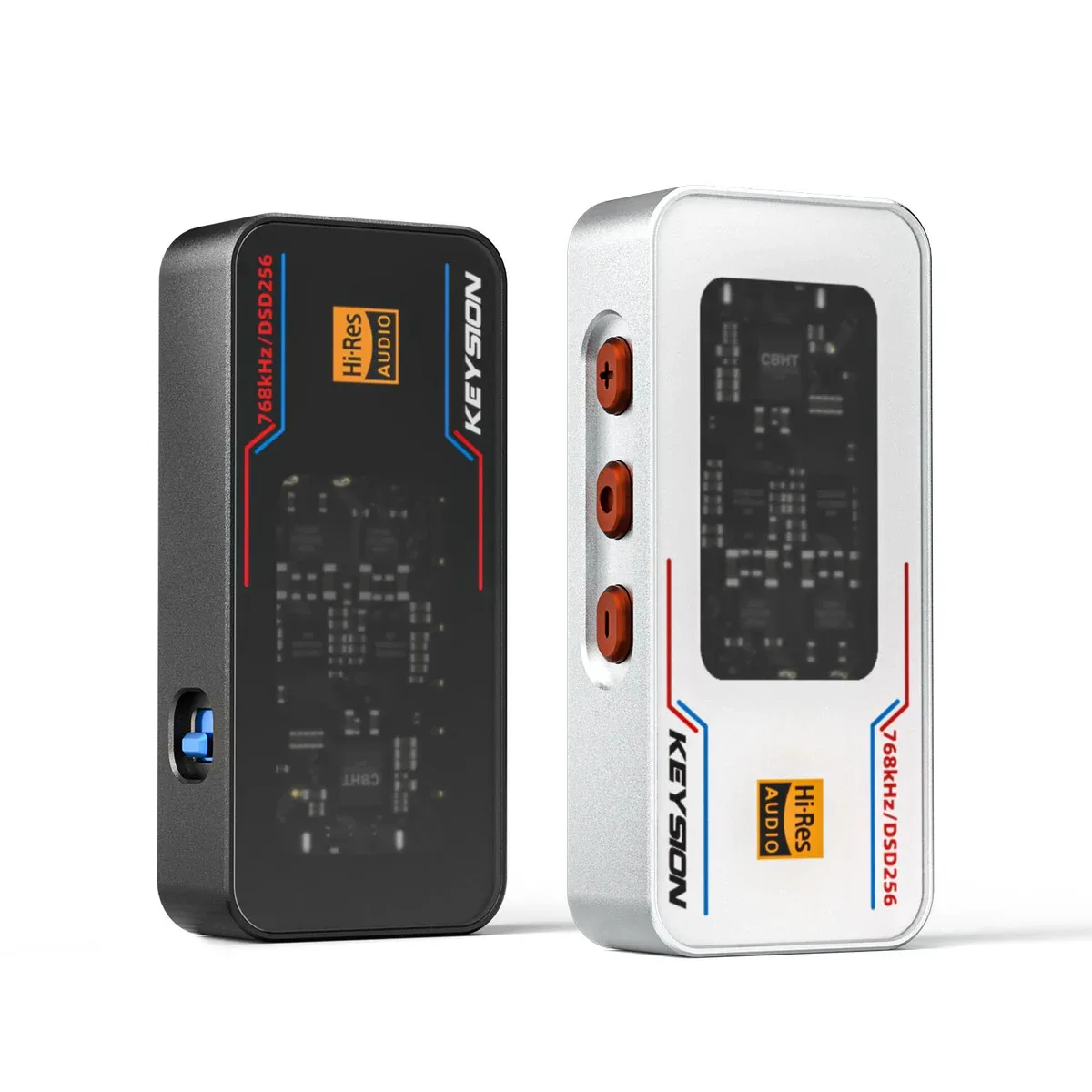
This guide breaks down soundstage and imaging separately: what each one is, what affects it, how to judge it for yourself, and how much difference a KEYSION DAC/amp can make. If you're shopping for headphones or thinking about upgrading your source, these ideas can save you some trial and error.
Soundstage describes the three-dimensional size of the sound around you — how wide, how deep, and how tall it is.
Think of it as an invisible stage. With some headphones, the band stretches as wide as a wall in front of you. With others, instruments line up between your two ears. The former has a wide soundstage; the latter, a narrow one.
Soundstage has three dimensions:
- Width: How far the sound spreads left and right. This is the easiest dimension to hear, and the one people talk about most.
- Depth: Layering in the front-to-back direction. With some headphones, every instrument sits on the same line; with others, you can tell which are forward and which are behind.
- Height: Spatial perception in the vertical direction. This is the most subtle dimension, and most headphones don't differ much here.
Open-back headphones usually have a wider soundstage, because sound can escape through the back of the earcup, simulating reflections in a real space. Closed-back headphones tend to confine the sound inside your head — what's often called "in-head localization." It's not a hard rule, though: some well-tuned closed-backs can still feel fairly open.
Imaging refers to how precise and well-defined each instrument and vocal is in space.
Here's an analogy: soundstage is the size of the stage; imaging is how steady and clear each musician stands on it. A band on a huge stage where everyone is blurry — that's wide soundstage with poor imaging. A smaller stage where every player's position and outline is clear — that's a smaller soundstage with good imaging.
With headphones that image well, you can point out that vocals are dead center, the guitar is 30 degrees to the left, and the drums are slightly right of center toward the back. With poor imaging, everything blends together and you can't place any instrument precisely.
The main factors behind imaging are channel separation and distortion. The less crosstalk between left and right channels, and the lower the distortion, the clearer the imaging. This is why a good source can improve imaging — lower distortion from the DAC and amp means the difference between left and right channels stays accurate.
| Dimension | Soundstage | Imaging | What This Means |
|---|---|---|---|
| What it describes | Size and shape of the sound space | Localization precision of individual sound sources | One is the space, the other is the objects in it |
| Main determining factors | Enclosure design, open/closed back, tuning | Channel separation, distortion, driver consistency | Each is shaped by different things |
| Easy to hear? | Relatively easy — obvious right away | Takes some listening experience | Beginners notice soundstage first, then work on imaging |
| How much the source matters | Moderate — mostly determined by the headphones | Significant — low-distortion sources help a lot | Upgrading your DAC/amp does more for imaging |
| Relationship to sound quality | Bigger isn't always better — appropriate is better | More precise is usually better | Soundstage is about style, imaging is about performance |
Not everyone picks up on soundstage differences easily.
The type of music you listen to matters. If you mostly hear solo acoustic tracks or electronic music with few instruments and simple mixing, soundstage differences won't be obvious. Large-scale classical, live recordings, and multi-instrument jazz carry richer spatial information, so differences show up more readily.
Without a reference point, it's hard to judge whether a single headphone has a wide or narrow stage. Swap quickly between two pairs, and the difference jumps out. It's like living alone in a room — you can't really say if it's big or small until you step into another one.
Source quality also plays a role. Low-bitrate MP3s or heavily compressed streaming files lose spatial information in the compression process. Even the best headphones won't produce a wide stage from them. To hear spatial detail, you need at least lossless quality. We go deeper into streaming quality tiers in our article on whether lossless subscriptions are worth it.
This is a common question: how much better do soundstage and imaging get when you upgrade to a good dongle?
Soundstage: limited improvement. Soundstage is mostly determined by the headphones themselves — enclosure design, driver type, and tuning direction. The source can only do so much. If your headphones have a naturally narrow stage, no DAC/amp will suddenly widen it. What the source can do is make the stage feel more "organized" — edges are less blurry, layers are more distinct.
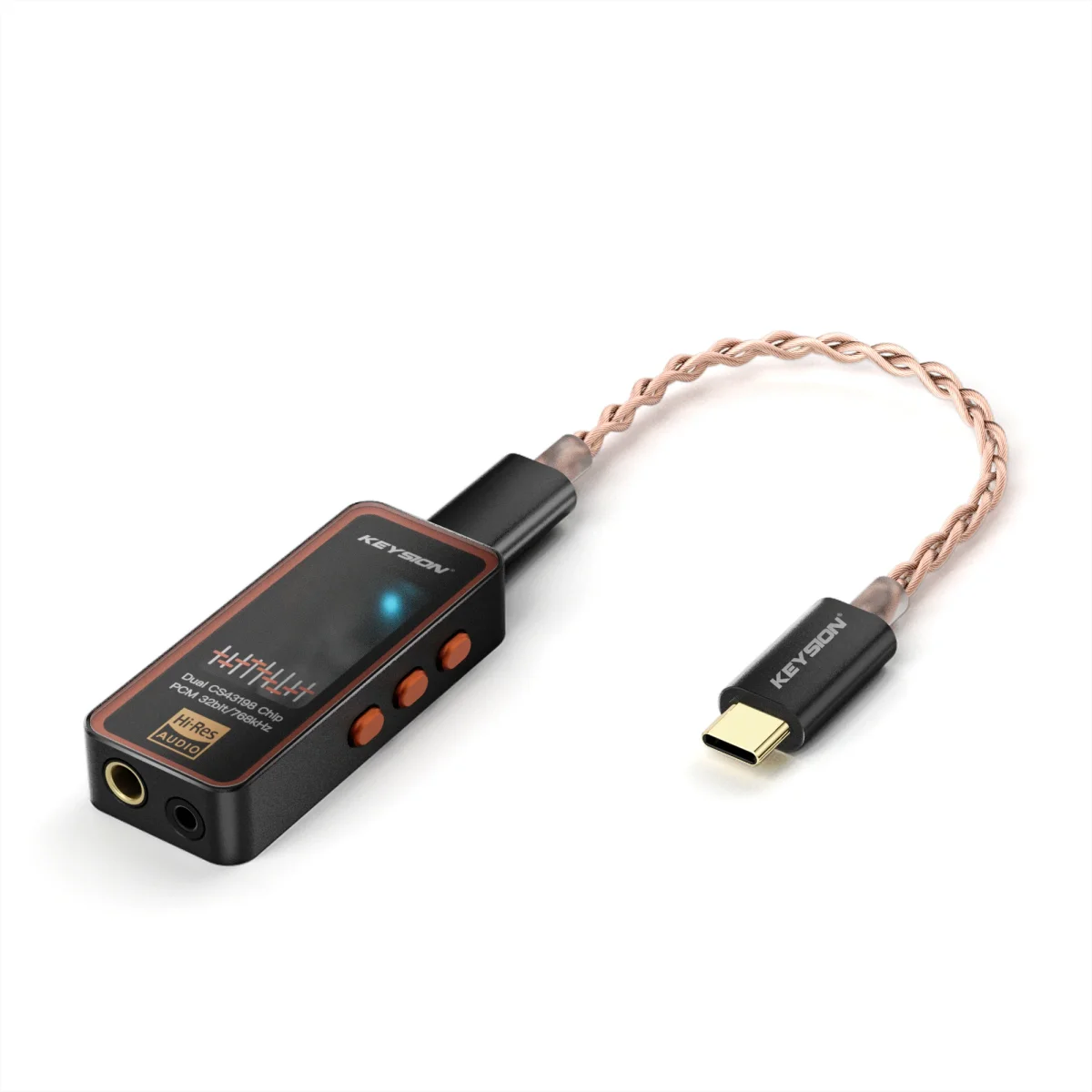
Imaging: more noticeable improvement. Imaging ties directly to distortion and channel separation, and both are heavily influenced by your source. When you're running straight from a phone, imaging can feel loose and vague. Plug in the KEYSION 02, and instrument outlines tighten up; positions become clearer.
The idea is straightforward: the headphones define the size of the canvas, and the source determines how sharply everything is drawn. The canvas size is fixed by the headphones, but clarity depends a lot on what's driving them.
Balanced output also helps with spatial perception. Balanced outputs have better channel separation and less crosstalk than single-ended, so imaging is usually more precise. If you use headphones with a 4.4mm balanced cable, the balanced output on the KEYSION 02 Pro will give you better space and localization than single-ended. We cover the specific differences between balanced and single-ended in our article on when balanced output actually has an advantage.
Judging soundstage and imaging takes a little practice, but it's not hard. Here are a few practical methods:
Use a familiar recording. Pick a song you've heard dozens or hundreds of times, preferably with multiple instruments. Compare every device change against the same track — differences are easier to spot that way.
Focus on specific instrument positions. Don't just listen for the "overall feel." Pin down one instrument — is the kick drum dead center? Is the snare left or right? Is there a guitar in front of the vocal? Being able to name specific positions means your imaging recognition is improving.
AB comparison. Switching quickly between two headphones or two sources reveals differences more easily than listening to one alone. Swap every 30 seconds or so — listen too long and your brain adapts, making differences harder to notice.
Don't just check width. Many people judge soundstage only by how wide it goes left and right, and ignore depth. A good soundstage isn't just wide — it has front-to-back layering too: vocals forward, the band behind, reverb further back. Hearing depth means you're truly perceiving space.
Some people think the wider the soundstage, the better. Not really. An excessively wide stage can make imaging diffuse, vocals feel distant, and bass lose impact. For pop and vocal music, a moderate soundstage can actually be more engaging. Soundstage is a matter of style, not quality.
Others equate sharp imaging with good sound quality. Imaging is just one dimension of sound quality. Bass quality, midrange density, treble extension, and dynamic range all matter just as much. A headphone with precise imaging but piercing treble won't sound good.
Some also assume EQ can improve soundstage. EQ changes the frequency response, which can make you feel like the stage changed, but the actual spatial dimensions stay the same. EQ can't create real width or depth — at most, it shifts your perception. We cover what EQ can and can't do in our article on whether EQ tuning actually works.
As for price and soundstage, many people assume more expensive headphones have bigger stages. Not necessarily. A lot of pricey headphones are tuned toward monitoring and don't have an exaggerated soundstage. Price and stage size don't directly correlate.
Soundstage and imaging are different things, but together they shape the sense of space you hear. The headphones are the foundation — they set the rough size of the stage and the upper limit of imaging. The DAC/amp is the upgrade — it makes imaging more solid and the stage more organized, but it can't change the headphone's basic character.
When choosing headphones, don't get pulled in just by specs or reviews saying "huge soundstage." Think about what music you listen to and what kind of sound you prefer. If you love large-scale classical, a wider stage helps more. If you listen to vocals and pop, solid imaging probably matters more than a wide stage.
The easiest way to feel the difference is to compare with a good source. Drive the same pair of headphones from your phone and from the KEYSION 02, and the imaging difference is usually obvious right away — it's one of the most perceptible improvements from upgrading your source.
For more HiFi basics, check out our articles on how to read frequency response curves and whether EQ tuning works. If you're thinking about upgrading your source, take a look at the KEYSION 02 DAC/amp.
About the author: KEYSION Audio Lab. We focus on practical HiFi knowledge and real-world testing of portable audio gear. All opinions are based on measurements and listening — no brand loyalty, no tech mysticism.
FAQ
Are soundstage and imaging the same thing?
No. Soundstage is the size and shape of the sound space — its width, depth, and height. Imaging is how precisely each instrument and vocal is positioned. Some headphones have a wide stage but diffuse imaging; others have sharp imaging but a small soundstage.
Why can't I hear a difference in soundstage?
Three possible reasons: you're listening to the wrong type of music (solo acoustic tracks don't show it well), you don't have anything to compare against, or your source quality isn't high enough (low-bitrate compression loses spatial information). Try lossless music with multiple instruments and compare two pairs of headphones.
Can upgrading my DAC/amp improve soundstage?
Soundstage is mostly determined by the headphones themselves, so the source only helps so much. Imaging, on the other hand, improves more noticeably — a low-distortion source makes instrument outlines clearer and positions more precise. Balanced outputs have better channel separation, which also helps spatial perception.
Does a wider soundstage mean better sound quality?
No. Soundstage is a matter of style, not quality. An overly wide stage can make imaging diffuse and vocals feel distant. For pop and vocal music, a moderate stage can actually be more engaging. Sound quality depends on a combination of many factors.
Do open-back headphones always have a wider soundstage than closed-backs?
Usually, but not always. Some well-tuned closed-back headphones can still produce a fairly open soundstage. At similar price points and with similar goals, though, open-backs generally sound more natural in terms of space.
Related products
Related articles