Dongle DAC Sounds Weak or Keeps Cutting Out? Does the OTG Cable Matter and When to Upgrade (Tested on 01)
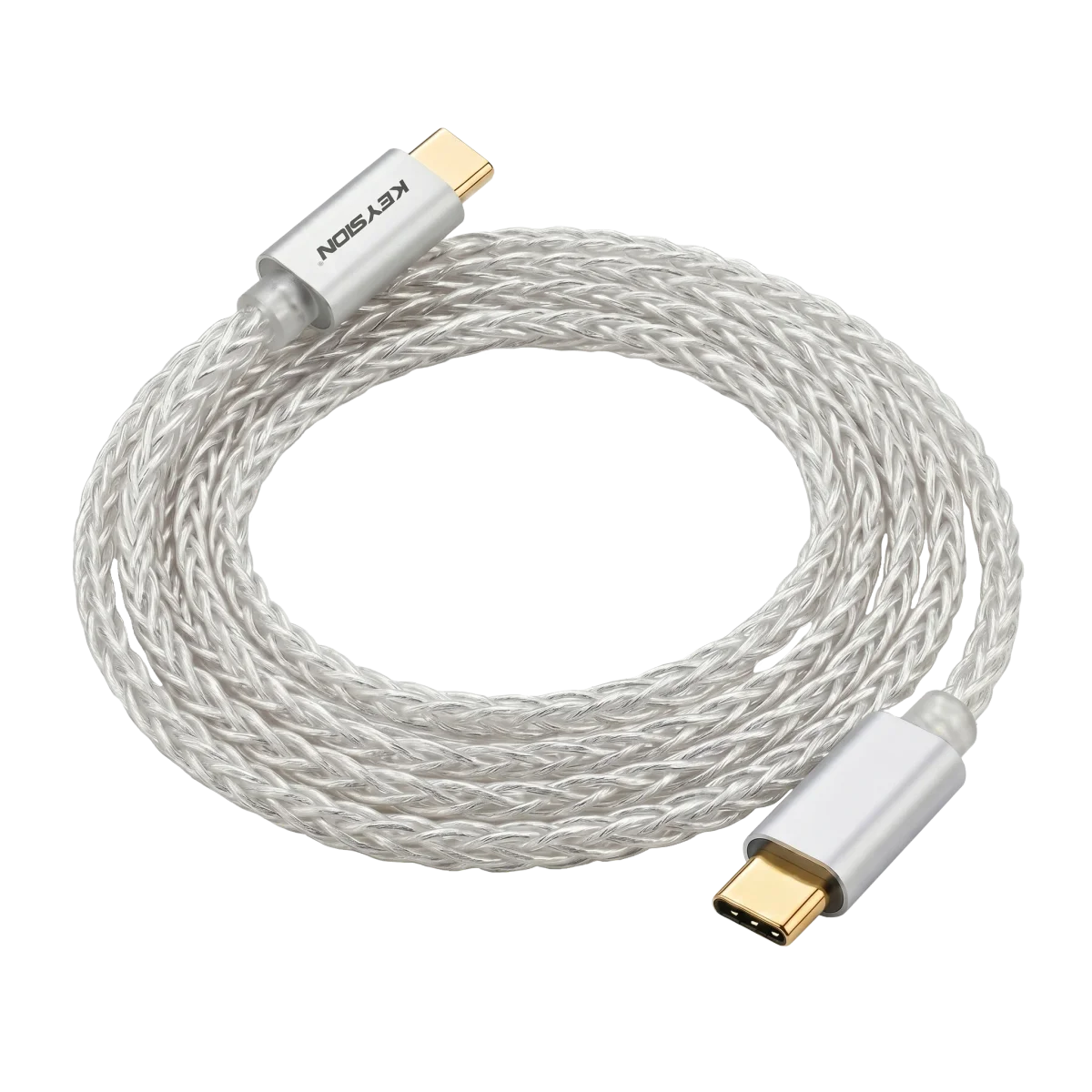
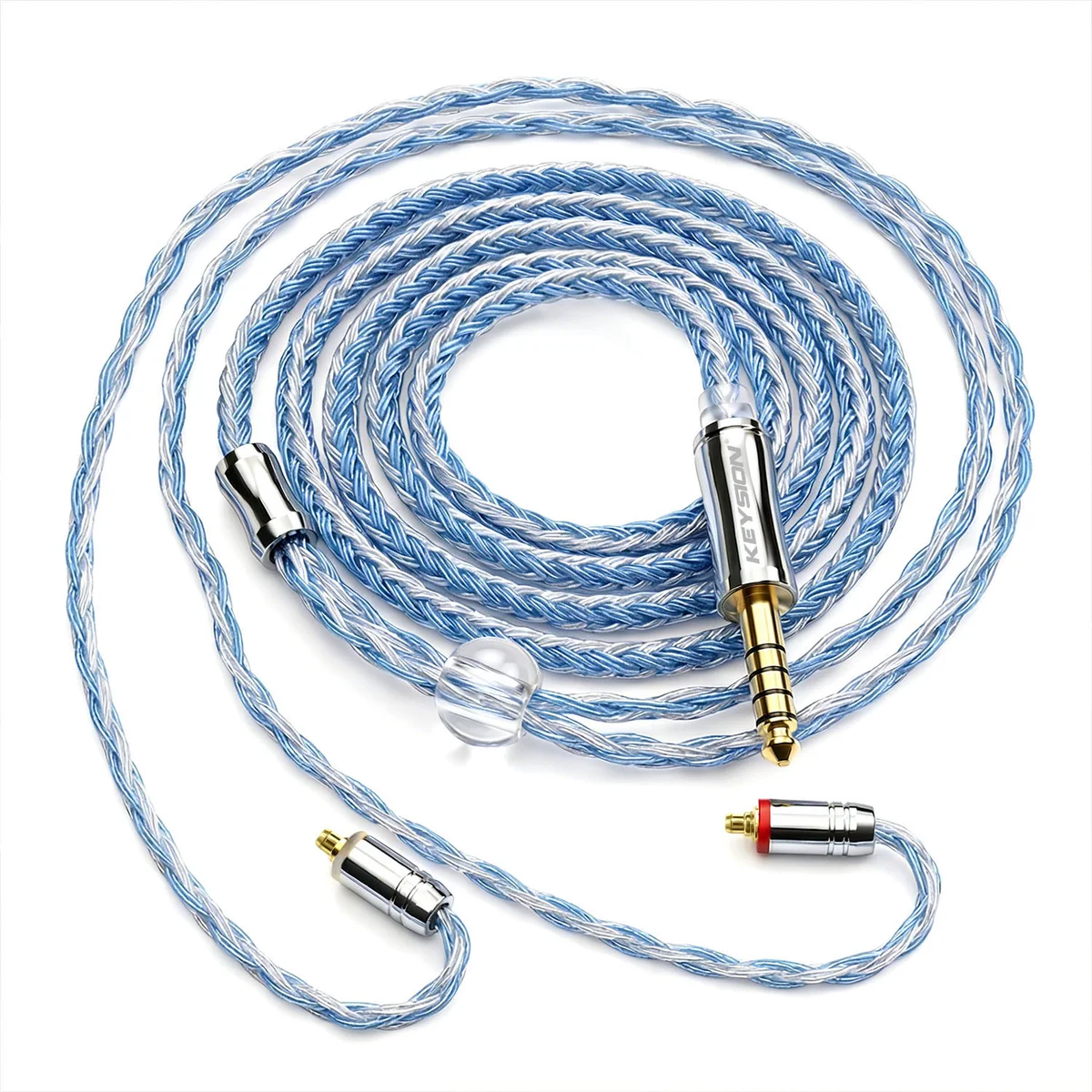
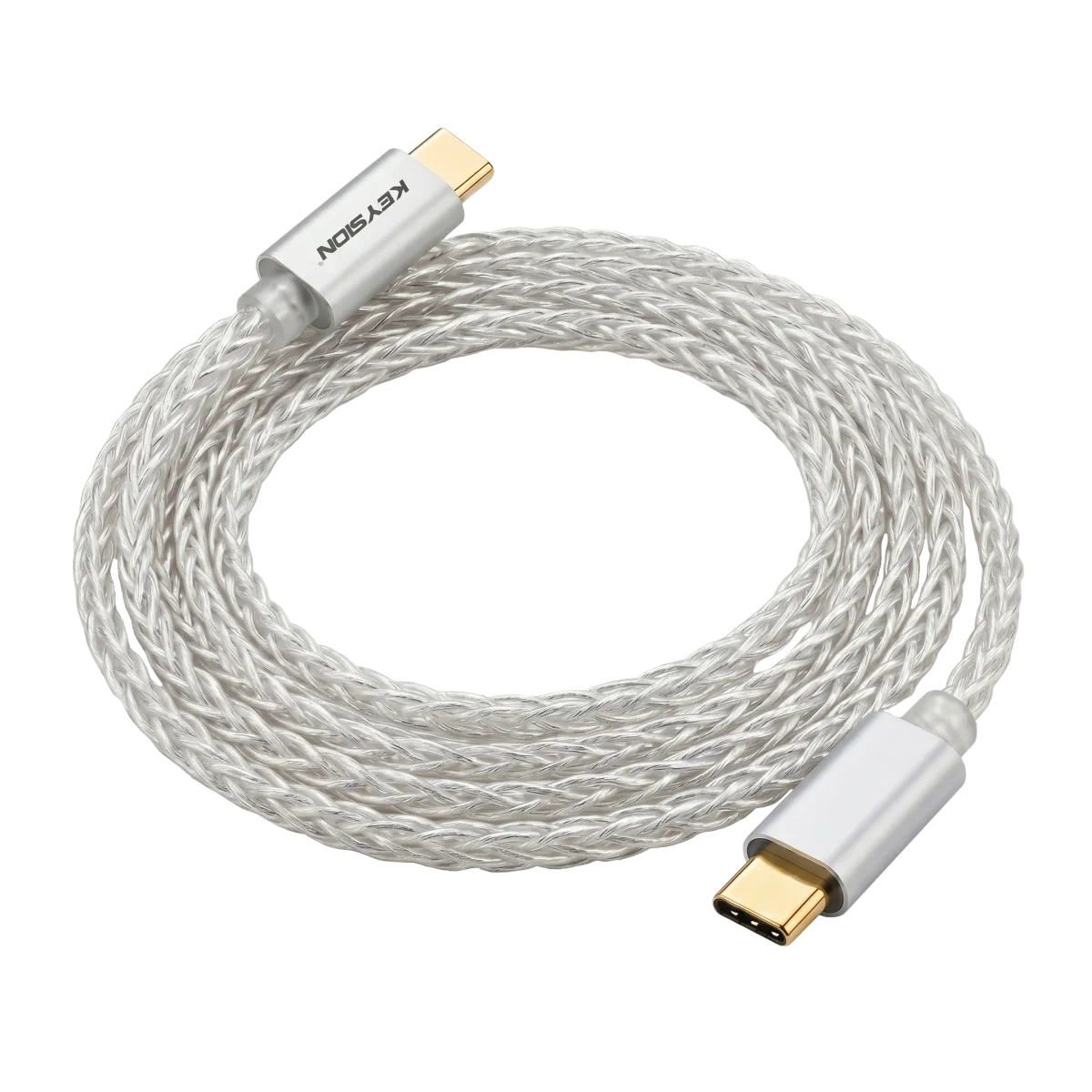
A dongle DAC (portable USB audio) that won’t drive your headphones, or gives audio that waxes and wanes and keeps dropping, is usually not a problem of the dongle or the headphones but of the OTG cable in between. Short version: many freebie phone-cable accessories carry no real data conductors, or have poor solder resistance and shielding, so power delivery is unstable and data degrades; swap to a proper OTG cable and a fair number of issues simply go away. This piece compares a few common cable types on the KEYSION 01 and when the swap is worth it and when it is not.\n\n## What the OTG cable actually affects\n\nThe OTG cable bridges phone and dongle: it carries audio data one way and draws power from the phone to feed the DAC/amp the other. It touches three things at once — compatibility, power delivery and data integrity.\n\nPower is the most direct. A DAC/amp needs a stable 5V supply while working, and the USB handshake negotiates how much power is available. A cheap or old charging cable may have thick power conductors but thin, or even missing, data lines. The phone fails the handshake, so it never gives stable current — you recognise the device but it can’t drive it properly, and the sound cuts in and out.\n\n### Table 1: cable types compared on the KEYSION 01\n\n| Cable type | Detection & power | Sound behaviour | Typical use | What this means |\n|---|---|---|---|---| | Stock phone cable | fails handshake often, unsteady current | can’t drive / volume keeps shrinking | emergency | missing data core, don’t use as OTG |\n| Cheap third-party data cable | mostly detected, low current | fine at low volume, distorts loud | everyday | works but unstable, struggles on transients |\n| Silver-plated OFC OTG cable | stable handshake, enough power | survives transients, less crosstalk | serious listening / high-impedance | both power and shielding in place, good pick |\n| Overlong cheap extension | big voltage drop, dropouts | sporadic audio loss, slow detect | improper extension | longer cable, more drop; avoid extending |\n\n## When changing the cable actually fixes it\n\nSolder resistance and shielding are two hidden variables people miss. High-resistance cable drops noticeable voltage at high current, so headphones clip near the limit; weak shielding falls apart under RF interference or next to a neighbour’s USB 3.0 port. Replacing with a low-resistance, properly shielded OTG cable is usually audible.\n\nA point that gets missed: price is not what decides it. An expensive cable with an unstable handshake sounds just as bad; a cheap dedicated OTG cable with solid conductors and shielding is enough for most drive scenarios. Judge by “stable power”, not by price.\n\n## When swapping the cable is pointless\n\nIf the dongle already drives fine and only drops out occasionally, the cause may be the phone’s system settings or the socket contact, not the cable. Run a system-level check first (Android USB debugging, iPhone adapter compatibility) before spending on a new cable.\n\nStandalone DAC/amps are more sensitive to power than a plain dongle, but the root sits in the phone port and the handshake, not in the cable’s looks. Before blaming the cable: change the USB port, change devices, bring the volume back to a sane range, and see whether it still drops.\n\nTo tell a cable problem from a system problem, run through the OTG compatibility checklist (/blog/usb-otg-compatibility-troubleshooting); if you are choosing between a dongle and a Bluetooth amp, there is a separate portable-setup comparison (/blog/dongle-dac-vs-bluetooth-amp-guide). The KEYSION silver-plated OFC OTG cable (/product/kshf-ycx) is the one used in these tests; the 01’s power and decoding specs live on its product page (/product/kshf-01).\n\n## One simple rule\n\nDon’t buy a cable first. Separate “can’t drive” from “drops out occasionally”: can’t drive is mostly a power issue and worth a proper OTG cable; occasional drops should push you to check the system and the socket before thinking about a replacement. Pick a cable by “stable power + full conductors + enough shielding”, not by price.\n\nAuthor: KEYSION Lab. The data comes from measurements of the KEYSION 01 with a silver-plated OFC OTG cable and comparisons against other cable types; phone port power strategies differ, so judge the swap against your own device.
FAQ
Why does my dongle DAC sound weak and underpowered after connecting
Usually a lack of power: the cable has no complete data conductors or too much internal resistance, so the phone fails the USB handshake and never gives stable current. A proper OTG cable normally fixes it.
Can I use the stock phone charging cable with my dongle
Most stock charging cables carry no real data conductors and are built for charging only; used as OTG they keep failing the handshake and power is unstable. Fine for an emergency, but a dedicated OTG cable is better for real listening.
Is an expensive OTG cable always better than a cheap one
Not necessarily. What drives the power is the handshake, the conductors and the shielding, not the price. An expensive cable with an unstable handshake sounds just as bad; a cheap dedicated cable with solid conductors and shielding is enough for most cases. Judge by stable power rather than price.
Occasional dropouts: change the cable first or check the system
Check the system first. USB debugging on Android and adapter compatibility on iPhone can both cause occasional dropouts. Run through the system settings first, and only decide on a cable swap once the cable isn't the cause.
Does a longer cable affect a dongle more
Yes. Longer cable means more voltage drop and a higher chance of dropouts. An extension works for an emergency, but for regular use try not to extend, and pick a cable of the right length with proper shielding.
Related products
Related articles