Hum When You Plug Into a PC? Where Ground Loop Noise Comes From and How to Fix It (with the KEYSION 02 Pro)
A steady low-frequency hum after you plug into a PC or an external monitor is usually a ground loop, not a faulty DAC. It comes from a closed circuit formed through USB and mains earth wiring, hums at 50Hz or 60Hz and its harmonics, and shows up only when a particular device is connected. This guide covers where it comes from, how it differs from ordinary hiss, and which fixes actually work.
What is a ground loop, exactly?
A ground loop is unwanted current taking a path you never intended. In theory every device shares one ground reference. In practice your DAC connects to the computer over USB, and the computer connects to the same mains supply through its power adapter, so the two grounds sit at slightly different potentials. That small voltage difference pushes current around the shield and ground conductors, and it lands in the audio path as hum.
A loop needs at least two ground points. If the DAC reaches the same host through both the USB data cable and a second ground path, such as an audio cable, a charging cable, or an HDMI run to a monitor, the circuit closes and the loop appears.
Why is it fine on a phone but noisy on a PC?
A phone runs on battery and is not tied to mains, so its ground and the USB ground are effectively the same single path. A desktop or a laptop on its charger ties chassis ground to mains earth through the adapter. Add another grounded device on the headphone or speaker side, such as an external DAC, powered speakers, or a monitor, and a second ground path appears. Two paths make a loop, and a larger, longer loop usually picks up more mains noise.
That is why the usual setup is easy to spot: the dongle is quiet on battery alone, then hums once the charger and an external display are connected.
Ground loop or ordinary hiss?
The two sound different and need different troubleshooting. Sort them out first and you save time.
| Trait | Ground loop (hum) | Ordinary hiss | What it means |
|---|---|---|---|
| Sound | Low buzz with a steady pitch | High-frequency hiss, no pitch | A pitched tone points to a loop or mains interference |
| Frequency | 50Hz / 60Hz and harmonics | Broadband, rises with gain | Matching mains frequency is a strong clue |
| Trigger | Appears with mains or one device | Always present | Intermittent points to a loop |
| Volume knob | Barely changes it | Louder at high gain | Unaffected by volume suggests a ground issue |
| Unplug USB | Stops on battery power | Still there | Losing it on unplug is the clearest test |
If it has a pitch, appears with mains power, and disappears when you unplug USB, treat it as a ground loop.
Which fixes actually work?
Start with the cheap options. The easiest is breaking the loop: run the laptop on battery, unplug the charger, or move the DAC to a different USB controller, since on many machines USB-A and USB-C hang off separate chips. Next comes isolation: a USB isolator or an isolation transformer with a ground-lift switch physically cuts the ground path. Some isolators cap bandwidth, so confirm a model still passes 96kHz and above if you listen to Hi-Res.
Balanced wiring is the other route. TRS or XLR carries the signal in opposite polarity on two conductors, and the receiver cancels the common-mode hum. That is why studios rarely fight this problem. For a lasting fix, a DAC or amp with built-in isolation or its own battery power separates the supply side from the host ground.
One thing to avoid: cutting the ground wire or using a cheater plug that lifts it. It does silence the hum, but it also removes the safety earth, and a fault can then put current through you.
Which setups run into it most?
A desktop with an external monitor leads the list, because HDMI and the power cable tie both grounds together. A laptop on its charger feeding powered speakers is a close second. Phones rarely see it unless you use a charging OTG cable at the same time. Budget DACs seldom create a loop on their own; the problem is usually the whole chain. Rule out the simple causes with the OTG compatibility checklist and the hiss troubleshooting guide before buying an isolator.
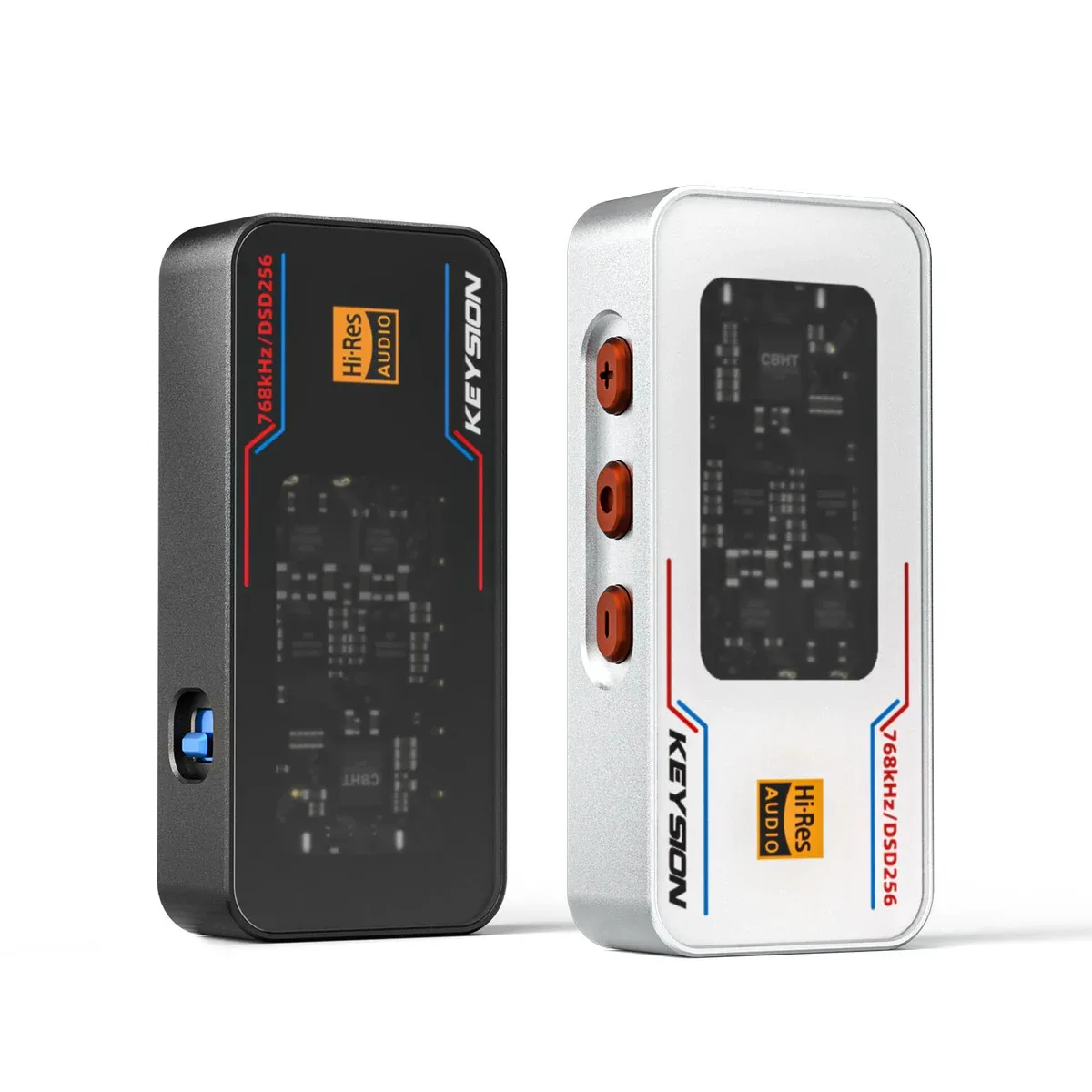
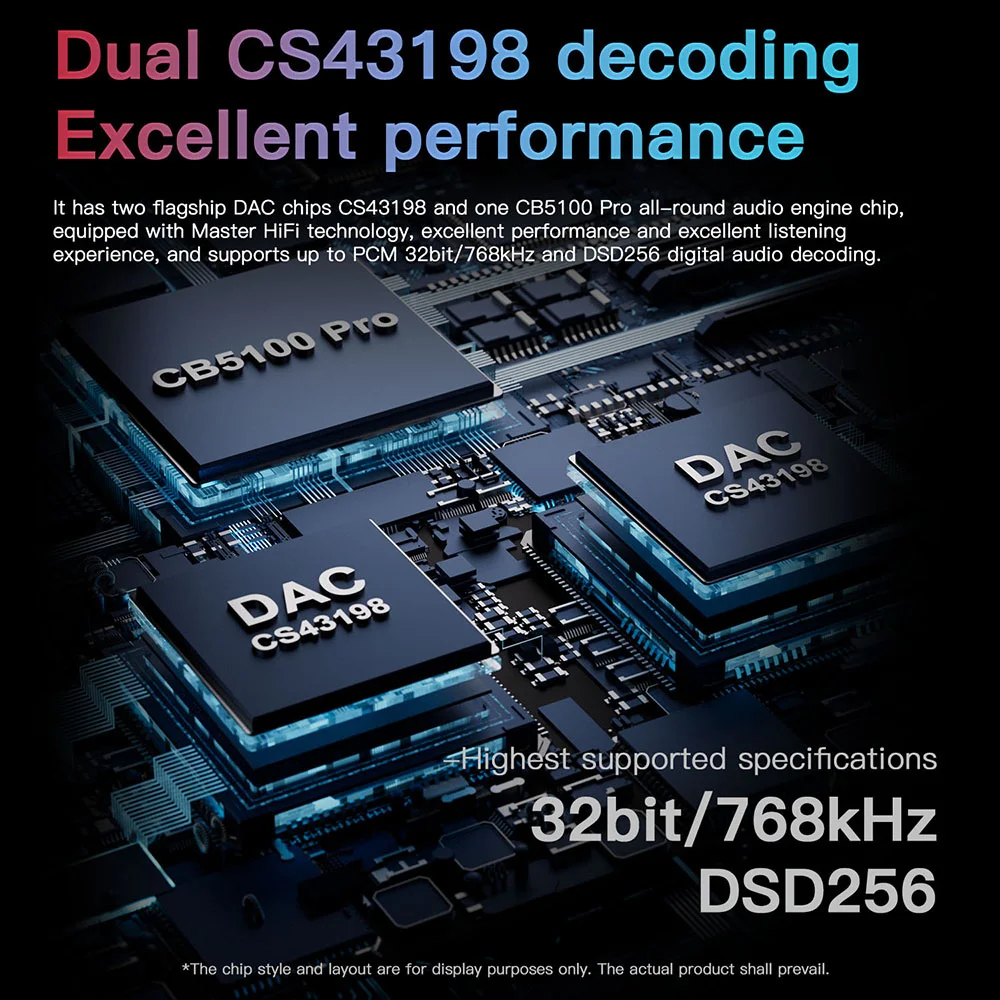
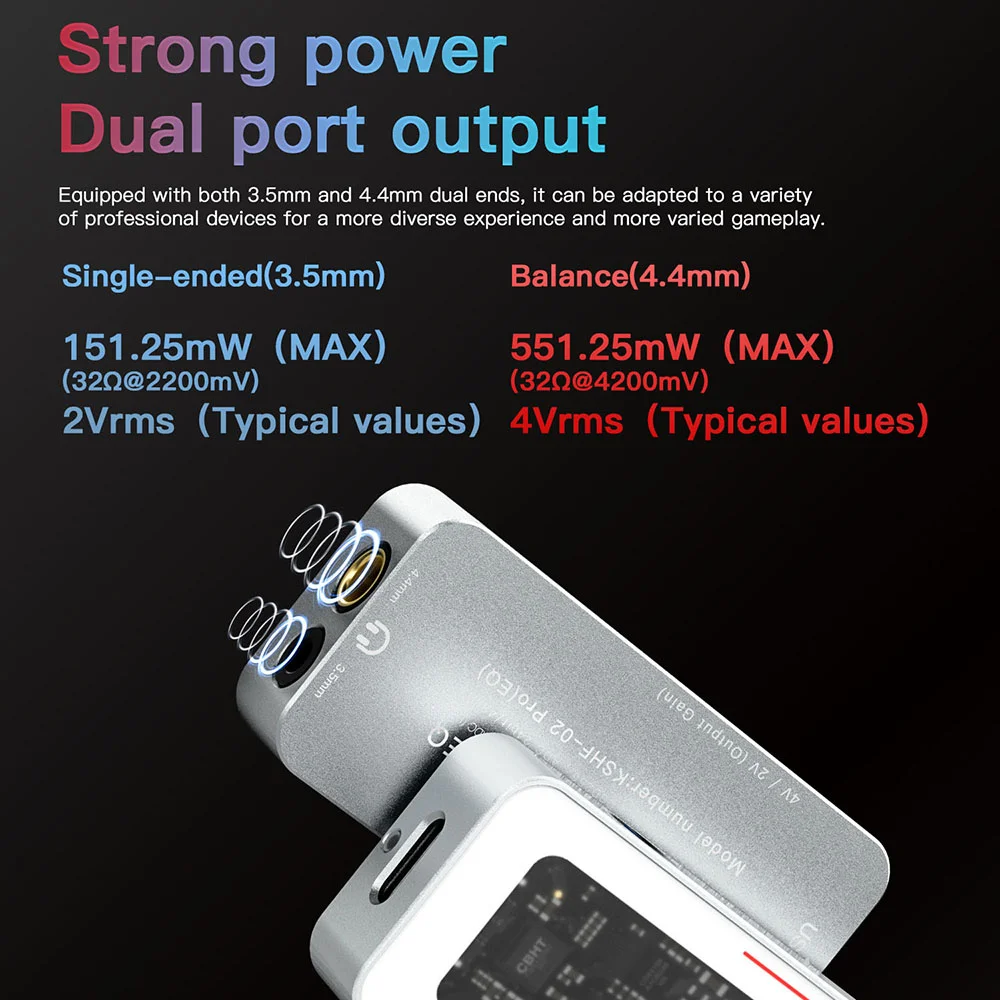
Enclosure and power design offer a hint. Metal housings with independent power have more room to handle loop noise. A portable DAC with its own supply, such as the KEYSION 02 Pro, can bypass some host-side supply noise, and the shielded build of the YCX dual Type-C OTG cable lowers the chance of the cable picking up interference. Whether to upgrade depends on where you listen more, so do not rush it over a single connection.
Further reading: how to trace noise in the chain is covered in cable shielding and crosstalk, and why dongles get warm in dongle heat and power draw. Related products: KEYSION 02 Pro, KEYSION 01, YCX OTG cable.
About the author
Written by the KEYSION audio team. We build portable DACs and cables, test with the 02 Pro, 01 and YCX OTG on the bench, and have chased our share of laptop-to-monitor hum. The 50Hz/60Hz figures come from standard mains specs, and the isolation conclusions come from our measurements plus industry consensus. USB supply noise varies a lot between hosts, so treat your own combination as the reference.
FAQ
Is the hum a sign my DAC is broken?
Almost never. If it has a pitch, appears with mains power, and stops when you unplug USB, it is a ground loop. Budget DACs rarely create this noise on their own; the cause is usually the whole power and ground chain.
How do I tell hum from hiss quickly?
Listen for pitch. A ground loop is a low, steady tone; hiss is a high, pitchless sound. Then check the trigger: if turning the volume barely changes it and unplugging USB stops it, it points to a ground path.
Can I fix it without buying an isolator?
Often yes. Running the laptop on battery, unplugging the charger, or moving the DAC to another USB controller frequently breaks the loop. Try the free options before spending on an isolator.
Should I just cut the ground wire?
No. Cutting ground or using a cheater plug does silence it, but it removes the safety earth, so a fault can put current through you. Isolation costs money; losing your safety ground can cost more.
Does a USB isolator hurt sound quality?
It depends on the model. Most add nothing audible, but some cheap units limit bandwidth and cannot pass 96kHz and above. If you listen to Hi-Res, check the supported sample rate first.
Related products
Related articles