Does EQ tuning on your phone actually work? How to shape your sound without making it muddy (tested on KEYSION 01)
- Parametric EQ vs graphic EQ: both tune the sound, but they are not the same
- Does digital EQ damage sound quality: it comes down to gain
- A three-step way to a smoother sound
- In practice: less-is-more on the KEYSION 01
- When EQ will not help: do not ask it to do magic
- Where to learn: reference curves and target curves
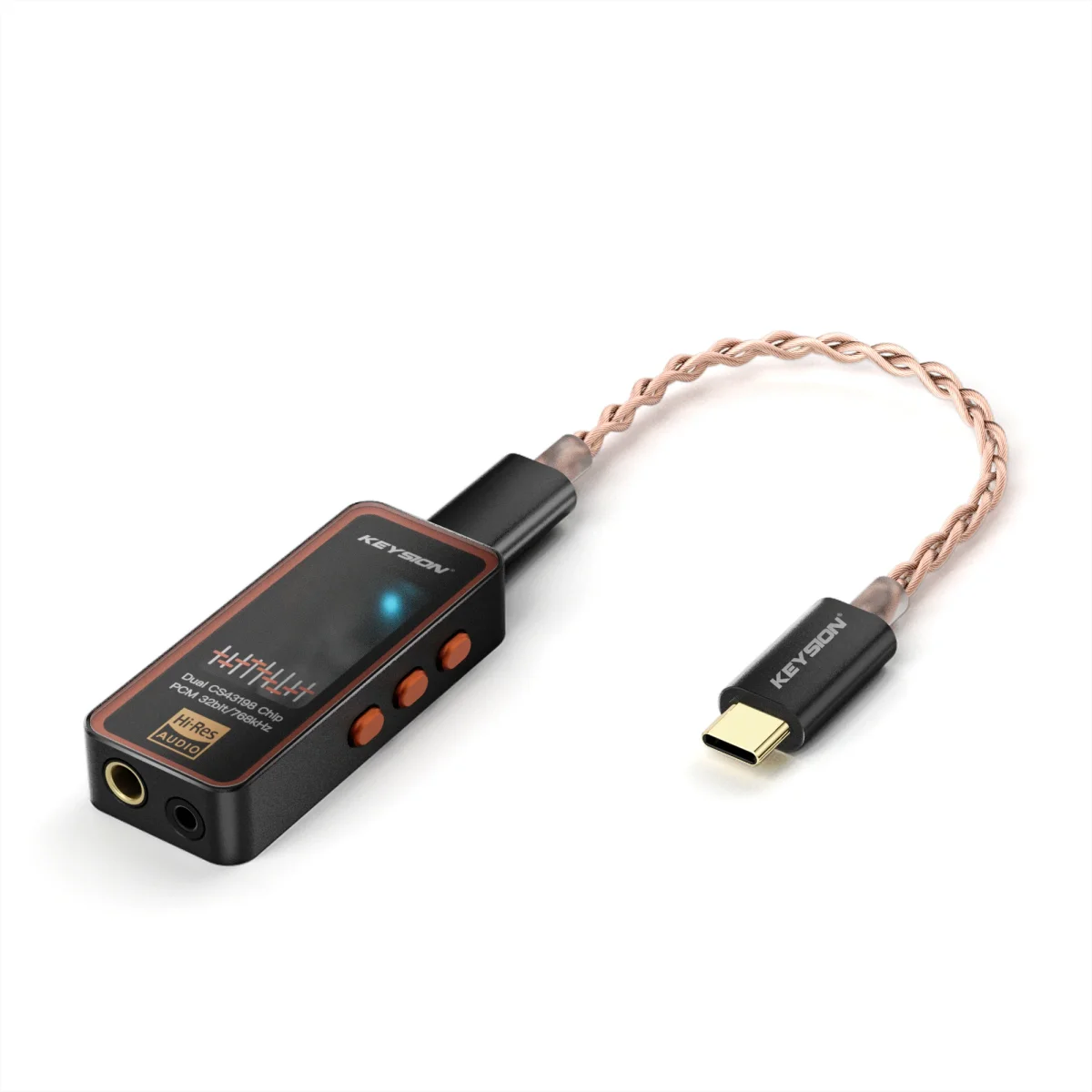
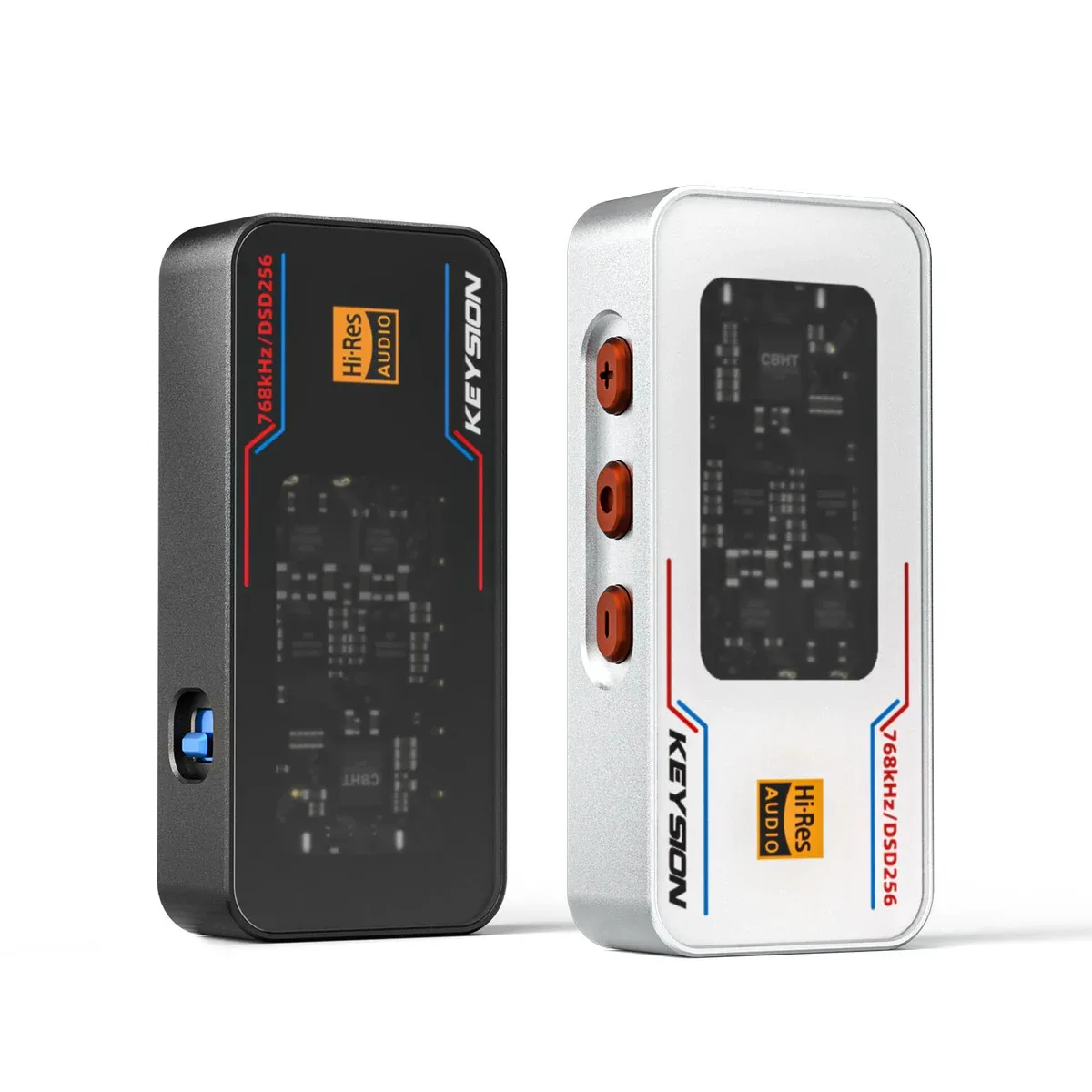
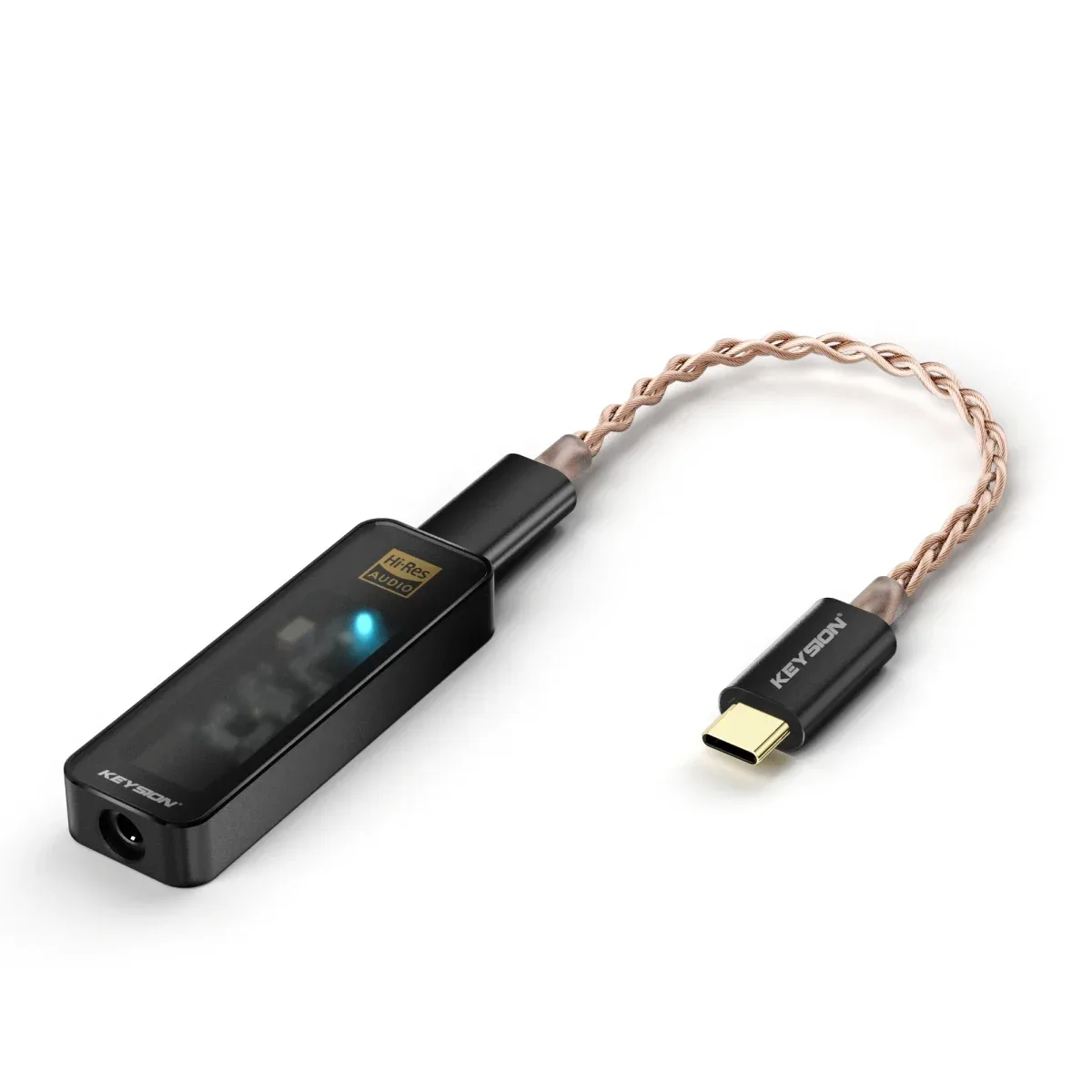
Can you trust the EQ on your phone? It depends on how you use it. EQ can flatten a headphone's frequency-response weak spots and shore up thin bass, but it cannot change a driver's fundamental quality, and it will not rescue a headphone that is already muddy to begin with. This guide uses the KEYSION 01 dongle on both a phone and a computer to show the difference between parametric and graphic EQ, what digital EQ does to sound quality, and a practical workflow that keeps your sound from turning to mush.
Graphic EQ is a row of fixed band sliders, usually ten bands, each with a set center frequency. You can only cut or boost those single bands. It is fast to use, but not very fine, and it often drags along neighboring frequencies you never meant to touch.
Parametric EQ lets you pick the center frequency, gain, and Q (bandwidth) for every band on your own. Done well, it can surgically remove a harsh peak, say the 5kHz edge on many headphones. Done badly, it can smear the whole low end into a single blob. For most people graphic EQ is enough; you only need parametric EQ when you want precise correction.
| Tuning method | Flexibility | Precision | Difficulty | What it means |
|---|---|---|---|---|
| Graphic EQ (10 bands) | Low | Medium | Very low | Quick cut/boost, no fine detail |
| Parametric EQ (any freq) | High | High | Medium | Precise correction, needs understanding of freq points |
| Hardware EQ / DAC filter | Depends on device | High | Low | Handled by the chip, stable but few options |
EQ on phones and computers is handled almost entirely in the digital domain. Some theories say digital EQ introduces quantization error, but modern devices have enough bit depth that small boosts and cuts (within roughly ±6dB) are inaudible in practice. Two things genuinely hurt sound quality. First, boosting the whole chain to compensate for cutting a treble peak, which invites clipping. Second, applying EQ on top of an already-clipped signal, which just amplifies the noise along with it.
The rule is simple: cut rather than boost. To tame a harsh 4kHz, walk that band down instead of lifting every other band.
Hear a problem first, then fix it. Do not start dragging a bunch of bands at once. If a pair of IEMs runs thin in the low end, start by cutting the mud in the 200-300Hz region or add a touch of sub-bass around 100-150Hz. If vocals sound sibilant, cut 5-8kHz. As you work, keep going back and forth between the original and the EQ version for every song, and stop the moment it starts sounding weirder instead of better.
If your dongle carries hardware gain or filter switching, prefer that route. The filter switching built into the KEYSION 02 series, for instance, is more stable than pulling EQ on the phone and does not push up the noise floor along the way.
Plug in the KEYSION 01 dongle and first zero every EQ band to listen for a few minutes, so you can name the real weak spots in the stock sound. Then touch only one or two bands, each moved no more than 3dB. Finally, A/B the zeroed and adjusted versions to decide whether anything actually improved. In our tests, a lot of people chase more sub-bass and drop +12dB at 100Hz; the result is a bloated low end and vocals swimming underneath. Restraint beats brute force.
EQ reshapes the frequency response. It does not add resolving power, dynamics, or soundstage. A headphone that is short on treble detail at the source will just get brighter when EQ is applied, and the extra treble tends to turn harsh, which is harder to live with. Expecting EQ to turn an entry-level headphone into a flagship is aiming the wrong way.
So set expectations right: EQ is for correction, not upgrade. Firm up the fundamentals first, then use EQ as the final polish. That order beats the reverse almost every time.
If you want to tune more scientifically, align your headphone frequency response against a typical target curve. We have a separate deep-dive on how to read a frequency response curve and how the Harman curve is actually used; links are in the related reading at the end.
Author: the KEYSION acoustics team. Questions are welcome in the comments; we read every one. If you want to understand a headphone frequency response curve before touching EQ, our guide How to Read a Headphone Frequency Response Curve walks through the chart in detail.
FAQ
Which is closer to lossless: the phone's built-in EQ or the sound effects in Developer Mode?
Both run in the digital domain, and with modern bit depth the difference is small. As long as the gain stays modest, neither degrades the sound noticeably. The difference is mainly that the latter offers finer controls, though be careful not to push the gain too far.
Does EQ tuning make headphones lose sound quality?
Small boosts and cuts are essentially inaudible. The real risk is clipping from large stacked gains, plus amplifying noise in a noisy mobile setting. Keep the gain magnitude in check and you stay safe.
Why does my vocal sound muffled after I boost the low end?
Lifting the bass masks midrange clarity; the bigger the boost, the more obvious it gets. If vocals turn muffled, you have likely gone too far in the 100-300Hz region. Try pulling it back, or shift the boost down to 60-100Hz instead.
Is there a way to improve the sound without using EQ?
Yes. Make sure the source is lossless or high-bitrate, the fit is snug, and the front-end has enough output power; these often help more directly than EQ. You can also try hardware gain or a DAC filter, which many dongles carry.
What does Q mean in a parametric EQ and how do I choose it?
Q sets the width of the band being affected: the larger the value, the narrower the band. Use a large Q (narrow) to fix a single harsh peak and a small Q (wide) to adjust overall bass quantity. While working, you usually do not need to change the default.
Related products
Related articles