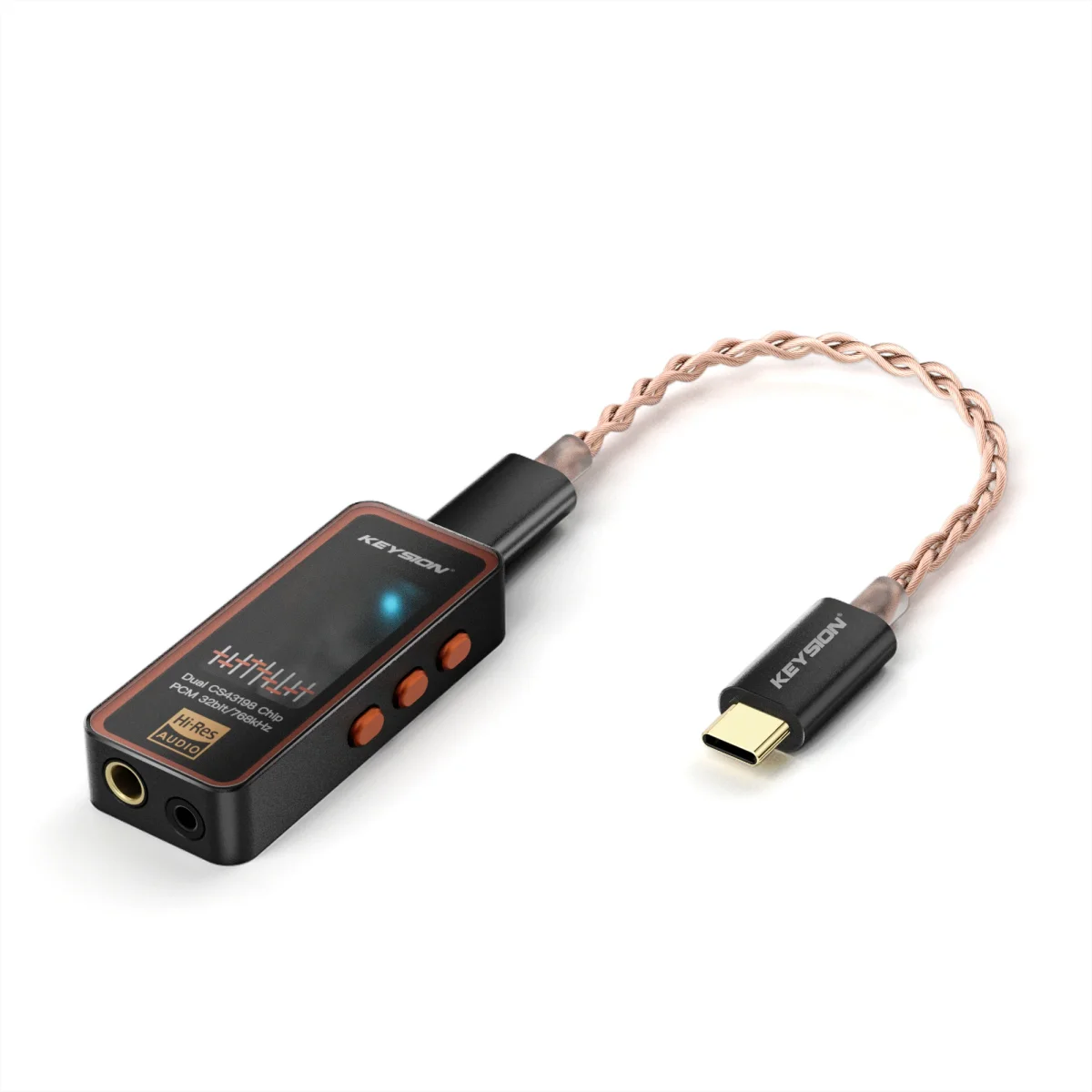
Do Higher SNR, Dynamic Range, and Distortion Numbers Really Sound Better? What KEYSION 02 Pro’s Measured Data Means Versus What You Actually Hear
- How High Is a Good SNR? How Much Better Is 135dB Than 115dB
- Dynamic Range: The One Spec Worth Reading Closest
- Distortion of 0.0001% versus 0.001%: Can Anyone Actually Hear It
- KEYSION 02 Pro / 02 / 01: Measured Specs Compared
- The Variables Outside the Specs Usually Decide How It Sounds
- A Few Hard Rules for Using Specs in a Buying Decision
This one is for people trying to balance the spec sheet against how something actually sounds. It answers a single question: do higher numbers for signal-to-noise ratio, dynamic range, and distortion automatically mean better sound? Here’s the short version: the numbers can tell you whether a device is noisy and how much signal it keeps, but they can’t tell you whether it sounds good. Tone, power supply, and headphone matching aren’t in the numbers. So read the specs, but don’t buy headphones on specs alone.
Signal-to-noise ratio (SNR) is the ratio of signal to background noise, measured in dB; the higher the number, the quieter the device. The ear can distinguish down to roughly 60-90dB. A typical computer sound card lands around 90-100dB, while a standalone DAC sits at 115-135dB. The issue is that past a certain point, adding more doesn’t matter, because the human ear can’t tell the difference. That isn’t better sound; it’s just a nicer-looking spec sheet.
The KEYSION 02 Pro is rated 135dB on the 4.4mm output and 130dB on the 3.5mm output, which puts it near the top among standalone dongle DACs. But the rated figure is measured under ideal conditions. How much it can hold once you plug in a high-sensitivity IEM and deal with motherboard power noise is another story.
In blind tests, most people can’t tell the noise-floor difference between a 115dB and a 135dB unit. The places you actually hear a difference are usually low gain into high-sensitivity IEMs, or when the device is running on dirty power.
Dynamic range is how much contrast fits between the loudest and quietest sound, expressed in dB. It matters most for classical music and live recordings, which swing hard in level. If dynamic range is too small, quiet passages get pushed into the noise floor, soft parts blur, and loud parts lose their punch.
The 02 Pro is rated 135dB@4.4mm and 132dB@3.5mm; the 02 is rated 130dB, and the 01 is 130dB@3.5mm. For most pop, rock, and podcasts, 130dB versus 135dB makes no audible difference. For people who actually listen to high-resolution classical, dynamic range is worth more attention than SNR.
Put simply: SNR decides whether something is quiet; dynamic range decides whether quiet and loud passages both stay clear. Looking at dynamic range alone gets you closer to how much information this device can hold.
THD (total harmonic distortion) is the share of extra harmonic content that appears when you subtract the input from the output; the smaller the number, the cleaner the signal. The 02 Pro is rated at -121dB@4.4mm, roughly 0.00009%; the 02 and 01 are rated at -115dB, about 0.00018%. Those numbers sit far below the roughly 1% threshold the human ear can detect.
Looking at the data first, none of these three units is going to trip on distortion. For most listening scenarios, the gap between -115dB and -121dB can’t be measured, let alone heard. The distortion that actually deserves attention usually shows up when gain is cranked to the max and a big dynamic symphony plays at full tilt, because that’s when headroom runs short, and that exposes problems faster than any THD number.
| Spec | 02 Pro (CNY 499, USD 74) | 02 (CNY 349, USD 52) | 01 (CNY 219, USD 33) | What it means |
|---|---|---|---|---|
| SNR | 135dB@4.4mm / 130dB@3.5mm | 130dB@4.4mm / 125dB@3.5mm | 130dB@3.5mm | All far beyond what ears can tell apart; squarely in the quiet group |
| Dynamic range | 135dB@4.4mm / 132dB@3.5mm | 130dB | 130dB | Matters more for high-res classical; pop sounds about the same |
| Distortion (THD) | -121dB@4.4mm | -115dB | -115dB | All below the audible threshold; rarely a weak point |
| Noise floor | 1.30µV@4.4mm | 1.02µV@4.4mm | 0.85µV@3.5mm | All very low; whether high-sensitivity IEMs reveal it depends on gain |
| Peak output power | 551mW@32Ω | 361mW | — | The 02 Pro keeps more headroom; good for hard-to-drive headphones |
USD figures use the system rate of 0.1488: 499→74, 349→52, 219→33.
All three units have specs that are good enough; the real differences live outside the spec sheet. First, power. A dongle draws power over USB from your phone, and whether that power is clean or dirty directly affects real-world noise. Second, headphone matching. Connect high-sensitivity armatures versus 600Ω full-size headphones and the same device performs entirely differently. Third, gain and filter settings. Both the 02 Pro and the 02 have gain modes and DAC filters, and those settings change the sound more than any spec number.
So don’t pick gear based on a single number. Start by being clear about what you mainly listen to, what headphones you’ll use, and where you’ll use it. The specs help you rule out obviously wrong picks; the rest comes down to listening and matching.
- For SNR, dynamic range, and distortion, going past the humanly useful line is enough; there’s no need to chase the biggest number.
- Noise floor is worth more attention than THD, because it decides how quiet high-sensitivity IEMs sound.
- If you really want to compare, do it at the same volume, with the same headphones and the same music, then draw conclusions.
- Don’t get carried away by headline specs like 32bit/768kHz; supporting a format isn’t the same as sounding better.
One last note: these specs describe whether something can be measured in engineering terms, not everything about whether it sounds good. If you want to understand another metric that’s easy to misread, read this guide on how to read headphone frequency response curves; if noise is already bothering you, start with this one on troubleshooting noise in headphones. If you’re thinking of starting with the 02 Pro or the 02, you can also check the product page directly.
About the author: KEYSION’s audio engineering team. Data comes from the factory-rated specs and our own measurements of the 02 Pro, 02, and 01. The listening impressions are subjective evaluations by the team and testers, provided for reference only and in no way a guarantee that any given spec always sounds better.
FAQ
Is there a big difference between an SNR of 130dB and 90dB, and can the ear hear it?
The gap from 90dB to 130dB is real, and with high-sensitivity IEMs in a quiet room you can notice a noise difference; but above 115dB most people can’t tell them apart, and the spec gap mainly shows up in a table rather than in how it sounds.
Is 0.001% distortion necessary? Does the average person need to care?
0.001% (around -100dB) is already far below the roughly 1% threshold the ear can detect, so the average person doesn’t need to chase lower numbers. The distortion worth watching usually appears at high volume when headroom runs short.
What does dynamic range mean, and for what kind of music does it matter?
Dynamic range is the span between the loudest and quietest sound. It matters most for classical and live recordings, where level changes are large; pop and podcasts have moderate dynamics, so the real difference between 130dB and 135dB is small.
Why do two DACs with similar specs still sound different?
Because tone, filters, power supply, gain settings, and headphone matching all affect the sound, and none of that is in the SNR or distortion figures. Specs help you rule out hard faults; choosing a house sound relies on listening.
Which spec should you actually look at first when buying a portable DAC?
Look first at noise floor and how it matches your headphone’s impedance and sensitivity, then at power headroom, and finally at whether SNR and dynamic range clear the bar. Don’t get stuck on format specs like 32bit/768kHz.
Related products
Related articles