Where can I find lossless music? Hi-Res download sources and format conversion (getting source files for KEYSION 02 Pro)
This page is for anyone who already has a Hi-Res-capable DAC and headphones but still doesn't know where to buy lossless music. Short version: there is no free route to lossless that is also reliable. The main legal options are lossless streaming subscriptions, downloading from digital stores, and ripping your own CDs. More important is learning to tell real lossless from upsampled “fake Hi-Res”, because a file stamped 24bit/192kHz can still sound like ordinary CD quality. Below you'll find where to buy, how to convert, and how to avoid the traps.
Lossless matches the CD standard of 16bit/44.1kHz and keeps all the data. Hi-Res usually means sampling above CD level (such as 24bit/96kHz and up). For ears that top out around 20kHz, anything above 44.1kHz is mostly headroom rather than a necessity. You don't need to argue over perceived quality: in blind tests, most people cannot reliably tell 16/44.1 from 24/96. What matters is whether the file starts from real lossless. If the source was lossy to begin with (say MP3) and then converted, the bit depth printed on the file means nothing. So the first step when picking a source is to confirm the chain is lossless.
| Source type | Sampling / bit depth | Common sources | Real lossless? | What it means |
|---|---|---|---|---|
| CD rip | 16/44.1 | Your own CD | Yes | Most dependable, controlled lossless path |
| Store purchase (Qobuz etc.) | 24/96, 24/192 etc. | Digital stores | Mostly yes | Tiering is fairly clear; read the label |
| Lossless streaming subscription | 16/44.1~24/192 | Mainstream streamers | Yes | Stops when the plan ends; good for a trial |
| Cloud/forum “Hi-Res” files | Stated 24/192 | Unclear | Often fake | Check the source, not just the suffix |
| Upsampled re-releases | Stated higher | Some remasters | Can be fake | Judge whether it's a true master |
To be clear, this only covers legal channels. Qobuz is the store the Western market treats as the “real lossless” benchmark; you can buy per track or by subscription, and the high-resolution tiers are complete. Bandcamp is friendly to independent, ambient and electronic artists with vinyl roots, and many releases give you a direct FLAC/WAV download; the price is set by the label. Japan has its own HiRes stores where classical music, J-Pop and anime soundtracks are relatively well covered. When picking a source, look at two things: whether the platform states the real sampling and bit depth, and whether it offers a download in FLAC/WAV. Whether you can register, pay and play smoothly from China varies by platform, so check your usual payment and network setup before buying.
If you have a pile of CDs, ripping them yourself is the cleanest path. On format, FLAC is the community standard (lossless and compressed without losing data). EAC (Exact Audio Copy) rips most reliably when you follow its bundled standards; if the EAC interface feels dated, dBpoweramp is a workable alternative. The essentials: keep the disc surface clean, make sure the drive reads normally, and check the log for “100% read” after ripping. The 16-bit original you produce is the foundation for any later conversion. Ripping flags damaged discs with errors; when that happens, re-rip rather than keeping a bad track.
Once you have a lossless file, most DACs handle FLAC, WAV and DSD fine, so there's little reason to convert. When you must convert (say a device only accepts PCM, or you want a smaller lossless FLAC), one FFmpeg command does the job — turning DSD into FLAC, or checking real parameters with ffprobe. The rule is to stay within lossless (FLAC↔WAV keeps the data intact). Converting from a lossy source (MP3/AAC) into FLAC just changes the wrapper and adds nothing. So whatever you convert, confirm the source chain is lossless first.
The most common form of fake Hi-Res is ordinary CD audio, or even MP3, upsampled to 24/192 and re-released. A few checks help. Look at the spectrum: real high sampling still has genuine energy at the top (say above 22kHz), while fakes tend to cut off at high frequencies or leave clear aliasing bands after resampling. Compare length and version against official release info. Go back to the platform's stated price and the label. Judging by the bit depth alone is the easiest way to be fooled — what decides whether a file is “really Hi-Res” is the original recording and the master, not the two numbers at the head of the file. Keep this in mind: a track can only be called high-resolution if it was recorded that way, say at 24/96, in the first place.
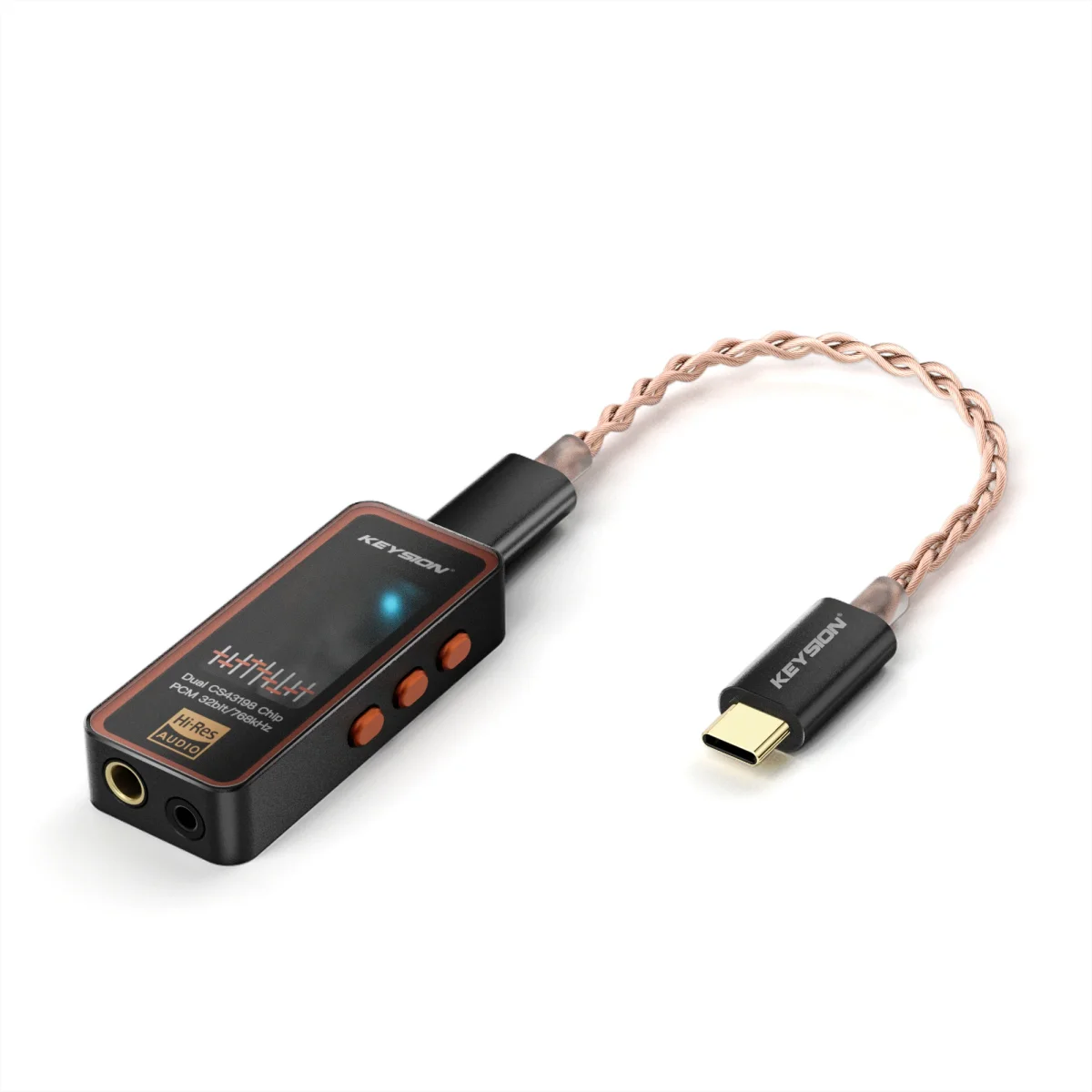
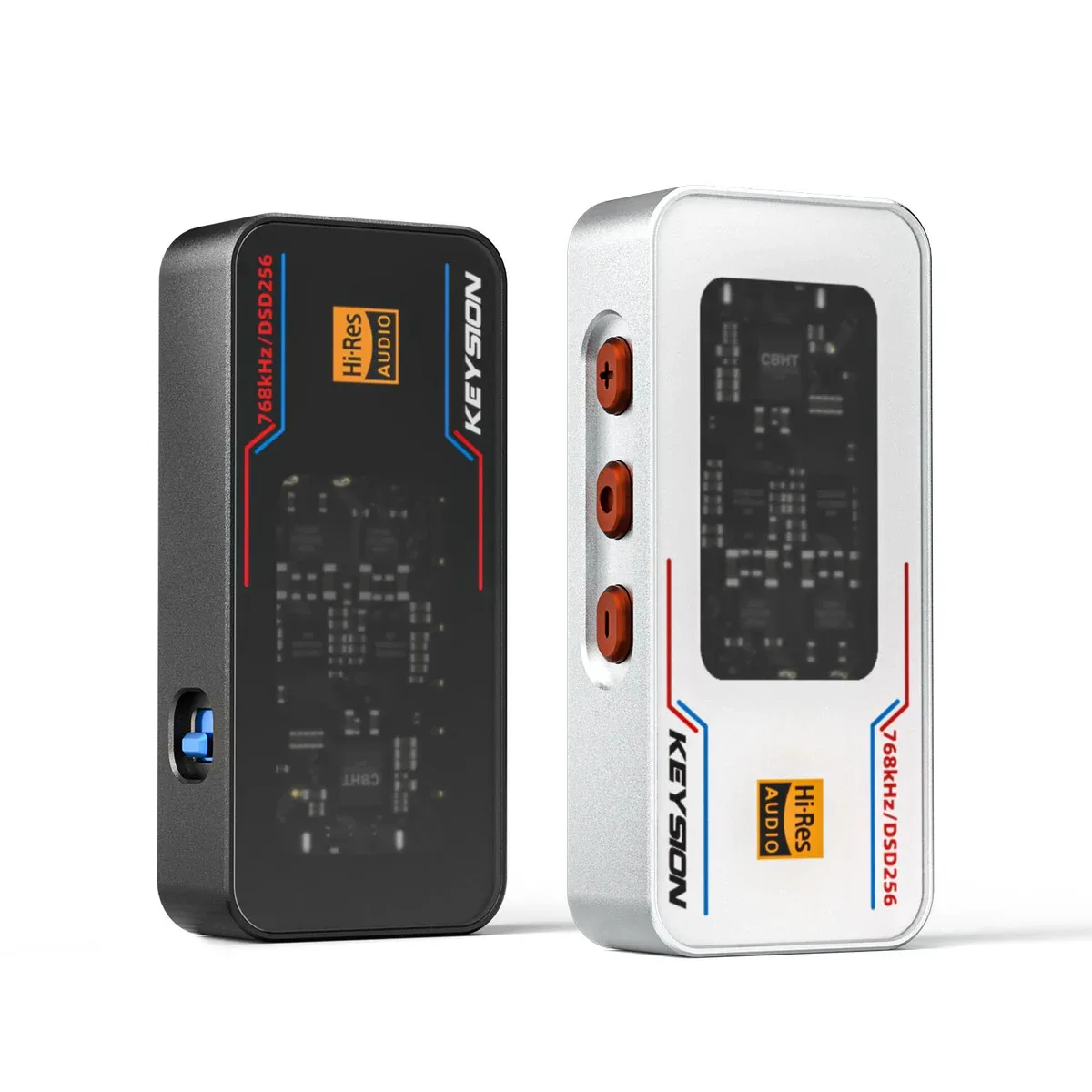
The playback device has to match the file. For this kind of listening, a low-cost DAC or dongle with high-resolution output makes sense, for instance the KEYSION 02 Pro (/product/kshf-02-pro, PCM up to 32bit/768kHz) or the KEYSION 02 (/product/kshf-02). With a player such as OpenWalk, set the sample rate to match the source so the player doesn't do a pointless resample. On the listening side, instead of agonizing over 16 versus 24 bit, make sure the source is genuinely lossless and the output device isn't being downsampled by the system. For the surrounding background on resolution and formats, read “Is the Hi-Res badge worth it” (/blog/hires-certification-guide) and “Are lossless subscriptions worth it” (/blog/music-streaming-quality-tiers-guide) and connect “worth it” with “where it comes from”.
In one line: when hunting lossless, secure the “truly lossless” chain first, then talk about 24bit sampling numbers. Buy through platform stores, rip your own CDs, or subscribe to a lossless streamer; convert with FFmpeg between lossless formats. For any “high-resolution” file of unclear origin, look at the spectrum and release info before drawing a conclusion. When the source is right, the DAC behind it gets room to work.
Author: compiled by the KEYSION audio lab. Source-finding and authenticity methods follow public industry material and community experience. Platform access and prices may vary by region; this is a buying reference, not an absolute conclusion. Get real lossless in hand first, then chase higher bit depths.
FAQ
Where can I buy true Hi-Res lossless music?
A few mainstream legal channels: lossless streaming subscriptions (such as the high-resolution tier of the main streamers), digital stores (Qobuz, Bandcamp and similar, most of which give a direct FLAC/WAV download), and ripping your own CDs. What matters is whether the source is lossless and whether the platform states the real sampling and bit depth.
Is CD quality really far behind downloaded Hi-Res?
The ear tops out around 20kHz, and the CD standard of 16bit/44.1kHz already covers most of what people can hear; in blind tests, most cannot reliably tell the difference up to 24bit/96kHz. The priority is guaranteeing a genuinely lossless source, not the bit depth number.
How do I tell “fake Hi-Res” (upsampled re-releases) apart?
Read the spectrum: real high sampling keeps genuine energy at the top end, while fakes usually cut off high frequencies or leave aliasing bands after resampling. Then check official release info and version. Don't just read the 24/192 suffix — that's the easiest thing to be fooled by.
Which tool for format conversion, and how do I avoid damaging quality?
FFmpeg is enough; a single command handles FLAC/WAV/DSD conversions. Stay within lossless (FLAC↔WAV), since converting a lossy source to FLAC only changes the wrapper and adds nothing. Check the real parameters of the source file with ffprobe first.
Do DACs or dongles have requirements for Hi-Res?
The playback device needs to support the matching sample rate, and the player's sample rate should be set to match the source to avoid system resampling. With something like the KEYSION 02 Pro (PCM up to 768kHz), align the output sample rate to the source file.
Related products
Related articles