Why Does Volume Jump Between Tracks? Loudness Normalization and ReplayGain Explained (with the KEYSION 02 Pro)
If a ballad needs the volume at 60% while an electronic track blows your ears off at 30%, your player usually isn't broken. The recordings themselves were mastered at different loudness. Loudness normalization and ReplayGain exist to smooth that out, pulling every track toward a similar average level so you stop riding the volume knob. Most streaming services enable it by default; for a local library it's worth turning on, but the mode you pick depends on how you listen.
Why does volume differ so much within one album?
A mastering engineer decides how loud a track sits overall, a habit that runs from the CD era to today. During the loudness war of the 2000s, pop releases were pushed hotter and hotter, and the cost was squeezed dynamic headroom. The upshot: old recordings often sit quieter than new ones, classical quieter than pop, and tracks inside one compilation can differ by several dB.
That gap is measured in LUFS (Loudness Units Full Scale), an average that weights energy the way our ears perceive it. It tracks how loud something feels better than a peak dB figure does.
How do platforms even out the level?
Each streaming service sets its own target loudness. Anything louder gets pulled down; quieter material may be lifted, within limits. Because the targets differ, the same song can sound louder on one platform than another.
| Platform | Target loudness | Method | What it means for you |
|---|---|---|---|
| Spotify | about -14 LUFS | Normalization on by default | Loud tracks get tamed, quiet ones lifted |
| Apple Music | about -16 LUFS | Sound Check | More conservative, keeps more dynamics |
| YouTube / YT Music | about -14 LUFS | Automatic | Video audio is matched too |
| Local player + ReplayGain | 89 dB reference | Scanned gain tags | Works only if your player supports it |
Those figures are the publicly stated targets; versions change, but the idea holds: most content lands in a common loudness window.
ReplayGain and platform normalization are not the same thing
ReplayGain is a gain value written into the file's tags. A player scans the whole track once, stores a dB offset, and applies it on every later playback. It re-encodes nothing and leaves the original file untouched. Server-side or app-side normalization, by contrast, happens in real time and is something you cannot see or edit. Same goal, different owner of the math.
ReplayGain has two modes. Track mode brings each song to roughly the same loudness, which suits shuffle. Album mode keeps the internal balance of a full album intact, which suits listening front to back, since track 3 was meant to be a quiet interlude.
Does normalization hurt sound quality?
This worry gets more attention than it deserves. Normalization usually means turning things down, a digital attenuation. On 16-bit audio, cutting 6 dB costs about one bit of effective resolution. As long as the cut is modest, the remaining bit depth sits far below the audible limit, and you won't hear it.
The real risk is turning things up. Forcing a very quiet recording higher can lift its noise floor and can hit a limiter. For those older, quiet masters, nudging the volume up by hand, or using more sensitive IEMs, beats maxing out normalization.
For more on digital versus analog attenuation, see Digital vs Analog Volume. The short version: at higher bit rates, a moderate digital cut is essentially harmless.
How to use it with a DAC like the KEYSION 02 Pro
An external DAC doesn't scan for loudness. It simply converts whatever digital signal the player sends. Whether ReplayGain is on is decided at the player, before the DAC ever sees the data.
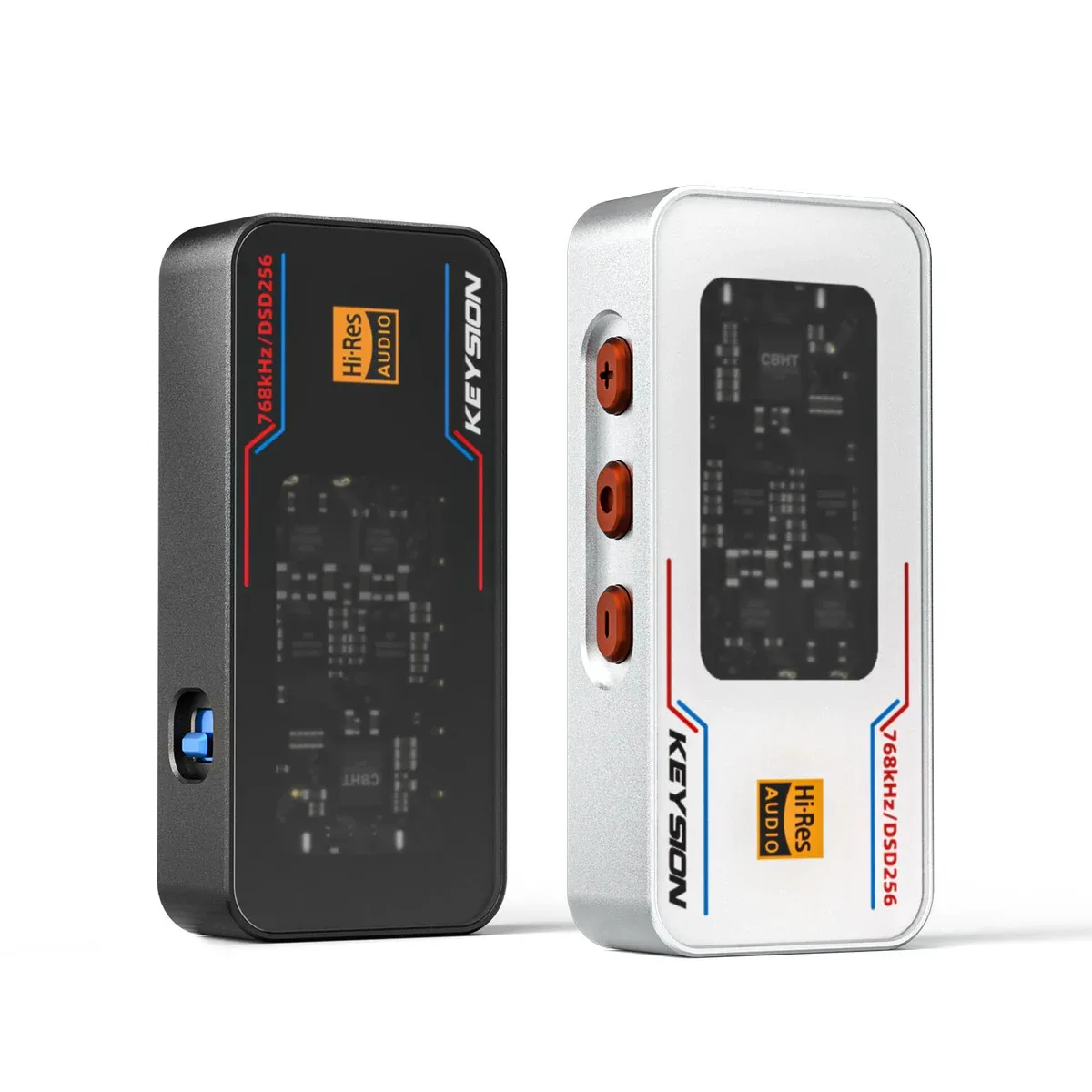
With the KEYSION 02 Pro, a workable setup is: enable ReplayGain in the player (Track or Album as needed), leave the player's digital volume near maximum, and control the overall level at the DAC or amp. You keep the convenience of normalization without stacking extra digital attenuation. The 02 Pro's noise floor is about 1.30 µV on the 4.4 mm output with a 135 dB SNR, so the chain stays clean enough for the difference to be about the recordings, not the gear.
On the single-ended side, say a KEYSION 02, the logic is the same: get the DAC's output level right first, then worry about normalization.
Who should turn it on, and who can skip it
- Commuting with shuffle across mixed playlists: Track mode, and stop thinking about it.
- Listening to classical, jazz or concept albums in order: Album mode, which preserves the rise and fall between tracks.
- Running a separate amp and adjusting volume by hand: you can leave it off.
- Sticking to one platform that already normalizes: no extra setup needed.
One caveat: normalization pays off most when your library spans very different loudness. If everything you own was recorded in the same era and genre, the difference can be small enough to ignore.
So should you turn it on?
Volume jumps are usually a mastering issue, not a fault. Check your platform's or player's normalization setting first, then decide whether the headphones or the source need changing.
Written by the KEYSION audio content team. We test portable DACs with a range of IEMs; the 02 Pro and 02 figures here come from our measurements and the official spec sheet. For exact loudness target values, refer to each platform's published documentation.
FAQ
Is ReplayGain the same as platform loudness normalization?
No. ReplayGain is scanned ahead of time and written into the file tags, then applied by the player. Platform normalization runs in real time on the server or in the app, and you cannot see or change it. Same goal, different operator.
Does normalization compress dynamic range?
Usually not much. It mostly lowers the overall level. Dynamics can suffer when a very quiet input is forced upward, which risks hitting a limiter.
Why are classical and rock still different in loudness after normalization?
Normalization matches average loudness, not peaks. Classical can have high instantaneous peaks while sounding quieter overall, and rock often has higher average loudness with less dynamics, so they still feel different.
With a KEYSION 02 Pro for local lossless, should I turn ReplayGain on?
Yes, but pick the mode by habit: Track for shuffle, Album for listening in order. Leave the DAC digital volume near maximum and control overall level at the DAC or amp.
Could jumps in volume mean my headphones or DAC are broken?
Unlikely. Try the same song on another device. If the gap follows the recording, it is the master; if it only happens on one device, check cables, jacks, or gain settings.
Related products
Related articles