What Do 44.1, 48, 96, and 192kHz Sample Rates Really Do? Can You Actually Hear the Difference?
Higher sample rate means better sound, right? Straight answer: sample rate sets the upper limit of the frequencies you can play back. 44.1kHz already covers everything below roughly 20kHz that most ears can hear; 96/192kHz matter mainly in recording and audio editing. For most people who only do playback, the gain is too small to notice. This post explains sample rate, the Nyquist theorem, and resampling artifacts in one place, then brings it back to your portable DAC.
What sample rate does, and why more is not automatically "more treble"
Sample rate measures how many times per second a signal is sampled. According to the Nyquist sampling theorem, the highest frequency a rate can reproduce losslessly is half of itself: 44.1kHz handles about 22kHz, 48kHz about 24kHz. The upper limit of human hearing sits near 20kHz and tends to drop with age and accumulated loud listening. From a "good enough" standpoint, 44.1/48kHz already packs the full audible band.
Beyond that, you are raising a theoretical ceiling, not the information you can hear. Packing more measurement points up to 96kHz adds no corresponding perception for frequencies above 20kHz, so not hearing a difference is entirely normal.
Why 44.1 and 48 coexist
44.1kHz dates to the CD era. Early PCM needed to fit comfortably inside consumer-video bandwidth, and integer ratios happened to fit the hardware of the time, so it became the mainstream for music. 48kHz comes from digital video standards; video audio usually runs at 48kHz so it aligns with frame rates. Music streaming leans on 44.1kHz, while video content commonly uses 48kHz.
For playback devices both work fine; the real difference sits in the "conversion" step. When a source's sample rate differs from the device's internal working rate, resampling becomes unavoidable, and the quality of that resampling decides how many artifacts you actually hear.
When 96/192kHz genuinely helps
High sample rates truly shine on the production side, not on playback. Working at 96kHz while mixing gives extra headroom that reduces the accumulation of quantization error from EQ and effects; you export back down to 44.1 for delivery. That is why many studios insist on working at high rates. But by the time sound reaches your ears, nearly every track has been resampled or placed at whatever rate the device can handle, and the quality of that final step is what determines what you really hear.
Resampling artifacts and SR switching
When you feed 44.1kHz content into a chip that works at 48kHz internally, a 44.1 to 48 sample-rate conversion (SRC) takes place. Poor resamplers introduce image frequencies, roll-off, and phase shifts, so the sound can feel dull or brightened. One curious fact: the higher the working rate, the higher the demands on the resampling algorithm, and a badly handled high-rate file can actually sound worse.
| Sample rate | Reproducible top | Main use | What it means |
|---|---|---|---|
| 44.1kHz | about 22kHz | music CD / mainstream streaming | already enough for pure playback |
| 48kHz | about 24kHz | video and film audio | aligned with video frame rate |
| 96kHz | about 48kHz | recording and mixing work | headroom for production |
| 192kHz | about 96kHz | high-end workflows | tiny playback benefit; resampling matters more |
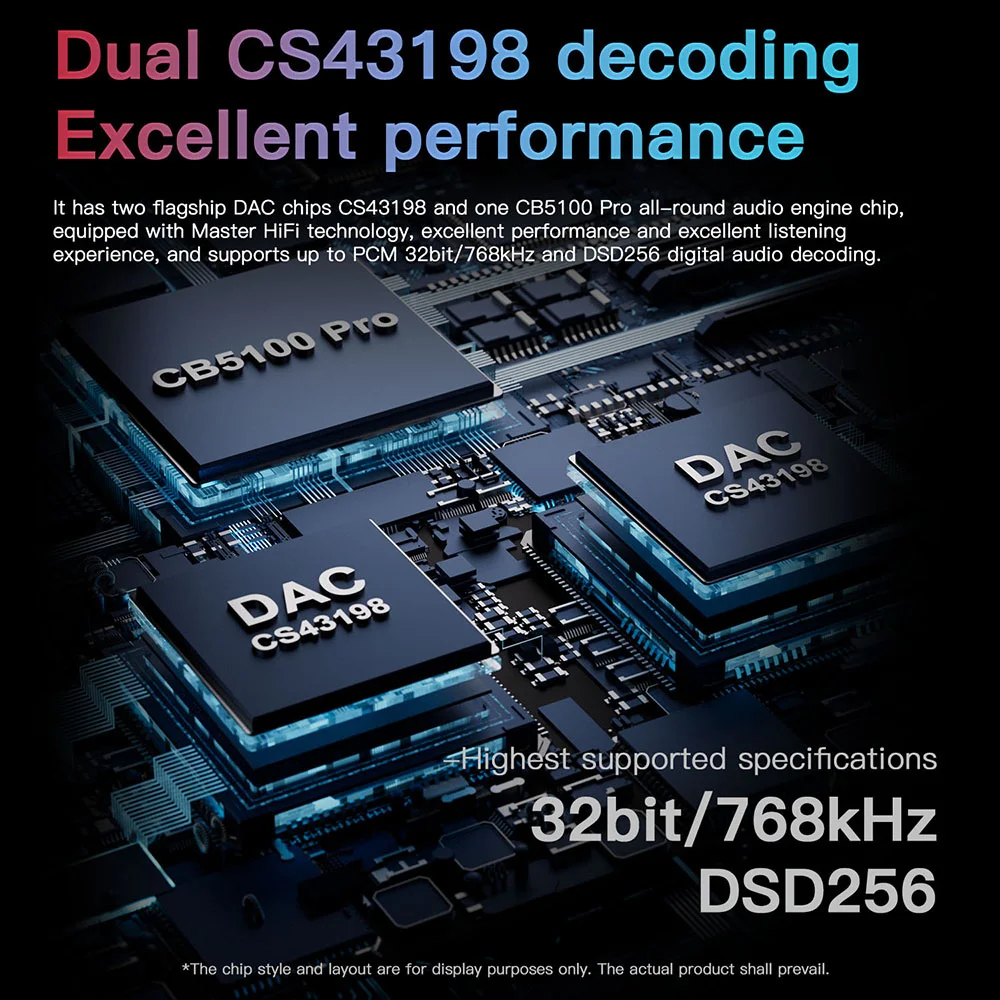
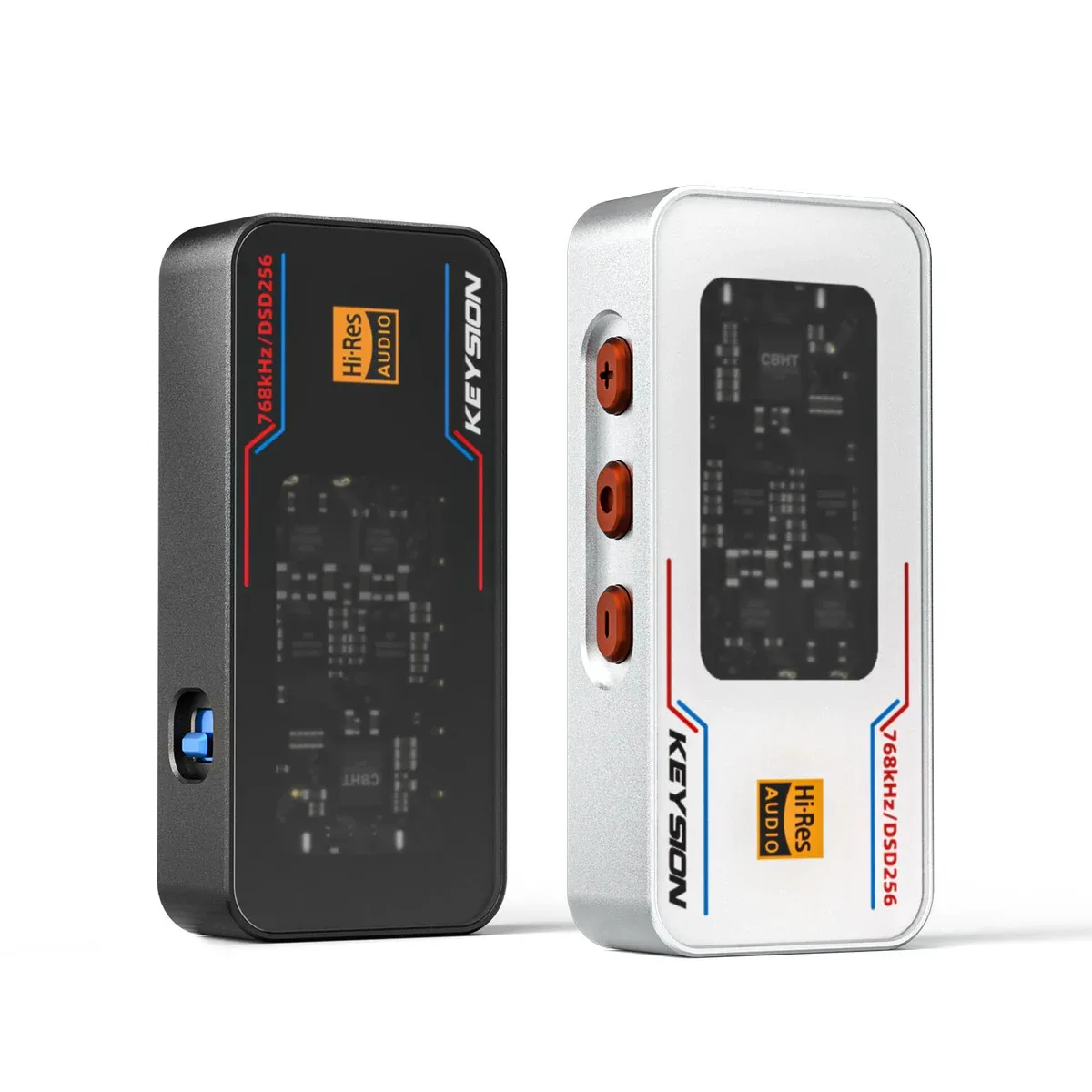
So pick a DAC by more than the "maximum supported sample rate" number. Devices like KEYSION 02 Pro that reach PCM 768kHz earn their value by doing both decoding and resampling cleanly, not by offering a bigger number. This is a point we keep making in our dongle DAC specs explainer: SNR, distortion, and noise floor say much more about a machine than its nominal sample rate.
Advice for your source files and player
If your library is mostly CD rips and streaming, 44.1kHz lossless is your real workhorse. Chasing 192kHz versions usually has little point, and "Hi-Res transcodes" of unclear origin can be degraded by resampling and end up worse than native lossless. You only need 96kHz and above working files when you are recording or doing post-production. For more on "what lossless actually changes," see our guide to lossless formats and Bluetooth codecs.
Back to the hardware: a good portable DAC handles sample-rate adaptation, resampling quality, and power delivery together. To compare models, check KEYSION 01, 02, and 02 Pro side by side. For most listeners, keeping files clean and volume at a safe level improves the experience more than agonizing over 96 vs 192.
Sample rate does not get mysterious the higher you go; it is simply the precision scale of the recorded waveform. Good enough works, and you do not have to follow marketing numbers.
Author: KEYSION Acoustics Lab. We talk HIFI with measured data and clear language; for related parameter concepts see the full breakdown of dongle DAC specs.
FAQ
Does a higher sample rate mean better sound quality?
Not necessarily. Sample rate only sets the upper limit of reproducible frequencies; 44.1kHz already covers the full audible range, and higher 96/192kHz matter mainly in the post-production of recordings, with little gain at playback.
What's the difference between 44.1kHz and 48kHz?
44.1kHz is the standard for CD and mainstream streaming, while 48kHz aligns with video frame rates. Both can be handled normally for playback; the real difference shows up during sample-rate conversion.
Why can't I hear the 96/192kHz difference?
Because human hearing caps at about 20kHz, which 44.1kHz already covers fully. Anything above has no corresponding perception, and most content ends up resampled anyway, so what you hear is largely determined by resampling quality.
Do I need to buy 192kHz audio files?
Generally not for playback. Chasing high sample-rate versions on purpose can backfire, because transcodes of unknown origin may go through degraded conversion. CD rips and legit lossless streaming are enough.
Does the player's resampling capability matter?
Yes. When a file rate does not match the chip internal rate, resampling quality decides how many artifacts appear. A device that resamples well often matters more than one that merely supports high rates.
Related products
Related articles