Pops and Clicks When Plugging In Headphones: Is the Gear Actually Damaged?
A single pop when you plug in headphones usually does not mean the headphones are damaged. The common causes are a brief signal-to-ground short as the plug passes through the jack, or a DC step in the amplifier when it powers up, shuts down or switches mute. Power-on pops, plug pops and track-change clicks are all transient events: short, concentrated in energy, and often more startling than harmful. What deserves attention is a continuous pop, a pop with audible distortion, or a device that sits at a DC offset after the headphones are connected.
Where do the pops come from?
Three sources. Plug geometry: as a 3.5 mm TRS plug enters, tip, ring and sleeve make contact in sequence, and for a moment the signal can touch ground. Amplifier: the coupling capacitors charge at power-on and discharge at power-off, producing a DC step at the output. Digital path: USB enumeration, sample-rate changes and wake-from-sleep can make the DAC mute and unmute again.
Which pops are normal and which are not?
| Situation | Typical cause | Normal? | What it means |
|---|---|---|---|
| One pop when inserting a 3.5 mm plug | Momentary short from contact order | Usually | Lower the volume first; avoid hot-plugging at full volume |
| No sound for 1-3 s after power-on | Protection relay or soft-start delay | Yes | The circuit is waiting for DC to settle, not broken |
| A thump at power-off | Capacitor discharge, supply drop | Common | Unplug or mute before switching off |
| Small click on track change or pause | DAC mute switching | Common | Player or firmware settings can reduce it |
| Continuous buzz plus pop and distortion | DC offset, leaking capacitor, grounding | No | Stop using it and measure output DC |
| Pop only when touching the cable | Poor plug contact or cable break | No | Compare with another cable; stop using it |
"Normal" here means common, not that every device should do it. A well-designed amp includes insertion detection, relay delay and a mute sequence, and the pop is much quieter.
What actually happens when a 3.5 mm plug goes in?
A TRS plug carries left, right and ground from tip to sleeve. As it enters, the tip reaches the socket first and the signal briefly touches the ground spring for a few milliseconds. The amplifier output drops from its normal level to zero and recovers. That current step travels down the cable as a pop.
A 4.4 mm balanced plug has a different pin order and can also short briefly. Balanced outputs have separate channels, so the pop may not sound the same. Do not treat "no pop on balanced" as proof of better sound; it is just a different contact order.
No sound for a few seconds after power-on: is it broken?
Many desktop amps and some dongles use a relay or soft start: the headphone output stays disconnected until the amplifier's DC operating point settles. A 1-3 second delay is common, and some protection circuits take longer. Silence during that window is intentional.
If nothing comes out after 10 seconds, or the relay clicks repeatedly, start checking. Try another headphone and another cable to rule out the jack, then look at power and input.
When should you stop using it immediately?
Three cases. Continuous DC at the output: measure the headphone jack with a multimeter on DC volts. Normal is within tens of millivolts; above 1 V, do not connect headphones. Continuous pop with distortion: possibly a failed coupling capacitor or amplifier oscillation. A hot plug or cable, or a burnt smell: disconnect power.
A DC offset keeps biasing the driver, shifting the voice coil and potentially overheating it over time. A multimeter check is simple and needs no specialised gear.
The right power and plug order
Power on: source first, then the amplifier, wait for the protection relay, and connect headphones last. Power off: stop playback, turn the volume to minimum, unplug the headphones, then switch off the amp. This keeps the amplifier's transients away from a load.
Lower the volume when plugging or unplugging, hold the plug body, and move it straight in and out. Avoid repeated hot-plugging during playback, especially at high volume. Exit the player before putting a computer to sleep to reduce wake-up pops.
How to reduce pops
Choose an amp with a relay or soft start, enable fade-in and fade-out in the player, power the USB DAC separately or use a shielded cable, and do not share the headphone jack and charger through a cheap splitter. Software fades help with track-change clicks but not with plug pops, which are set by the mechanical contact order.
Some players mute on insertion detection for a few hundred milliseconds. That feature helps more than a new cable. Ask before buying rather than fixing it afterwards. Hiss is a different problem: for steady background noise see the headphone hiss checklist, and for low-frequency hum see ground loop fixes.
Who it suits, who should skip it
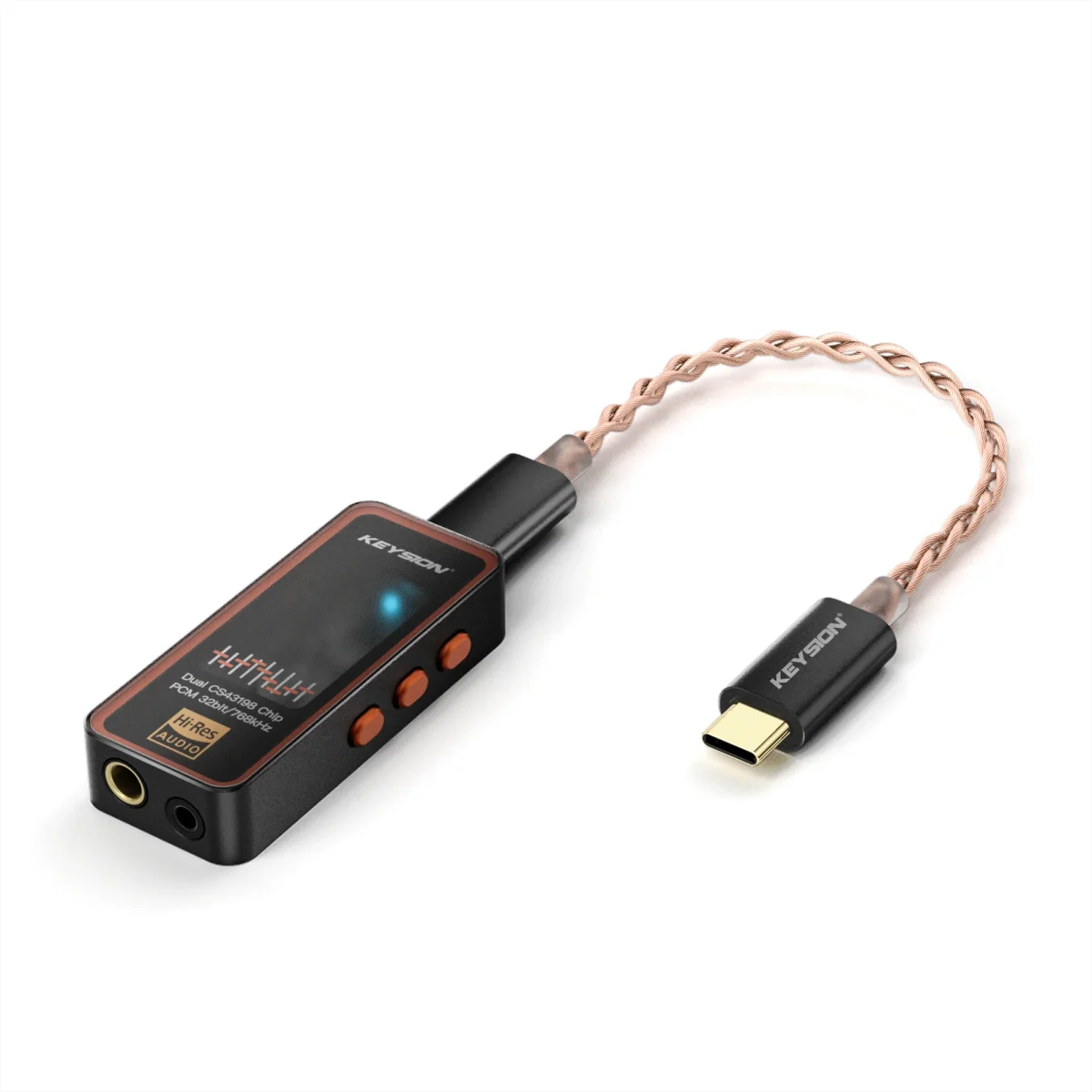
It suits people who plug and unplug often, use a desktop amp, hear pops at power-on, or want to judge whether service is needed. Dongles such as KSHF 01 and 02 have no mechanical relay, so lower the volume before plugging; the same applies to portable amps like S2.
Skip it if the driver is already damaged, the plug is visibly burnt, or the device is under warranty and you plan to open it yourself. A pop diagnosis is a first check, not permission to repair.
Written by the KEYSION audio content team. We keep service records for portable DACs and amps; DC offset and protection-delay figures come from bench measurements and repair samples. Listening notes describe real use, and do not replace the manufacturer's safety instructions.
FAQ
Can a pop damage my headphones?
A single short pop carries little energy and rarely harms the driver. The real risks are repeated hot-plugging at high volume and a continuous DC offset at the output.
No sound for a few seconds after power-on: is the amp broken?
Most likely the protection relay or soft start is waiting for DC to settle; 1-3 seconds is normal. Only after 10 seconds or repeated relay clicks should you check.
How do I check for DC offset at the headphone jack?
Use a multimeter on DC volts across the jack. Normal is within tens of millivolts; above 1 V, do not connect headphones and have the device serviced.
No pop on the balanced output means balanced is better, right?
Not necessarily. A 4.4 mm plug has a different pin order, so the brief short takes a different path. The pop can differ without any relation to sound quality.
Can I remove the small click when changing tracks?
You can reduce it: enable player fades, turn off system sounds, and avoid frequent sample-rate switching. Complete removal depends on the DAC mute design.
Related products
Related articles