How Thick and How Long Should Speaker Cables Be? Gauge and Contact Resistance in 4Ω Systems
You do not need very thick cable for desktop speakers. For a 1-2m near-field run, 0.75-1.5mm² copper is enough; consider 2.5mm² for 4Ω systems or runs over 5m. Using copper resistivity, the loss from gauge is usually under 0.3dB, which most listeners cannot hear. Oxidized plugs, broken strands and contact resistance are the more common weak points, and those three can add up to more resistance than the cable itself.
Choosing gauge: AWG and mm²
Speaker cable is often marked in AWG, while many Chinese listings use square millimeters. A few conversions are enough: 18AWG is about 0.82mm², 16AWG about 1.31mm², 14AWG about 2.08mm², 12AWG about 3.31mm².
Lower numbers mean thicker wire and lower resistance. For a desktop, 18AWG to 16AWG works. Beyond 5m or with 4Ω speakers, move toward 16AWG to 14AWG.
| Size | Cross section | Resistance per conductor at 20°C | Best for | What it means |
|---|---|---|---|---|
| 18AWG | 0.82mm² | About 0.021Ω/m | 1-2m desktop | Enough for near-field, no need to overspend |
| 16AWG | 1.31mm² | About 0.013Ω/m | 2-5m, small 4Ω setups | More headroom, easier to clamp |
| 14AWG | 2.08mm² | About 0.0084Ω/m | 5-10m, larger 4Ω setups | More stable over distance, stiffer jacket |
| 12AWG | 3.31mm² | About 0.0053Ω/m | Over 10m | Not needed in most homes |
These figures use copper resistivity of 0.0175Ω·mm²/m at 20°C; purity and temperature move them slightly. A speaker cable has two conductors, so loop resistance doubles the single-conductor value.
When a run counts as long
A 2m cable length means a 4m loop. At 0.75mm² the loop is about 0.093Ω, at 1.5mm² about 0.047Ω, at 2.5mm² about 0.028Ω.
On a 4Ω speaker, 0.093Ω takes roughly 2.3% of the power, about 0.2dB. On 8Ω it is about 1.2%. Stretch to 10m and 0.75mm² reaches about 0.47Ω, around 10% loss on 4Ω, close to 0.5dB. That is where gauge starts to matter in practice.
| Gauge | 2m loop | 5m loop | 10m loop | 4Ω loss at 10m | What it means |
|---|---|---|---|---|---|
| 0.75mm² | 0.093Ω | 0.233Ω | 0.467Ω | About 10.4% (-0.48dB) | Fine on a desk, starts to lose over distance |
| 1.5mm² | 0.047Ω | 0.117Ω | 0.233Ω | About 5.5% (-0.25dB) | Safe for most home setups |
| 2.5mm² | 0.028Ω | 0.070Ω | 0.140Ω | About 3.4% (-0.15dB) | Comfortable for 4Ω and long runs |
The table assumes pure copper at 20°C and does not include plug contact resistance. In a real system, connectors often account for a larger share than the wire.
Why 4Ω systems care more about gauge
For the same volume from the same amp, a 4Ω speaker draws twice the current of an 8Ω speaker. Double the current means four times the I²R loss in the cable.
Amp current capability, cable current capacity and connector contact area all get tighter at 4Ω. Thicker cable helps, but it is not the root fix; the amp 4Ω rating matters more.
On the other hand, 0.75mm² is entirely reasonable for a small 8Ω desktop system. Spending the budget on thick cable returns less than fixing speaker placement and room reflections. See how to place desktop speakers.
Connectors and contact resistance often matter more
Binding posts, banana plugs and bare-wire clamps all add contact resistance. A clean, tight connection sits around 0.01-0.05Ω; oxidation or a loose plug can exceed 0.1Ω, and two connectors together can swing more than the gauge difference.
The usual problem is not the wire but the termination: bare copper turns green, the plug is not tightened, only half the strands are clamped, or solder turns a stranded wire into a short solid block.
Power down first, then inspect the strands for dark copper or broken conductors. Trim bare wire square and clamp it firmly. With banana plugs, choose crimped types rather than a thin solder joint. Give the cable a light tug to confirm it is secure.
Do purity, silver plating and shielding matter?
OFC, monocrystal copper and silver plating get magnified out of proportion for speaker cable. Going from 99.99% to 99.9999% copper changes resistance far less than length and connector condition do.
Silver plating helps at high frequencies; inside the audio band the effect is small. At 20kHz the skin depth in copper is about 0.46mm, while plating is only a few microns, so little of it carries current.
Shielding is not mandatory for speaker cable. A low-impedance, high-current loop resists interference better than a line-level signal. If a long run sits near mains cable, twisted pair or shielding adds margin. Moving the cable away is more direct.
Active desktop speakers use signal cable, not speaker cable
Active speakers have built-in amps and take line level, typically 10kΩ or higher, with very little current. Use an RCA or AUX cable there; gauge barely matters, while shielding and plug contact do.
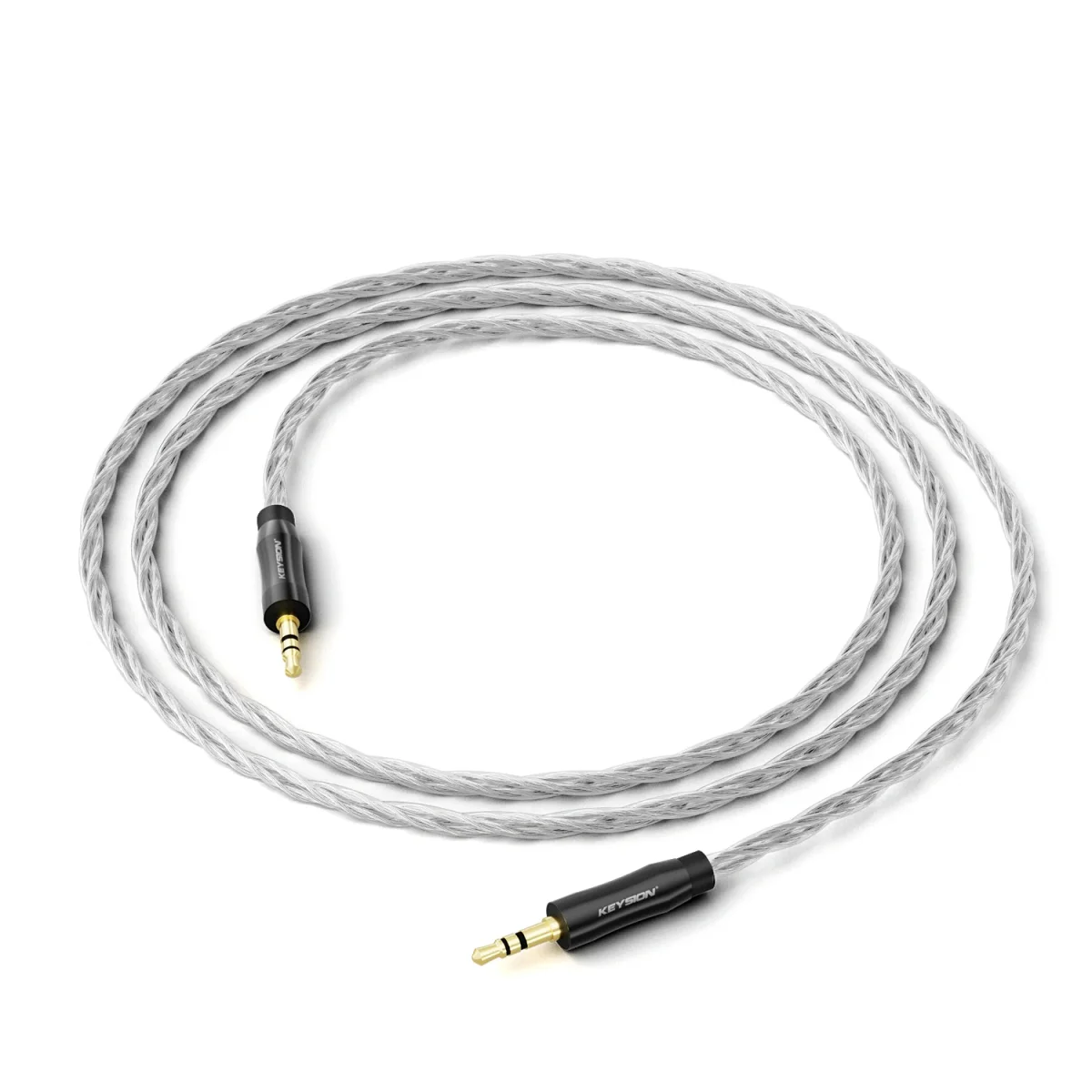
KEYSION S1 oxygen-free copper AUX cable and the AUX interconnect belong to this group, carrying line level from a DAC to active speakers or a sub. They do not carry speaker power, so do not use them on passive speakers.
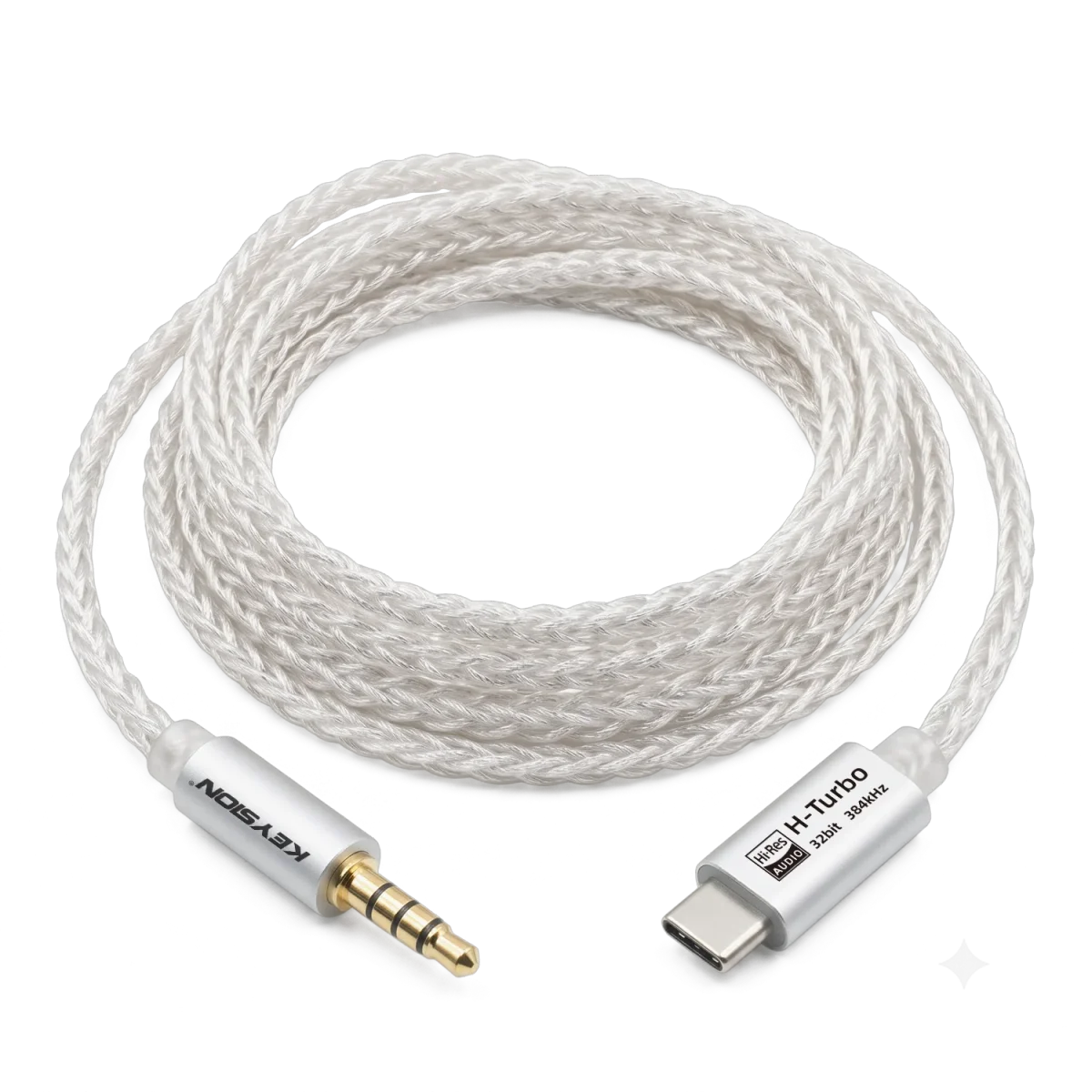
The YCX dual Type-C OTG cable carries USB digital signal, a different path from analog speaker cable. Digital cable cares about protocol and power; analog cable cares about contact and shielding. Comparing them directly makes little sense.
Passive speakers are the ones that need real speaker cable. The difference is covered in powered vs passive desktop speakers.
When to replace the cable
Green or black strands, hardened or cracked insulation, intermittent sound when the cable is bent, or a connector that still gets warm after tightening are signs to replace it.
If the sound turns dull or bass drops, do not blame the cable first. Reclamping the terminations or replacing the binding posts often restores it. The cable itself usually outlives the connectors.
Wrong length is another reason. Too short pulls the speaker out of position; too long adds resistance and pickup. Measure the real distance and leave 20-30cm of slack.
One table to finish
| Situation | Suggested gauge | Length | What it means |
|---|---|---|---|
| Desktop near-field, 8Ω | 0.75-1.5mm² | 1-2m | Gauge is not the bottleneck, clamp the plugs |
| Desktop near-field, 4Ω | 1.5-2.5mm² | 1-3m | Double current, keep some headroom |
| Living room bookshelf, 8Ω | 1.5mm² | 3-6m | Standard setup, watch cable routing |
| Living room floorstanding, 4Ω | 2.5mm² | 5-10m | Long runs and high current both count |
| Active speaker line input | Signal cable, ignore mm² | 1-3m | High impedance, low current, shielding and plugs matter |
About the author: KEYSION cable and acoustics content team. Tests used 1.5m and 5m runs of 0.75mm², 1.5mm² and 2.5mm² copper on 4Ω and 8Ω loads, comparing level and listening; contact resistance was spot-checked with a four-wire method. The sample is limited and the conclusions lean conservative; your connector condition still decides the result. Leave a comment on the product page with your speaker model and cable length, and we will answer by configuration.
FAQ
What gauge speaker cable do I need for a desktop?
For 1-2m near-field runs, 0.75-1.5mm² copper is enough. With 4Ω speakers or runs over 5m, consider 1.5-2.5mm².
Do 4Ω speakers always need 2.5mm² cable?
No. Over 1-3m, 1.5mm² already has enough margin. For long runs, high power or poor connectors, 2.5mm² is more stable.
Is shorter cable always better?
As short as your layout allows. Longer cable adds resistance, pickup and routing conflicts, but the difference over 1-2m is very small.
Are monocrystal or silver-plated speaker cables worth buying?
Put the budget into speakers, placement and connectors first. Purity changes resistance far less than length and contact condition, and listening evidence is thin.
Do active speakers need speaker cable?
No. Active speakers take line level through RCA or AUX. Impedance is high and current is low, so gauge barely affects the sound.
Related products
Related articles