How Should You Connect a Subwoofer to a Desktop Setup? Crossover, Phase and Level

Adding a subwoofer to a desk setup usually goes wrong at the wiring and the three knobs, not at the purchase. Feed an active sub from the line output of your DAC or preamp, start the low-pass filter around 80-100Hz, compare phase at 60-70Hz by ear, and set the level at roughly one quarter before fine tuning. Desktop near-field distances are short, and most main speakers already roll off around 60-80Hz, so the sub only fills that gap. Once it gets louder than the midrange, vocals turn hollow and bass starts to sound muddy.
Which input should a desktop sub use?
Line input takes an RCA or 3.5mm analog signal and amplifies it inside the sub. DACs, preamps and sound cards all provide it, and it keeps the gain chain short.
High-level input taps the speaker outputs of an amplifier. It suits older integrated amps and passive speaker systems; active desktop speakers rarely need it.
Wireless input covers Bluetooth and dedicated transmitters. Latency usually sits between 30 and 100ms, fine for video, less ideal for music where bass can drift against the beat.
| Input | Typical connector | Best for | What it means |
|---|---|---|---|
| Line input | RCA / 3.5mm | Desktop DAC, preamp, sound card | Shortest signal path, controllable level, first choice |
| High-level | Speaker terminals | Passive systems, older amps | One extra attenuate-and-amplify stage, slightly higher noise risk |
| Wireless | Bluetooth / 2.4G | Temporary placement, TV | 30-100ms latency, not first choice for music |
| USB | USB-B / USB-C | A few subs with built-in DAC | Acts like an internal sound card, more settings to manage |
Why a lower crossover is not automatically better
The crossover point decides where the sub takes over. Set it too low and both sub and mains output 40-60Hz, room modes add up, and the bass booms. Set it too high and the sub handles 80-150Hz, where its midrange coloration and wide dispersion make vocals sound thick.
Desktop mains with 4-5 inch woofers typically roll off around 60-80Hz. A crossover at 80-100Hz is a stable starting point: the mains still contribute, and the sub only fills below their rolloff. Bookshelf speakers in a living room can start at 60-80Hz.
You can do this without measuring gear. Play familiar bass-heavy material and sweep the crossover from 60Hz to 120Hz. Stop where the low end gains a clear outline without booming. Phone spectrum apps are a rough reference only; microphone response and room reflections distort the reading.
Setting phase at 0 or 180 degrees
The phase switch either inverts the sub signal by 180 degrees or leaves it alone. What you actually want is time alignment between sub and mains at the listening position; 0 and 180 are just the two extremes.
Play a 60-70Hz sine tone or pink noise and toggle between 0 and 180. Pick the setting that sounds louder and fuller. If neither makes a difference, the sub level is too low, or the placement already keeps both paths close to in phase.
A continuous phase knob beats the two-position switch. Sweep 40-80Hz and choose the angle with the smallest dip. Wavelength at 60Hz is about 5.6m, so moving the sub one meter changes phase by roughly 64 degrees. Recheck after every placement change.
Matching level to the main speakers
Sub level is not an independent taste control. It has to meet the mains in the crossover region, and bass should feel like support rather than the main event.
Start at one quarter and play a track with vocals and moderate bass, not a bass showcase. Raise the level until the low end has a clear shape, then back off a little. On a desk, one quarter to one third is the usual range; movies and games can go higher.
If the mains are too quiet, do not use the sub to compensate. That always ends with bass first and vocals thin. Set the mains first, then match the sub.
Placement comes before EQ
Put the sub under the desk near the front wall and start 20-30cm away from it. A corner reinforces bass, and it reinforces room modes too, especially in small rooms.
Do not put the sub on the desk. Cabinet vibration travels into the desk, keyboard and monitor, bass turns blurry, and desk resonance adds low-mid noise.
Arrange sub and mains roughly as a triangle with the listening position slightly behind the middle. Room modes around 40-60Hz respond to placement; EQ can cut peaks, but overdo it and you remove the bass you wanted.
Using a KEYSION DAC as the preamp
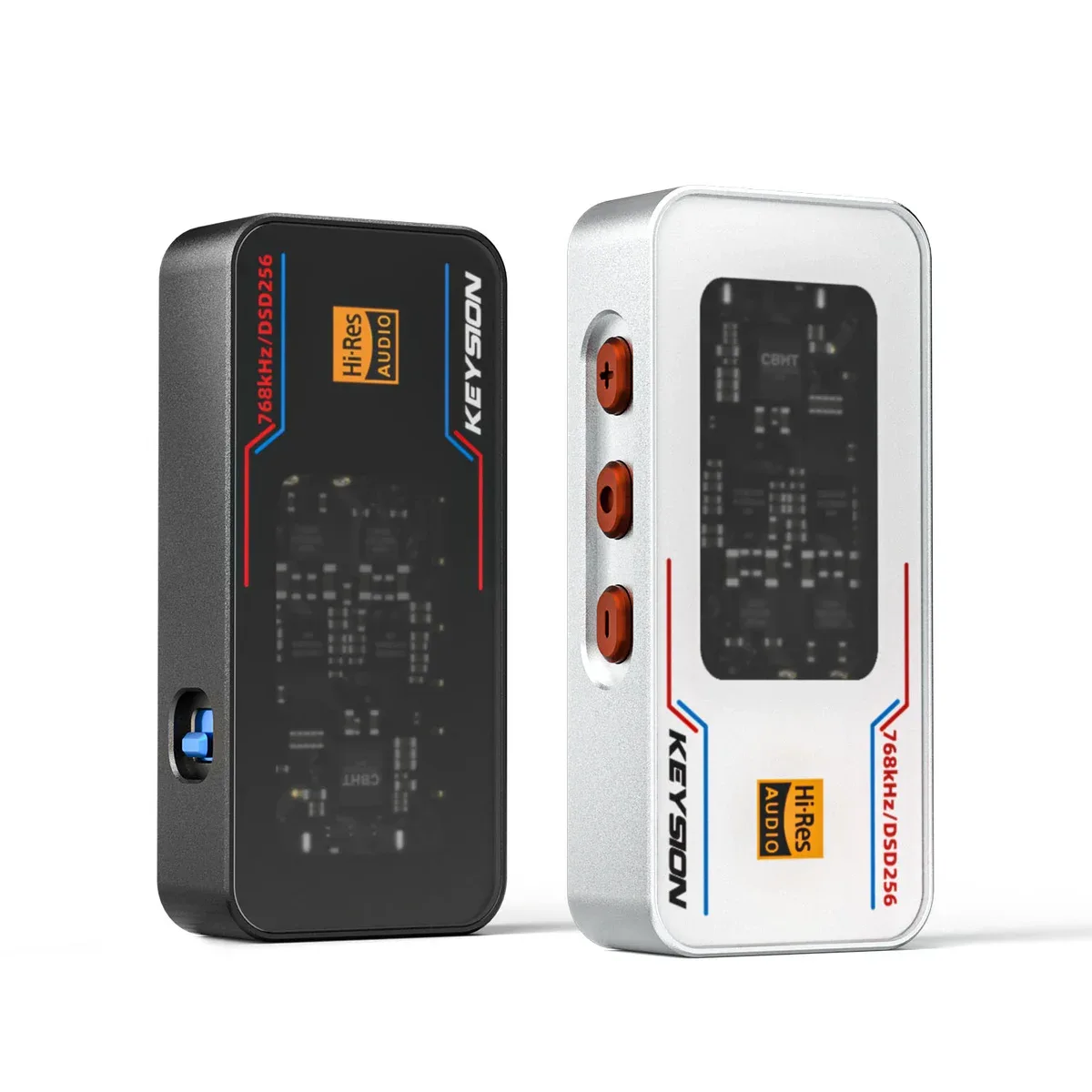
The line outputs on the 02 Pro and 02 are fixed level, so volume belongs at the speakers or the sub. Adjusting both ends at once is the fastest way to scramble the gain structure.
Do not feed a sub from the headphone jack. Headphone output changes with the volume setting and its impedance is a poor match for long cable runs, so bass will drift. For the difference between line and headphone outputs, see line out vs headphone out.
The S2 is a portable DAC and amp; a desk 2.1 system should be driven by a desktop DAC or preamp. If you want to bring a phone into the system temporarily, read dongle DAC vs Bluetooth amp.
After wiring, fix a normal listening level on the DAC, then adjust crossover, phase and sub level. Change one variable at a time so your ears can compare.
Four settings in one table
| Setting | Desktop near-field | Living room / bookshelf | What it means |
|---|---|---|---|
| Crossover | 80-100Hz | 60-80Hz | Sub fills only below the mains rolloff, less overlap |
| Phase | Try 0 and 180, pick the fuller one | Continuous knob, smallest dip | Aligns arrival time, avoids cancellation |
| Level | 1/4 to 1/3 of the mains | Start at 1/3 | Adds weight without stealing vocals |
| Placement | Under desk, 20-30cm from front wall | Corner or side wall | Corners boost bass and room modes |
Still boomy or still hollow? Check these four
Sub level too high is the most common cause. More low end always costs midrange clarity first.
Crossover overlapping the mains means two sources push 40-60Hz and room modes get louder.
Reversed phase cancels bass, and the result sounds thin rather than loud. Flip the switch to confirm.
Untreated room modes respond well to moving the sub 30cm or turning it. That often works better than adding EQ.
The goal of a desktop 2.1 is not maximum bass. It is a low end that connects with the mains and leaves the midrange alone. Work through these four items in order and most systems become audibly better.
About the author: KEYSION acoustic content team. Tests were run on a 1.8m desk with a pair of 5-inch active bookshelf speakers and an 8-inch active sub; crossover and phase conclusions come from listening sessions and phone spectrum captures. Results vary by room and cabinet. Leave a comment on the product page with your gear and we will answer by model.
FAQ
Does a desktop subwoofer have to use the LFE output on the DAC?
Use LFE when it exists; it bypasses part of the sub internal processing. If not, feed both channels from the line output through a splitter and keep levels matched.
How loud should the subwoofer be set?
Start at one quarter of the main speaker level. Stop when vocals stay full and bass has a clear outline. Above one third, bass tends to take over.
Should the crossover be set at 80Hz or 100Hz?
Check where the mains roll off by -3dB. Most 4-5 inch desktop speakers fade around 60-80Hz, so 80-100Hz is a stable start, then adjust by ear.
What if I cannot hear a difference between phase 0 and 180?
Raise the sub level until bass is clearly audible, then switch again. If there is still no change, both paths already arrive close in time, or the sub is too far away and too quiet.
Will a subwoofer under the desk shake the desk?
It can, especially with a thin top. Put it on the floor with an isolation pad. Never place the sub on the desk itself; cabinet vibration reaches the keyboard and monitor.