How Should You Place Desktop Speakers? Placement, Bass Modes and KSHF-02 Pro Explained

- Why does placement come before room treatment on a desk?
- How far should speakers sit from the rear wall?
- What spacing and toe-in should you use?
- Should the tweeter aim at your ears?
- Early reflections: desk or side walls first?
- Bass modes: why moving the speaker beats foam
- Absorption or diffusion first on a desk?
- What can the source and front end add?
- Who this suits, and who it does not
- How to start
The order for placing desktop speakers comes down to three things: set the distance to your ears and the gap between the cabinets, raise the tweeter to ear height, then deal with reflections from the desk and side walls. Bass modes are fixed by moving speakers, not by buying foam. At a 0.6-1 m nearfield distance this order costs nothing and is the easiest to hear.
Why does placement come before room treatment on a desk?
Nearly every desktop setup is nearfield listening. Direct sound dominates reflections at 0.6-1 m, so dispersion, wall distance and the desk surface decide what reaches you.
Swapping a DAC often changes less than turning a speaker 10 degrees inward. The reflection paths move, and the frequency response follows.
Placement is free but takes desk space. Keyboard, monitor and speakers compete for the same area. Accept that limit before buying absorbers.
How far should speakers sit from the rear wall?
| Distance to rear wall | What changes | What it means |
|---|---|---|
| 0-10 cm (against the wall) | Bass is boosted, lower mids get thicker and muddier | Worth trying for more bass, but check midrange clarity |
| 30-60 cm | Clear bass peaks and dips appear | The most difficult zone; move the speaker forward and back |
| 100 cm or more | Flatter bass | Usually impossible on a desk, only with room to spare |
A wall placement lifts low bass, which can help a small desk that needs some weight. The cost is a congested midrange and a larger-sounding vocal image.
The 30-60 cm zone is the awkward one: rear-wall reflection and bass modes stack up, and some kick drums jump out. No measurement rig needed. Play a track with clean bass and move 10 cm at a time; the most even step is the one to keep.
What spacing and toe-in should you use?
Keep each speaker's distance to your ears equal within a few centimetres. Start at 0 degrees of toe-in and add 10 degrees at a time, judging with a familiar vocal track.
Too much toe-in crosses the tweeters in front of your head; after ten minutes the top end sounds bright and sharp. Parallel cabinets blur the centre image and push the vocal back. Most listeners settle between 0 and 20 degrees.
Spacing should stay under twice the ear-to-speaker distance. Wider leaves a hole in the middle, narrower collapses the stage into a line.
Should the tweeter aim at your ears?
Yes, or close to it. Monitors squeezed onto a desk often leave the tweeter 20-30 cm below ear height, which dulls the treble and pulls the image down.
A stack of books or a pair of small stands lifts it; the change is usually clearer than a cable swap. Keep the stands rigid, because cabinet vibration travels into the desk and back.
Early reflections: desk or side walls first?
| Treatment | Cost | Effect | What it means |
|---|---|---|---|
| Move speakers and chair | None | Changes reflection paths and mode positions | Do this first; the largest gain |
| Absorption behind the monitor | Low | Cuts midrange and treble reflections | Worth trying in a hard-walled room |
| First reflection point on side walls | Low | Sharpens the stereo image | More useful than the rear wall at nearfield |
| Diffuser panels | Medium | Scatters reflections and keeps energy | Skip until the desk is deep enough |
| Rug or heavy cloth | Low | Dampens desk and floor reflections | Do not expect it to fix bass |
The desk reflection reaches your ears first because it is closest. One panel behind the monitor, or a heavy curtain, takes the edge off the upper midrange.
Find the side-wall reflection point with a mirror. Sit in the listening spot and have someone slide a mirror along the wall; the section where you can see a speaker is the point to treat.
Bass modes: why moving the speaker beats foam
Room dimensions set the mode frequencies. In a small room the peaks and dips land between 40 and 80 Hz, and thin foam cannot absorb them.
An absorber needs a thickness near a quarter wavelength to work at low frequencies. 60 Hz is about 5.7 m, so a quarter is 1.4 m; no desk allows that.
Moving the speakers and your chair is more practical. A 3-6 dB change in bass level is easy to hear, and it costs nothing.
Absorption or diffusion first on a desk?
Absorption for the midrange and treble. Desk and rear-wall reflections are the visible problem up close, and one panel or a thick curtain helps.
Diffusers need distance. With 60 cm of desk depth the sound reaches you before it has spread out. On a shallow desk, skip them for now.
What can the source and front end add?
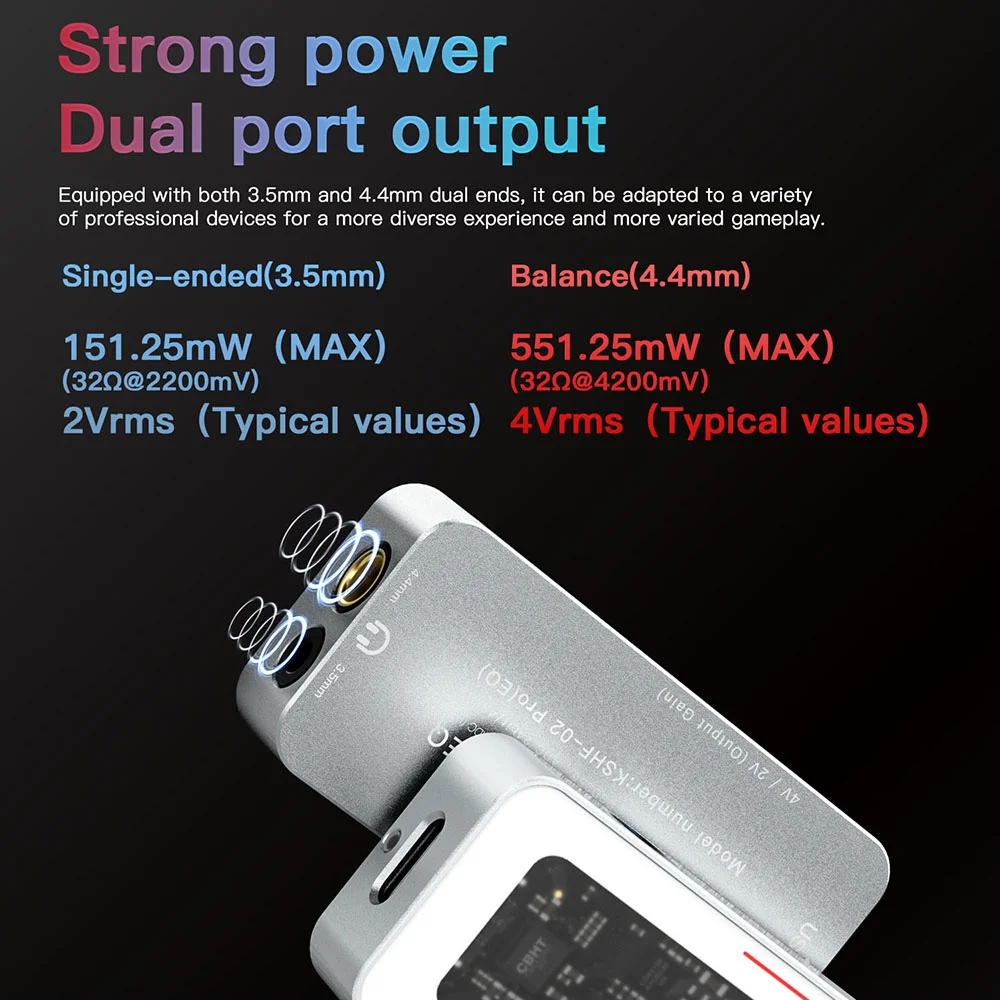
Settle placement first, then look at the front end. A dongle such as KSHF-02 Pro works as a desk DAC, with its 3.5 mm output feeding powered speakers and volume set on the computer.
Its 32bit/768kHz decoding and DSD256 do little for powered speakers. What matters here is the 1.30 μV noise floor and 135 dB SNR, which keep hiss out of a quiet room.
On a tighter budget, H-Turbo S2 offers PCM 384kHz and 105 dB SNR for IEMs and small desks. If you already own 02, placement changes will do more than a new source.
For the whole chain, see how to build a first desktop system. If you hear hum, start with ground loops.
Who this suits, and who it does not
Suits: nearfield desktop listeners with a modest room who will spend half an hour moving speakers.
Does not suit: anyone hoping accessories will fix everything. With less than 60 cm of desk depth, headphones or small nearfield monitors make more sense than large cabinets.
How to start
Pick one familiar track. Adjust spacing and toe-in, then height, then distance to the wall. Change one variable at a time and listen for two days. Buy absorbers after placement is settled, not before.
Author: KEYSION audio content team. We test portable DACs, headphone amps and USB-C audio compatibility, and keep repair records on the side. Power, SNR and noise figures here come from manufacturer specs; placement advice comes from listening on real desks and from returned units. Room acoustics vary a lot, so measurements in your own room beat general advice.
FAQ
Do desktop speakers need acoustic foam?
No. Move the speakers and chair first; placement solves most of it. Foam only treats mid and treble reflections and cannot absorb bass modes.
Is farther from the wall always better?
No. 30-60 cm is often the most uneven bass zone. If the desk is tight, wall placement plus a bass cut in software is more practical than forcing an impossible distance.
How much toe-in should two speakers have?
Start at 0 degrees and add 10 at a time, judging with a familiar voice. Most listeners settle between 0 and 20 degrees.
Can a small desk use diffuser panels?
Not under 60 cm of depth. Diffusion needs distance, and the desk sends sound straight to your ears. Treat mid and treble reflections first.
Will a new DAC improve desktop speaker bass?
No. Bass modes come from room dimensions and placement. A DAC changes noise floor, output level and distortion.
Related products
Related articles