What to Buy First for a Desktop HiFi Setup? DAC, Amp and Cables in Order, and Whether KSHF-02 Pro Fits
Your first desktop HiFi should start with headphones, not cables. Decide the headphones and the listening situation, work out the power and connections the DAC and amp need, and leave power supplies and cables for the end. For most people the weak point is the headphone and the recording, not a missing upgrade.
Why do headphones come first?
Headphones set the ceiling; the DAC and amp set the floor. Swap the front end on the same headphone and most listeners in a blind test hear a volume change, not a new sound. Swap to a headphone with a different tuning and the difference is obvious.
Choose the fit and isolation before the spec sheet. Open-back headphones need a quiet room; closed-back models or IEMs suit shared flats and offices.
Impedance and sensitivity decide what you need downstream. A low-impedance, high-sensitivity IEM runs fine from a dongle. A high-impedance, low-sensitivity headphone needs voltage swing from a desktop amp. The maths is in our amp power matching guide.
Should the DAC and amp be separate?
A combined unit is simpler. Separates add upgrade paths, but also cost, cables and ground-loop risk.
A desktop all-in-one brings stable mains power, a real volume knob, line output and several inputs. A dongle brings a low price, instant use and no desk footprint.
| Option | Strengths | Limits | What this means |
|---|---|---|---|
| Dongle DAC/amp | Cheap, portable, plug and play | Limited by USB power, few connections | Good for low-impedance IEMs and a light desk setup |
| Desktop all-in-one | Stable power, knob and inputs | Takes space, harder to move | The low-hassle choice for most first systems |
| Separate DAC and amp | Each part can be upgraded | More cables, higher ground-loop risk | For people who intend to keep tweaking |
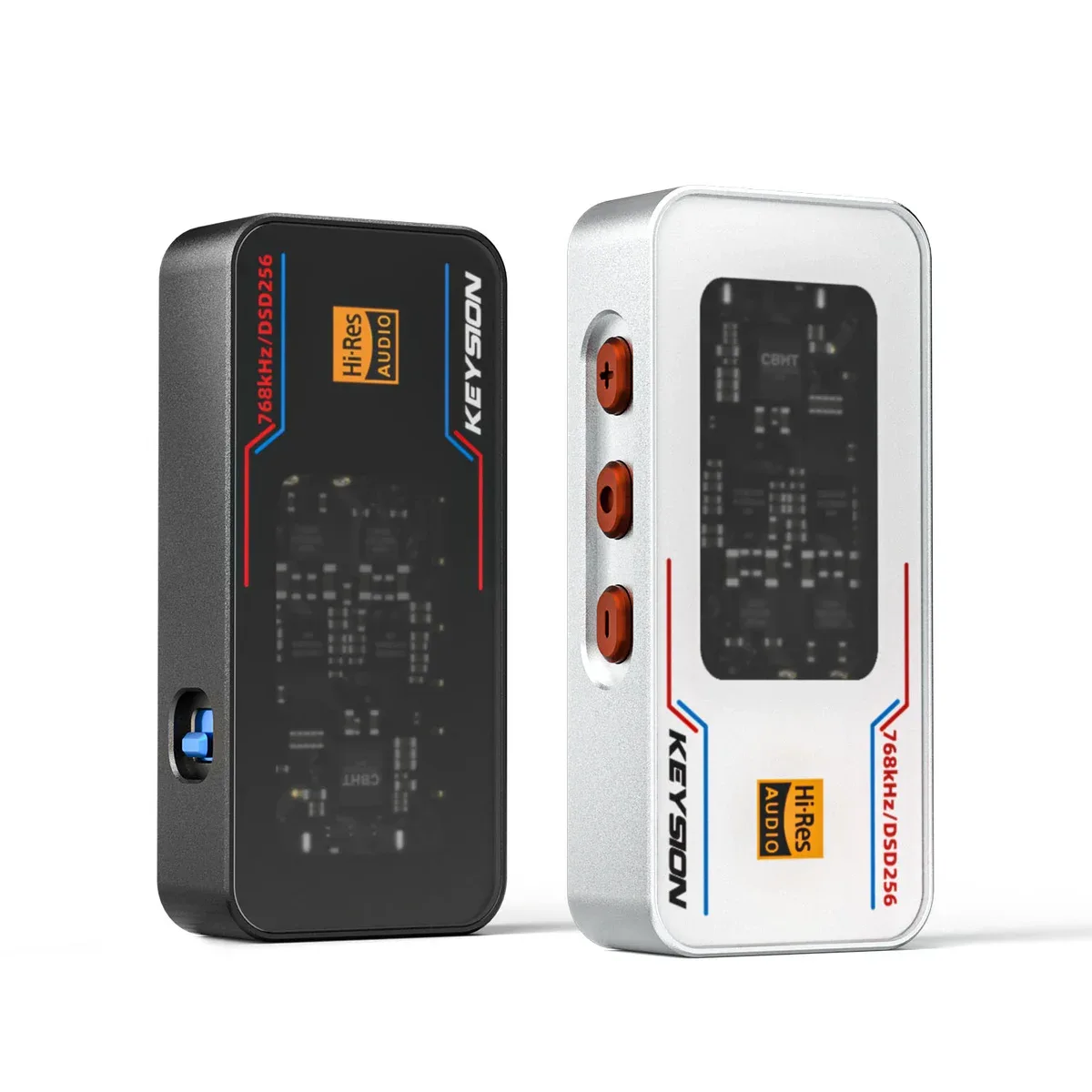
The KSHF-02 Pro is a portable core, not a desktop stack. Its rated 551 mW and 16-600 Ω cover most IEMs and medium-impedance headphones; a low-sensitivity planar still gains from a desktop amp.
How should the budget be split?
Start near 40-50% for headphones, 25-35% for the DAC and amp, 10-15% for the source and 5-10% for cables and accessories.
| Item | Suggested share | What this means |
|---|---|---|
| Headphones | 40-50% | They decide the sound character and comfort |
| DAC and amp | 25-35% | Enough noise performance, power and connections; no need to chase specs |
| Source | 10-15% | Lossless files or a subscription change the sound more than a cable |
| Cables and accessories | 5-10% | An OTG cable is a reliability item first, a material choice second |
The split is not a law. If you already own good headphones, move money to the front end. If the phone drives them loudly enough, spend on better recordings first.
Cables above 10% of a first-system budget usually buy less than a better headphone.
Desk placement, power and grounding come before cable upgrades
USB ports, power strips, monitors and desk lamps can all add hum.
Plug the DAC into a rear motherboard USB port, away from front panels and monitor hubs, and use a short, known-good OTG cable. If hum remains, trace the ground loop.
Leave room for heat. A dongle at full output gets warm, more so in summer.
Can the KSHF-02 Pro anchor a first system?
Yes, if your headphones are not unusually hard to drive.
It has 3.5 mm and 4.4 mm outputs, PCM up to 32-bit/768 kHz, native DSD256, and rated SNR of 135 dB at 4.4 mm with THD of -121 dB.
Those numbers describe a low noise floor and low distortion. They do not guarantee every headphone will be driven well. A planar at about 80 dB sensitivity and a 110 dB balanced-armature IEM ask for very different current.
As a desktop DAC, its volume control and input count are less convenient than a desktop all-in-one. As a portable DAC/amp, it fits better. The 02 is rated at 361 mW, and the 01 is aimed at entry use; choose by headphone load, not by the bigger number.
When are cables and power supplies worth upgrading?
After the headphones, source and DAC/amp are settled.
A competent digital cable usually changes less than a different eartip. Power cords even less.
A linear supply lowers ripple on the bench, but sighted listening tends to overstate the audible change. If the system is hum-free, the priority is low. Background is in our linear PSU guide and ground loop fix.
A loose OTG cable causes dropouts and power problems; replacing it is a reliability fix, not tuning. See the OTG cable guide.
Who it suits, who it does not
Suits first-time desktop builders, limited budgets, people who already own a headphone and want to avoid detours.
Does not suit broken drivers, channel imbalance blamed on cables, or users who need multiple professional inputs. Desk space counts too: with a tiny table, a dongle and one good headphone are more practical.
How to start
Settle the headphone first and spend a week with the music you actually play, checking fit and isolation. Then work out the power from sensitivity and pick an all-in-one or a dongle. Deal with the USB port, heat and grounding after that. Cables come last; do not let accessories eat the headphone budget.
About the author: the KEYSION audio content team. We test portable DACs, headphone amps and USB-C headsets for compatibility and keep repair records. Power and SNR figures here are manufacturer ratings; matching advice comes from repair samples and listening sessions. Hearing is personal, and specifications do not replace an audition.
FAQ
Does a first desktop setup need a separate DAC and amp?
Not necessarily. A combined unit is simpler on a tight budget, with one less cable and one less grounding issue; separates suit people who know they will keep upgrading.
Can a dongle work as a desktop DAC?
Yes. Use a rear motherboard USB port, check cable contact and leave room for heat. Its connections and volume control are less convenient, but it drives common IEMs well.
How much of the budget should cables take?
Five to ten percent is enough for a first system. Make the OTG connection reliable first; material and tuning come after the headphone and front end are settled.
The desk setup hums. What should I change first?
Try another USB port and position, then trace the ground loop, and only then suspect the cable. Most hum comes from shared ground or power noise, not cable purity.
Which headphones need a desktop amp?
High-impedance, low-sensitivity models benefit most, including some planars and loads above 300 Ω. Low-impedance, high-sensitivity IEMs gain very little.
Related products
Related articles