What Are LE Audio, LC3 and Auracast? Should You Wait for Next-Gen Bluetooth or Use a Wired Headset Like G-Turbo X1?
LE Audio is the audio layer introduced with Bluetooth 5.2. It relies on the LC3 codec and on more flexible stream handling; Auracast is its broadcast mode, which sends one stream to many nearby headphones like a radio station. Whether to wait depends on the devices you own and on whether latency or sound quality matters more to you. Most current Bluetooth headphones will not become LE Audio headphones after an update; support usually arrives with new hardware.
How is LE Audio different from classic Bluetooth?
Classic audio runs over A2DP. The codec sets the bitrate and much of the latency, and SBC keeps the link working when nothing better is available. LE Audio uses a different stack: LC3 for coding, multi-stream links, broadcast, and hearing-aid profiles.
The naming is confusing. LE Audio is not a Bluetooth 6.0 feature. It came with the 5.2 specification, and later profiles filled in the rest. A product that says Bluetooth 5.2 does not necessarily implement LE Audio; look for audio profiles such as BAP and CAP.
Three changes are visible to listeners: better quality at the same bitrate, a lower latency floor, and steadier left-right sync. The first two have conditions, which the next sections cover.
Is LC3 really twice as good as SBC?
Bluetooth SIG demonstrations put LC3 between 64 and 248 kbps; SBC commonly runs at 200 to 328 kbps. The "half the bitrate, same quality" claim describes coding efficiency, not every recording or every pair of headphones.
| Codec | Typical bitrate | Common end-to-end latency | What this means |
|---|---|---|---|
| SBC | 200-328 kbps | Around 100-200 ms | The compatibility floor; it works, but complex passages blur |
| AAC | 128-256 kbps | Around 100-200 ms | Smooth on Apple gear; Android re-encoding can lose detail |
| aptX Adaptive | 279-420 kbps | Around 50-100 ms | Usable in game mode if both ends support it |
| LDAC | 330-990 kbps | Around 100-200 ms | High bitrate, but it drops down in crowded airwaves |
| LC3 | 64-248 kbps | 7.5/10 ms coding frame; tens of ms end to end | More headroom at low bitrates; real latency depends on the maker |
Latency is not decided by the codec alone. Radio retries, buffers and phone scheduling all sit in the chain. The ranges above are common values, not guarantees.
LC3 earns its keep at low bitrates. In a crowded 2.4 GHz band it can hold detail that SBC loses; above roughly 200 kbps, the gap to LDAC depends more on drivers and tuning than on the codec badge.
What problem does Auracast solve?
Auracast changes the model from one phone to one headset into one transmitter to many receivers. A gym, an airport gate, a wall of TVs or a conference room can broadcast one stream; nearby LE Audio headphones and hearing aids join without pairing one by one.
Limits are real. You need an Auracast-capable transmitter and a compatible receiver. The broadcast is public, so anyone nearby can listen; it is not for private calls. Latency is often below 40 ms, but tight video sync still depends on the buffers at both ends.
Battery life is the practical cost. A receiver decodes a continuous broadcast, and some models run shorter than with a normal connection. Vendor runtimes are measured at fixed volume; real use usually lands lower.
Do your phone and headphones support LE Audio?
Both ends must support it. On the phone side, check the Bluetooth version, the OS version and the vendor firmware. On the headset side, look for LE Audio or LC3 in the spec sheet, not just "Bluetooth 5.2".
Android has had an LE Audio framework since Android 13, but handset makers enable it selectively. iPhone support varies by model and OS release; check the exact model page before buying. "Update the system and it will work" is not a safe assumption.
Many products are dual-mode, carrying both classic and LE Audio. Dual-mode does not mean both modes are tuned alike. Some models sound different in LE Audio, and codec support can change with firmware.
Should gamers wait for LE Audio?
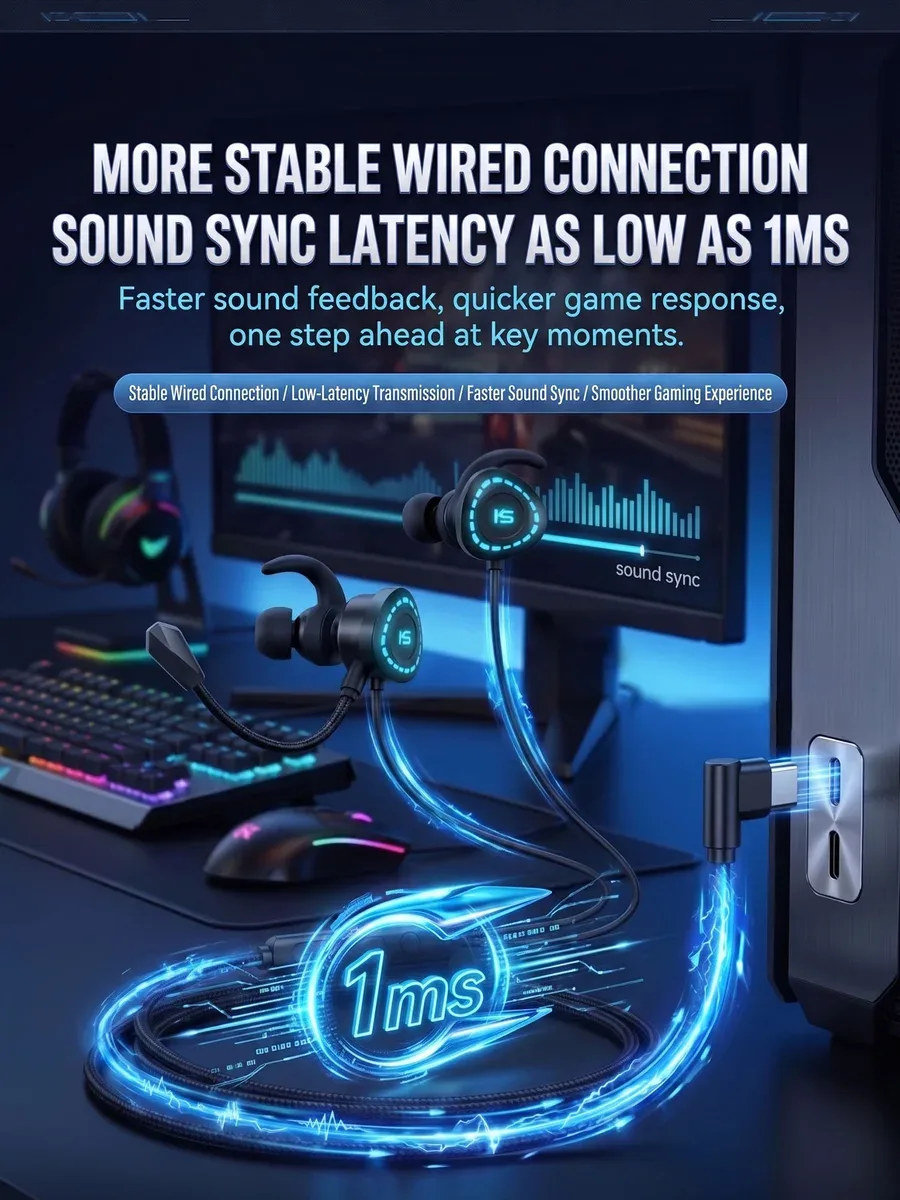
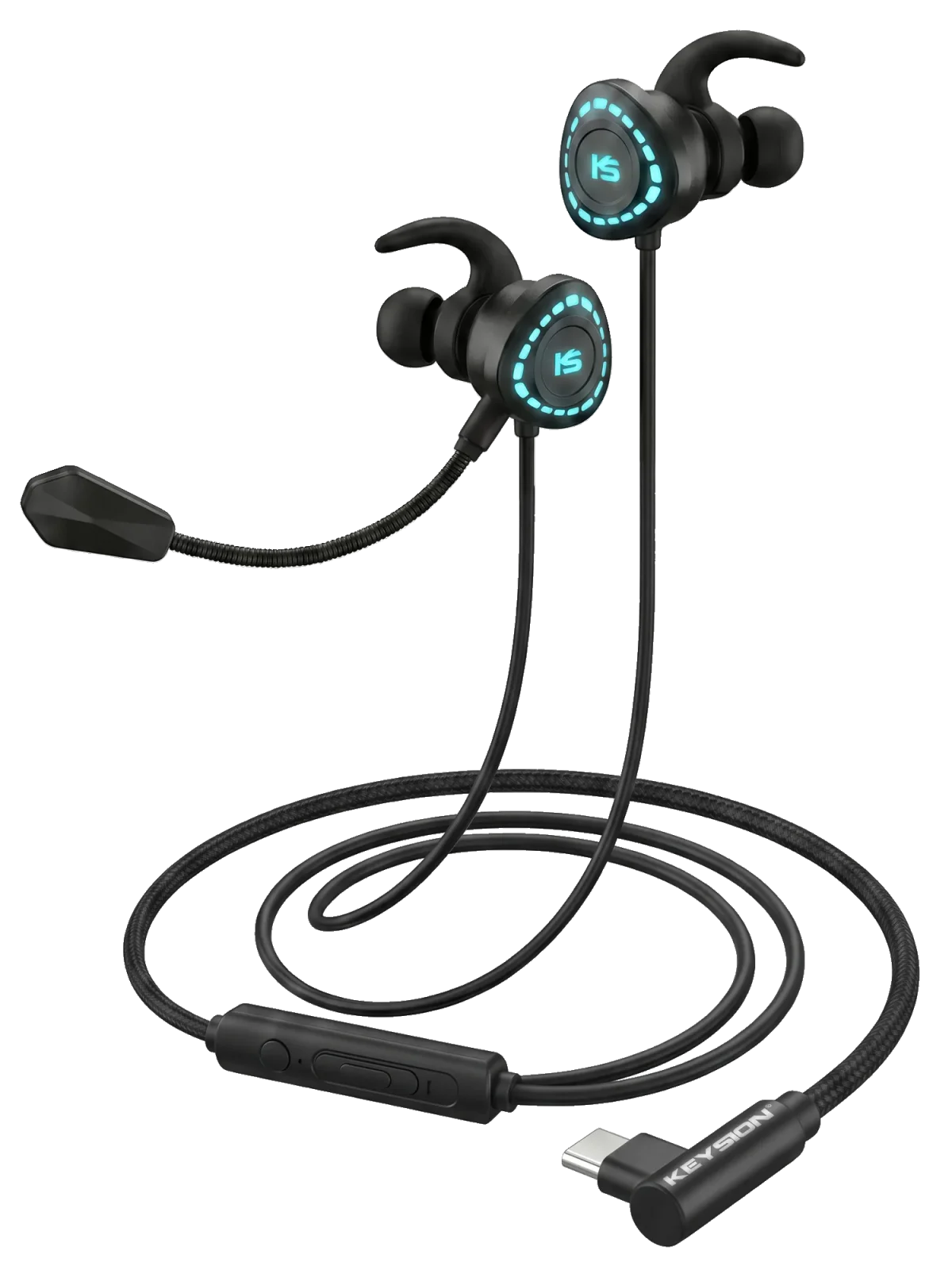
For competitive games, wired is still the lowest-latency option you can buy today. A USB-C headset skips Bluetooth coding, radio retries and buffers. The G-Turbo X1 follows that approach: USB-C, a built-in DAC, no pairing step.
LE Audio shortens the coding frame, which leaves room for lower latency. Whether a real pair reaches below 50 ms depends on the phone, the headset and the game mode. A launch-day number and the footsteps you hear in a match are different things.
Waiting only makes sense if your current headset is failing. A working classic headset plus a transmitter with a low-latency game mode often improves more than a new protocol you cannot use yet.
What still makes wired the low-latency floor?
Even a short Bluetooth link goes through coding, radio transmission, decoding and buffering. A cable removes most of that; what remains is the DAC and amp response. A dongle DAC such as the S2 or 01 works on a phone or a PC without pairing.
The cost is the cable. At a desk it is irrelevant; on a commute or during sport it is not. The choice is not "wired is better", but "can your use case live with one cable?"
If you are on an older Bluetooth headset, check connection stability before chasing codecs. Many "high latency" complaints come from dropped packets and retries, which a new codec will not fix. Our pairing checklist and codec comparison go deeper.
Who should buy now, and who can wait?
| Your situation | Advice | What it means |
|---|---|---|
| Phone and headphones both support LE Audio, mostly streaming | Use it now | Steadier detail at low bitrates, possibly better battery |
| Mainly competitive games | Go wired USB-C first | Lower latency floor, no dependence on protocol rollouts |
| Want several headphones on one TV | Look at an Auracast transmitter | One-to-many broadcast, no pairing each set |
| Devices are less than a year old | Waiting is reasonable | Replacing working gear costs more than chasing a spec |
| Hearing aids or public venue audio | Prioritise LE Audio | Hearing-aid profiles and broadcast are its home ground |
How to choose
LE Audio is worth watching, but it is not a one-click upgrade. Confirm both ends, then match the choice to the use case: wired for games, LE Audio for streaming and hearing devices, Auracast for shared TV audio. Do not replace a working headset over a protocol name.
About the author: the KEYSION audio content team. We test portable DACs, headphone amps and USB-C headsets for compatibility. Protocol details here come from public Bluetooth SIG material and our own connection logs; latency figures depend on devices and environment and are not a per-unit guarantee.
FAQ
Is LE Audio a Bluetooth 6.0 feature?
No. LE Audio arrived with Bluetooth 5.2, and later profiles completed it. A 5.2 label alone does not mean the product implements LE Audio.
Can my current Bluetooth headphones be upgraded to LE Audio?
Mostly no. It needs a compatible chipset and firmware; vendors usually enable it on new models. An OS update will not turn old hardware into LE Audio.
Is LC3 always better than aptX or LDAC?
No. LC3 is efficient at low bitrates. At high bitrates, drivers, enclosures and tuning matter more than the codec name.
Does Auracast need pairing?
No. It is a broadcast; nearby devices join it. You need an Auracast transmitter and receiver, and public audio is not private.
For gaming, should I wait for LE Audio or buy wired?
Competitive games favour wired USB-C for the lower latency floor. LE Audio has potential, but real results depend on the phone, headset and game mode.
Related products
Related articles