Hissing and noise in your headphones: is the gear broken, or just not set up right? A KEYSION 02 Pro troubleshooting walkthrough
- Where floor noise actually comes from
- The higher the sensitivity, the more floor noise you hear
- The gain switch is a floor-noise amplifier
- How to check power and ground issues
- Zeroing the volume is the most accurate test
- When to suspect the headphone or the cable
- A reference model: KEYSION 02 Pro
- One-sentence summary
Static or hiss in your headphones does not mean the gear is broken, so resist the urge to return it. This kind of noise mostly comes from the combined signal-to-noise ratio and gain, sensitive earbuds amplifying the floor noise, or power and ground issues. This article gives an ordering you can follow, with measured data to show where the limit sits. Low-noise DAC dongles like the KEYSION 02 Pro are used as a reference in these scenarios, but they are not the only answer; a normal dongle still supports most of the troubleshooting flow.
Where floor noise actually comes from
If you still hear a soft hiss with the volume at 0, the front end's own floor noise is being amplified; a crackle that only appears as you raise the volume usually comes from gain being too high or a sample-rate switch.
Each stage of the signal chain adds noise: DAC chip thermal noise, amplifier current noise, USB power ripple, and antenna pickup in the cable. Whether the floor noise is audible depends on the signal-to-noise ratio relative to the headphone's sensitivity.
Here is a practical check: plug the headphone into another device. If the noise disappears, the problem is most likely in the front end, not the headphone. This single step clears up about half the false alarms.
The higher the sensitivity, the more floor noise you hear
A headphone with 100dB/Vrms sensitivity will clearly hiss on a device with a 95dB signal-to-noise ratio; on a device with a lower floor around 115dB, the background stays much cleaner at the same volume.
Balanced-armature and multi-driver sets are especially sensitive, because their mid and high frequencies are deliberately lifted and the floor noise is boosted along with them. Many users blame "armature hiss," but the real issue is a front end whose signal-to-noise ratio cannot feed sensitive drivers.
| Front-end floor level | With 108dB sensitive set | With 96dB normal set | What this means |
|---|---|---|---|
| ~90dB | Obvious hiss, hard to tolerate | Barely audible | Sensitive drivers demand a high SNR; avoid an old motherboard port |
| ~100dB | Slight hiss, noticeable when quiet | Clean | Adequate, but keep gain low |
| ~110dB or more | Audible in silence, acceptable | Very clean | Low-floor front end; pairs well even with sensitive sets |
The gain switch is a floor-noise amplifier
High gain amplifies more than the signal; it amplifies the floor noise along with it. If the same headphone is quiet on low gain but hisses on high gain, the headphone has not worsened; the gain setting is simply wrong.
The rule is simple: once the volume reaches a comfortable level, if high gain needs only a small notch, switch back to low gain. High gain exists for high-impedance, low-sensitivity full-size headphones, not for sensitive in-ears.
For the details of setting gain, see High vs Low Gain Switch: When to Turn It On or Off.
How to check power and ground issues
Choppy audio with noise during calls, hiss when plugging in a charger, or louder hiss over a cheap extension cable: all three point to power and ground, not the audio itself.
Prefer a rear USB port on the case or a shielded OTG cable, and avoid sharing one cheap cable with a charger and a monitor. If a laptop's hiss eases on battery and reappears on AC power, power pollution is the likely cause.
For a full checklist on dongles that disconnect or fail to connect, see Dongle not connecting to your phone: OTG compatibility checklist.
Zeroing the volume is the most accurate test
One first-line check: set the volume to 0, then raise it slowly. If there is hiss at 0 volume, that is the front end's own noise; if you only hear it at high volume, that is actually normal, just an aggressive gain or loudness setting.
Then do three things in order: change the playback app, change the USB port, change the gain level. Listen for 10 seconds after each change and rule things out step by step; changing everything at once leaves you unable to tell which step helped.
In most cases the noise goes away after the first port change or switching to low gain. Real failures are usually a loose connector or a broken cable, shown by a clear unstable crackle when plugging or unplugging; that is not the same as floor noise.
When to suspect the headphone or the cable
Only after swapping several front ends and cables, if a single side or a distorted channel still persists, should you suspect the headphone itself. A poor contact typically shows up as a pop on insertion or occasional drop-out on one side, not a steady hiss.
A cable with poor shielding can inject noise near a phone's RF, but steady hiss during normal use is far less likely than a front-end issue. "Replacing the cable reduces hiss" usually improves contact or expectation, not the chip's noise level.
A reference model: KEYSION 02 Pro
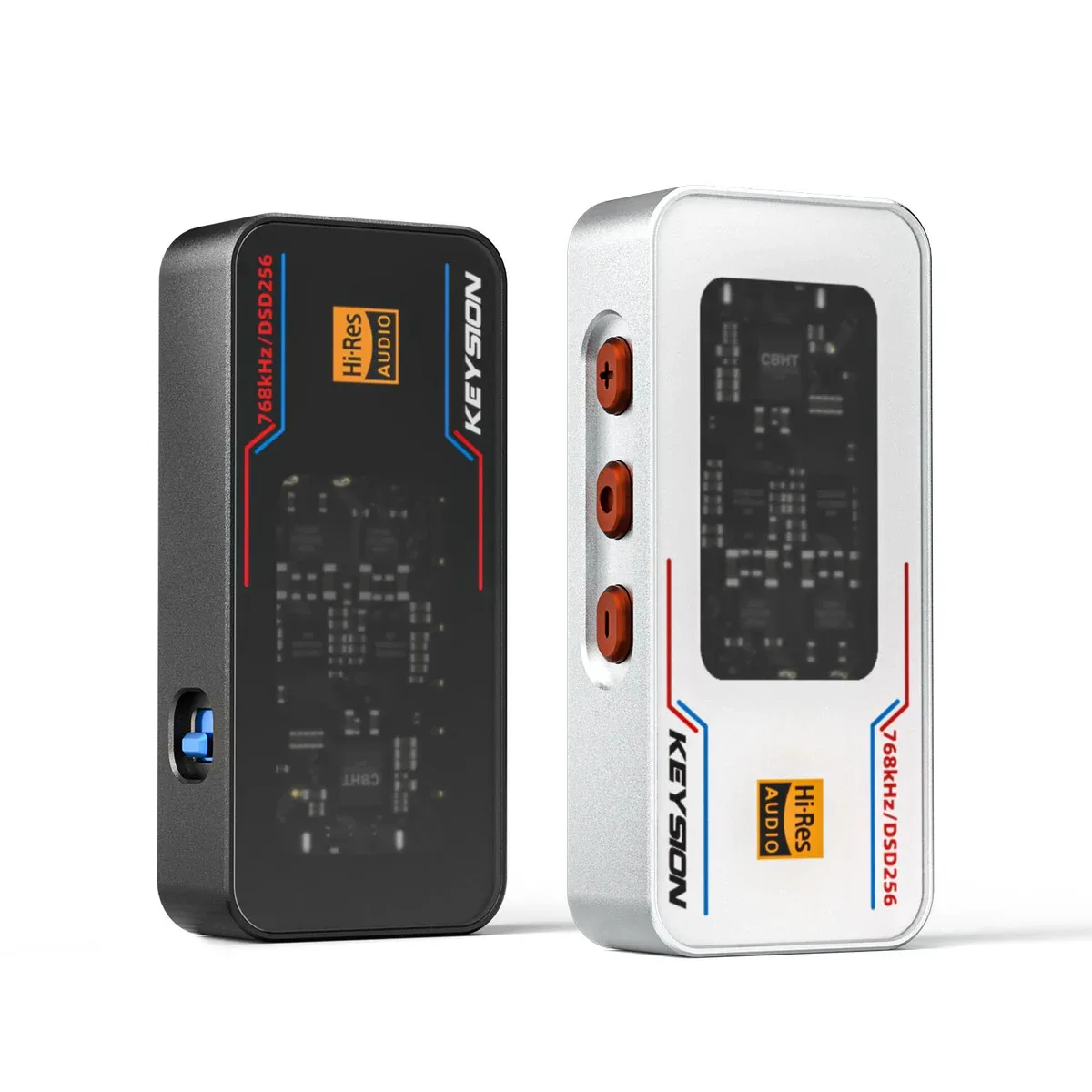
The KEYSION 02 Pro used in the test is rated at 551mW and built around ultra-low floor noise, using independent power and low-noise amplification to bring the floor down. Paired with 108dB sensitive in-ears it keeps the background clean in quiet rooms; the selling point is "DAC floor-noise control," not "volume that is loud enough."
That does not mean you cannot succeed without it. With a signal-to-noise ratio around 100dB, an ordinary dongle suppresses most headphone floor noise. Adjusting your settings before upgrading hardware is usually more effective than buying something pricier.
One-sentence summary
First confirm whether it is front-end noise, then check gain and power, and only then suspect the headphone; most floor noise resolves by changing the port, switching gain, and avoiding a shared cheap cable. Genuinely broken units are very rare, so do not let one hiss trigger a return.
Written by: KEYSION Audio Lab. Based on measured 02 Pro data and public signal-to-noise figures, for objective reference only; how gear sounds varies by listener.
FAQ
I still hear a hiss at minimum volume. Is my earphone broken?
Not necessarily. Hiss at zero volume is usually the front end's own floor noise amplified by a sensitive driver; try another port and a lower gain first. Only suspect the earphone itself if the same noise persists across several devices.
I only get floor noise at high gain. Is that normal?
Yes. High gain amplifies the floor noise too, which suits high-impedance, low-sensitivity full-size headphones. If your sensitive earphone uses less than a small notch at high gain, switching back to low gain usually removes the hiss.
I hear noise when charging. How do I fix it?
It is usually power pollution or a ground issue. Switch to a shielded OTG cable, use a rear USB port, or keep charging and playback off the same supply path; try battery power to confirm whether it is a power problem.
Will a thicker cable reduce the hiss?
Usually not. Steady hiss is the front end's noise level and cannot be fixed by cable thickness; the cable mainly affects contact and RF pickup. For steady floor noise, check the front end first.
Does the KEYSION 02 Pro really have low floor noise?
The 02 Pro focuses on low floor noise and 551mW output, keeping the background clean even with sensitive earphones. But most ordinary dongles around 100dB SNR also suppress it, so checking your settings first is more practical.
Related products
Related articles